
MusicBee
VerifiedFree, highly customizable music manager and player for Windows audio enthusiasts
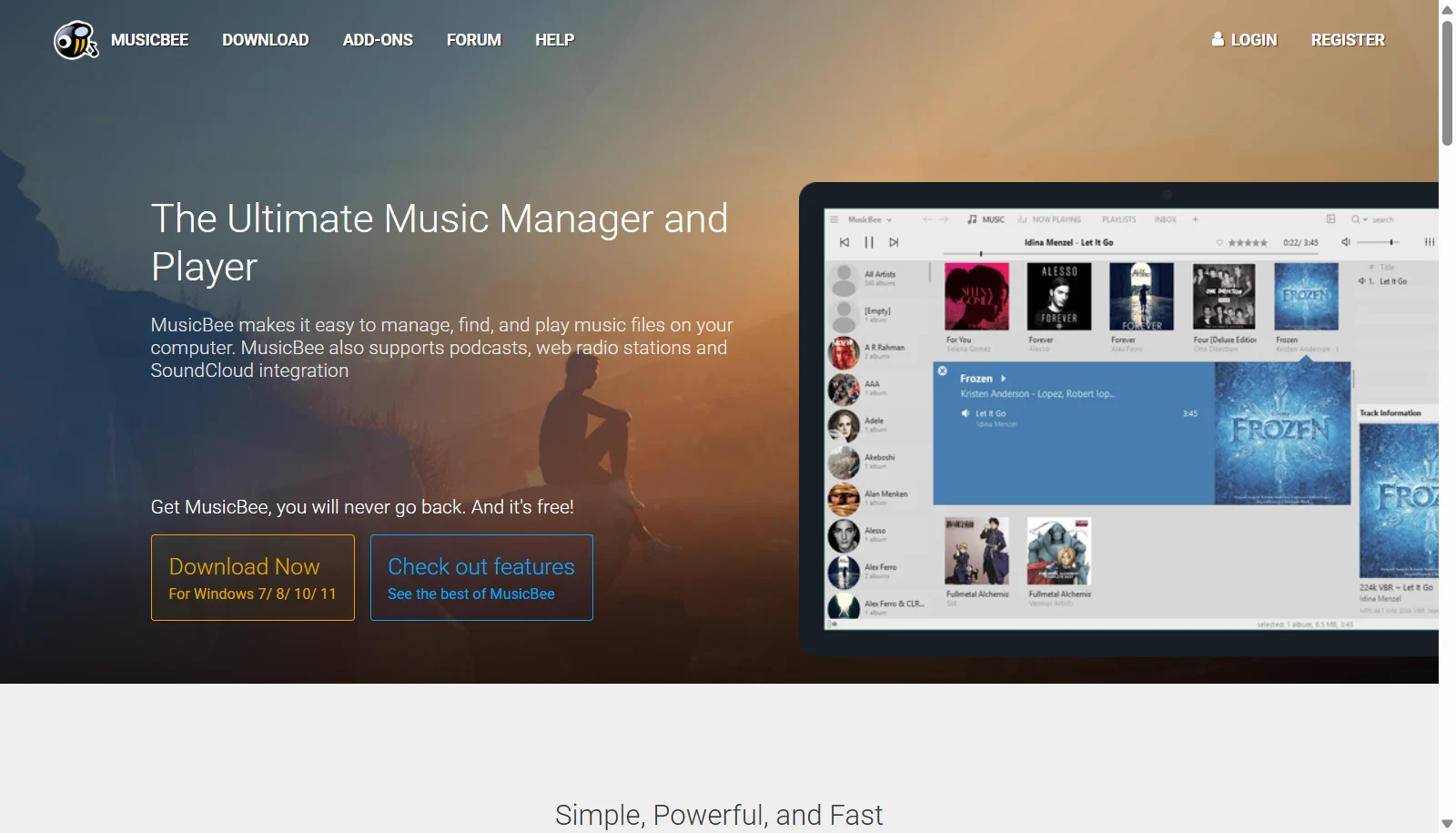 See all screenshots
 - Deployment On Premises
- Starting price Free
- Free trial Not offered
- Best for Freelancers
What is MusicBee?
MusicBee is a free, donation supported music manager and player built for Windows. It organizes large personal audio libraries with automatic tagging, album art retrieval, and metadata syncing, while offering audiophile grade playback through WASAPI and ASIO support, a multi band equalizer, and gapless output. Users can import existing libraries from iTunes or local folders and browse them through a fully customizable interface with skins and layouts.
Beyond playback, MusicBee includes a built in CD ripper and audio format converter, support for classic Winamp plugins, and syncing with Android devices. It has no subscription fees or paid tiers; the developer accepts optional voluntary donations but never requires payment for any feature.
Key Features of MusicBee
MusicBee lists 10 documented features, including 10 or 15 band equalizer and DSP effects, WASAPI and ASIO support with gapless playback and Library import from iTunes or local folders. The list below covers what the product does rather than how it is marketed.
- 10 or 15 band equalizer and DSP effects
- WASAPI and ASIO support with gapless playback
- Library import from iTunes or local folders
- Automatic track tagging and album art downloading
- Built in CD ripper and audio format converter
- Android device library syncing
- Support for Winamp plugins
- Customizable skins and layouts
- Smart and auto playlists
- Upmix stereo to 5.1 surround sound
MusicBee Pricing
MusicBee lists one plan, at Free.
Free
Free
Full featured donationware. The developer accepts optional voluntary donations but never requires payment.
MusicBee Specifications
MusicBee is available on Windows. It has a free plan.
- Deployment
- On Premises
- Billing cycle
- One-time
- Desktop
- Windows
- Languages
- English
- Built for
- Freelancers
- Integrations
- iTunes library import, Android device sync, Winamp plugins, Last.fm scrobbling
- Public API
- No
- Free trial
- No
- Free plan
- Yes
- Runs in browser
- No
- Customisable
- Yes
- Website
- getmusicbee.com
MusicBee Videos
MusicBee Screenshots
MusicBee Comparisons



Used MusicBee? Write the first review.
MusicBee FAQs
Alternatives to MusicBee
Other Music Management software recorded on the same fields.