
Buddy Punch
VerifiedAffordable employee time clock, GPS tracking, and scheduling software with payroll integrations
 See all screenshots
 - Deployment Cloud Based
- Starting price $4.99
- Free trial Available
- Best for Freelancers, Startups, SMEs
What is Buddy Punch?
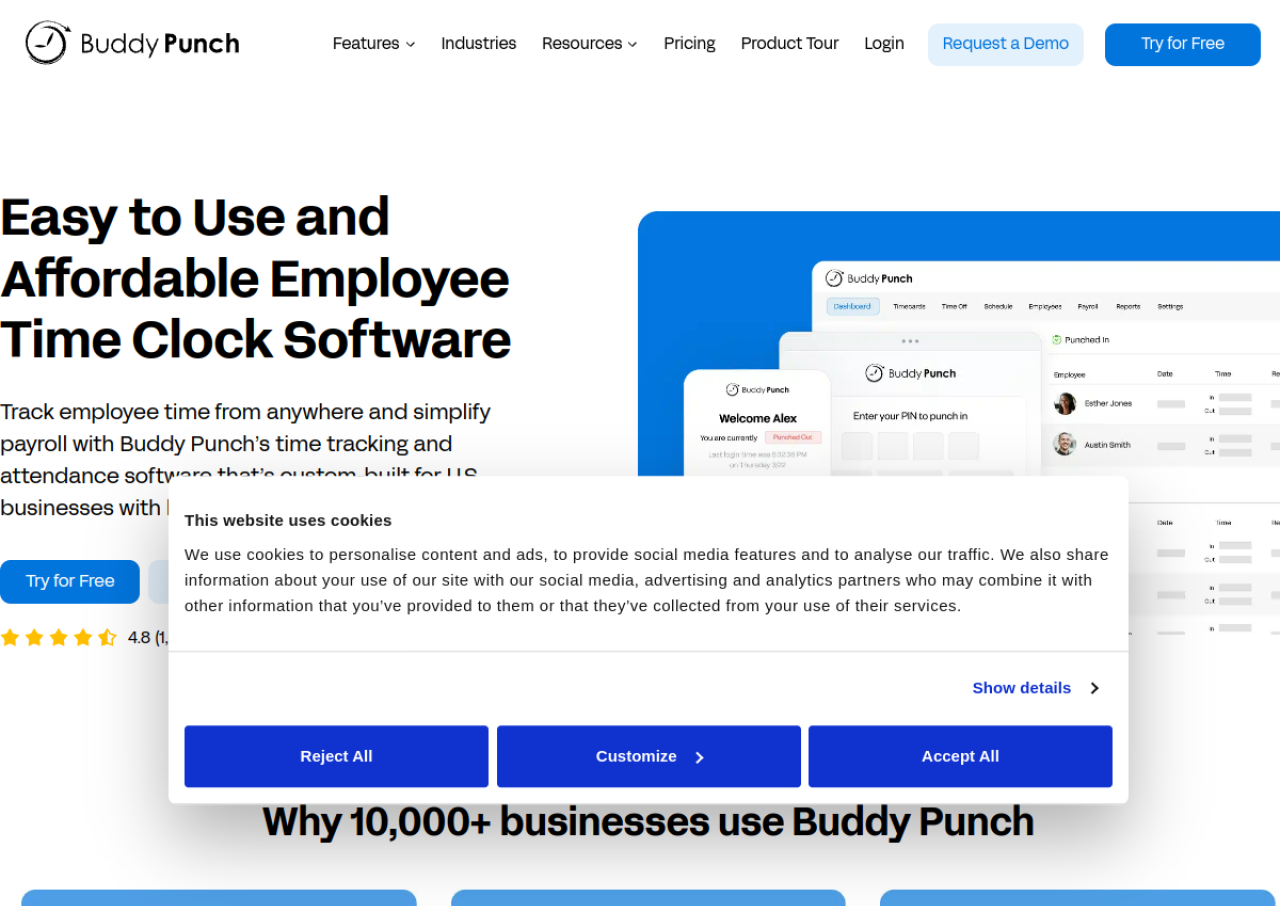
Buddy Punch is a cloud-based employee time tracking and scheduling platform built mainly for U.S. businesses with hourly workers. Employees can clock in and out from a computer, mobile app, or shared kiosk using a PIN, QR code, or facial recognition, and Buddy Punch automatically converts punches into timesheets with regular hours, overtime, and pay calculated for payroll. It also offers GPS tracking and geofencing to confirm employees are on-site when they punch in, plus webcam photo capture to reduce buddy punching and time theft.
Beyond time tracking, the platform includes scheduling, PTO accrual and requests, job/project time tracking, and pre-built reports for payroll and attendance. It integrates with payroll and accounting systems such as QuickBooks, Gusto, and ADP, and offers enterprise options like SSO (Okta, OneLogin, SAML 2.0) and API access on its top tier. Buddy Punch reports over 10,000 business customers and positions itself as an easy-to-use, budget-friendly alternative to larger HR suites.
Key Features of Buddy Punch
Buddy Punch lists 10 documented features, including Web, mobile, and kiosk clock in/out with PIN, QR code, or facial recognition, Automatic timesheet generation with overtime and pay calculation and Real-time GPS tracking and GPS breadcrumbs during shifts. The list below covers what the product does rather than how it is marketed.
- Web, mobile, and kiosk clock in/out with PIN, QR code, or facial recognition
- Automatic timesheet generation with overtime and pay calculation
- Real-time GPS tracking and GPS breadcrumbs during shifts
- Geofencing to restrict punches to approved worksite locations
- Webcam photo capture at clock in/out to prevent buddy punching
- Employee scheduling with shift creation and availability
- PTO tracking with accrual rules, requests, and balance display
- Job and project-based time tracking
- Payroll integrations including QuickBooks, Gusto, and ADP
- Pre-built time tracking and attendance reports
Buddy Punch Pricing
Buddy Punch lists 2 plans, from $4.99 to $6.99.
Starter
$4.99
per user/mo plus a $19 base fee per month
Annual billing rate for time tracking essentials with free administrator users; the month to month rate is higher.
Pro
$6.99
per user/mo plus a $19 base fee per month
Annual billing rate for the most popular tier, adding workforce management for growing teams; the page also offers a higher Advanced tier.
Buddy Punch Specifications
Buddy Punch is available on web app and has iOS and Android apps. It offers an API and has a free trial.
- Deployment
- Cloud Based
- Billing cycle
- Monthly
- Desktop
- Web App
- Mobile
- iOS
- Android
- Languages
- English
- Built for
- Freelancers
- Startups
- SMEs
- Agencies
- Support
- Phone
- Live Support
- Integrations
- Payroll and accounting integrations including QuickBooks, Gusto, ADP, and other payroll providers
- Public API
- Yes
- Free trial
- Yes
- Free plan
- No
- Runs in browser
- Yes
- Customisable
- Yes
- Website
- buddypunch.com
Buddy Punch Videos
Buddy Punch Screenshots
Buddy Punch Comparisons
Side by side comparisons of Buddy Punch against 3 other Time Tracking Software options listed here.



Buddy Punch Reviews
No reviews yet
Used Buddy Punch? Share your experience and help other buyers decide.
Buddy Punch FAQs
Alternatives to Buddy Punch
Other Time Tracking Software recorded on the same fields.