
Harvest
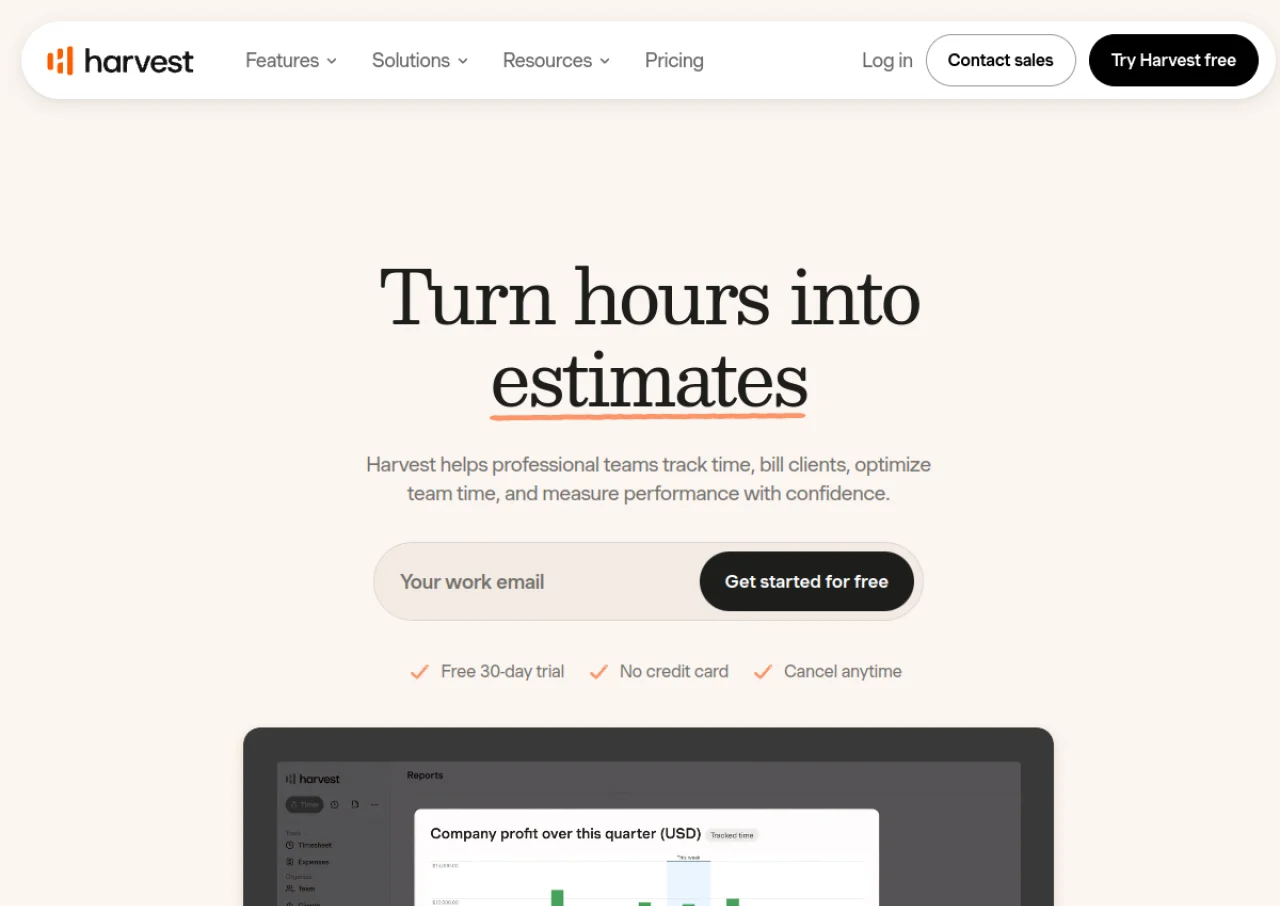
VerifiedTime tracking and invoicing software that turns tracked hours into budgets, reports, and client invoices.
 See all screenshots
 - Deployment Cloud Based
- Starting price Free
- Free trial Available
- Best for Freelancers, SMEs, Agencies
What is Harvest?
Harvest is a time tracking and invoicing tool built for small businesses, agencies, and professional service teams. It lets people log hours through one-click timers, timesheets, or calendar-based entries across web, desktop, and mobile apps, then turns that tracked time into budgets, utilization reports, and client invoices. Teams can monitor project budgets in real time, approve timesheets and expenses, and see capacity across the whole team.
Beyond time tracking, Harvest supports invoicing with online payments through Stripe and PayPal, and syncs with accounting tools like QuickBooks Online and Xero. It integrates with project and communication tools such as Asana, Trello, Slack, and Basecamp. A companion product, Harvest Forecast, adds team scheduling and resource planning. Harvest is used by freelancers, agencies, and companies that bill clients by the hour and need visibility into project profitability.
Key Features of Harvest
Harvest lists 12 documented features, including One-click timers, weekly/daily timesheets, and calendar-based time entry, Web, desktop (Mac), and mobile (iOS) apps and Project budgeting with real-time budget usage tracking and alerts. The list below covers what the product does rather than how it is marketed.
- One-click timers, weekly/daily timesheets, and calendar-based time entry
- Web, desktop (Mac), and mobile (iOS) apps
- Project budgeting with real-time budget usage tracking and alerts
- Invoicing with online payments via Stripe and PayPal
- Expense tracking
- Timesheet and expense approvals
- Profitability and utilization reporting (Enterprise)
- Accounting integrations with QuickBooks Online and Xero
- Activity log and custom report exports (Enterprise)
- SAML-based SSO (Enterprise)
- Integrations with tools like Asana, Trello, Slack, and Basecamp
- Companion resource-scheduling product, Harvest Forecast
Harvest Pricing
Harvest lists 3 plans, starting free and running to $14.
Free
Free
forever
One seat and 2 projects with time tracking, invoicing and expense tracking for individual freelancers.
Teams
$9
seat/month, billed annually
Starting price at $108 per seat billed annually for unlimited seats; month to month it starts from $11 seat/month.
Enterprise
$14
seat/month, billed annually
Starting price at $168 per seat billed annually, adding unlimited custom reports and administrative controls.
Harvest Specifications
Harvest is available on web app, Windows and macOS and has iOS apps. It offers an API, has a free trial and has a free plan.
- Deployment
- Cloud Based
- Billing cycle
- Monthly
- Desktop
- Web App
- Windows
- macOS
- Mobile
- iOS
- Languages
- English
- Built for
- Freelancers
- SMEs
- Agencies
- Support
- Live Support
- Integrations
- Stripe, PayPal, QuickBooks Online, Xero, Deel, Asana, Trello, Slack, Basecamp, and other project/communication tools via Harvest's integrations directory.
- Public API
- Yes
- Free trial
- Yes
- Free plan
- Yes
- Runs in browser
- Yes
- Customisable
- Yes
- Website
- getharvest.com
Harvest Videos
Harvest Screenshots
Harvest Comparisons
Side by side comparisons of Harvest against 3 other Time Tracking Software options listed here.



Used Harvest? Write the first review.
Harvest FAQs
Alternatives to Harvest
Other Time Tracking Software recorded on the same fields.