
Everhour
VerifiedTime tracking with billing and budget management, built directly into your project management tools
 See all screenshots
 - Deployment Cloud Based
- Starting price Free
- Free trial Available
- Best for Freelancers, Startups, SMEs
What is Everhour?
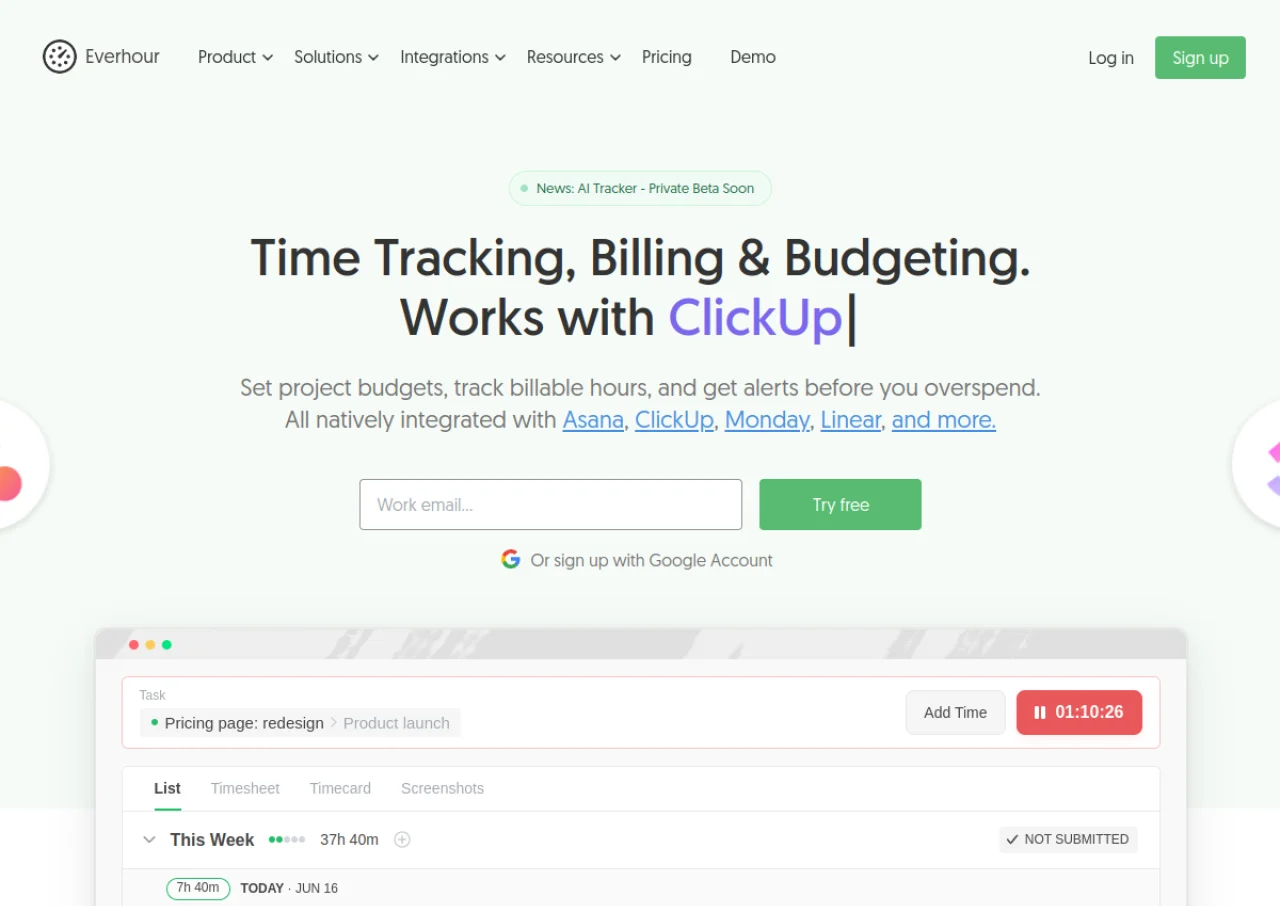
Everhour is a time tracking software built to work inside popular project management tools like Asana, Trello, Jira, ClickUp, Monday.com, Basecamp, GitHub, and Notion. Rather than requiring teams to switch to a separate app, it embeds a timer directly into these platforms, letting users track time on tasks with one click or log hours manually. On top of time tracking, Everhour offers project budgeting with real-time progress alerts, billable and cost rate management, client invoicing, and integration with accounting tools like QuickBooks and Xero.
The platform also supports team capacity planning, timesheet approvals, and detailed reporting on productivity, project profitability, and estimated versus actual hours. It is aimed at small to mid-sized teams, particularly agencies and professional services firms that need to bill clients accurately. Everhour offers a free plan for up to 5 seats with basic tracking, and a paid Team plan that unlocks integrations, budgeting, and invoicing features.
Key Features of Everhour
Everhour lists 10 documented features, including Time tracking embedded directly inside Asana, Trello, Jira, ClickUp, Monday.com, Basecamp, GitHub, and Notion, One-click start/stop timers plus manual time entry and Project budgeting with hour or dollar budgets and threshold alerts. The list below covers what the product does rather than how it is marketed.
- Time tracking embedded directly inside Asana, Trello, Jira, ClickUp, Monday.com, Basecamp, GitHub, and Notion
- One-click start/stop timers plus manual time entry
- Project budgeting with hour or dollar budgets and threshold alerts
- Billable and cost rate management per user or project
- Automatic invoice generation from tracked time
- Export to QuickBooks and Xero for accounting
- Team capacity and workload planning
- Timesheets with submission, approval, and locking workflow
- Detailed reporting on productivity, profitability, and estimated vs actual hours
- Browser extension and Mac desktop app for tracking outside integrations
Everhour Pricing
Everhour lists 3 plans. Two carry a published figure, from Free to $8.50; the rest are quoted on request.
Free
Free
Up to 5 seats
Basic time tracking, projects, tasks, reports, and data export. No integrations.
Team
$8.50/seat/month
(billed yearly)
Minimum 5 seats
All features including native integrations, project budgeting, billing, invoicing, SSO, and advanced permissions. 15% discount versus monthly billing.
Custom
Custom
Minimum 50 seats
All Team features plus volume discounts, personalized demos, priority support, and a dedicated account manager.
Everhour Specifications
Everhour is available on web app and macOS and has iOS and Android apps. It offers an API, has a free trial and has a free plan.
- Deployment
- Cloud Based
- Billing cycle
- Monthly
- Desktop
- Web App
- macOS
- Mobile
- iOS
- Android
- Languages
- English
- Built for
- Freelancers
- Startups
- SMEs
- Agencies
- Support
- Integrations
- Asana, Trello, Jira, ClickUp, Monday.com, Basecamp, GitHub, Notion, Linear, QuickBooks, Xero, and 10+ other project management and accounting tools
- Public API
- Yes
- Free trial
- Yes
- Free plan
- Yes
- Runs in browser
- Yes
- Customisable
- Yes
- Website
- everhour.com
Everhour Videos
Everhour Screenshots
Everhour Comparisons
Side by side comparisons of Everhour against 3 other Time Tracking Software options listed here.



Used Everhour? Write the first review.
Everhour FAQs
Alternatives to Everhour
Other Time Tracking Software recorded on the same fields.