HitPaw FotorPea
VerifiedAI photo enhancer that unblurs, upscales to 8K, denoises, and restores photos in one click
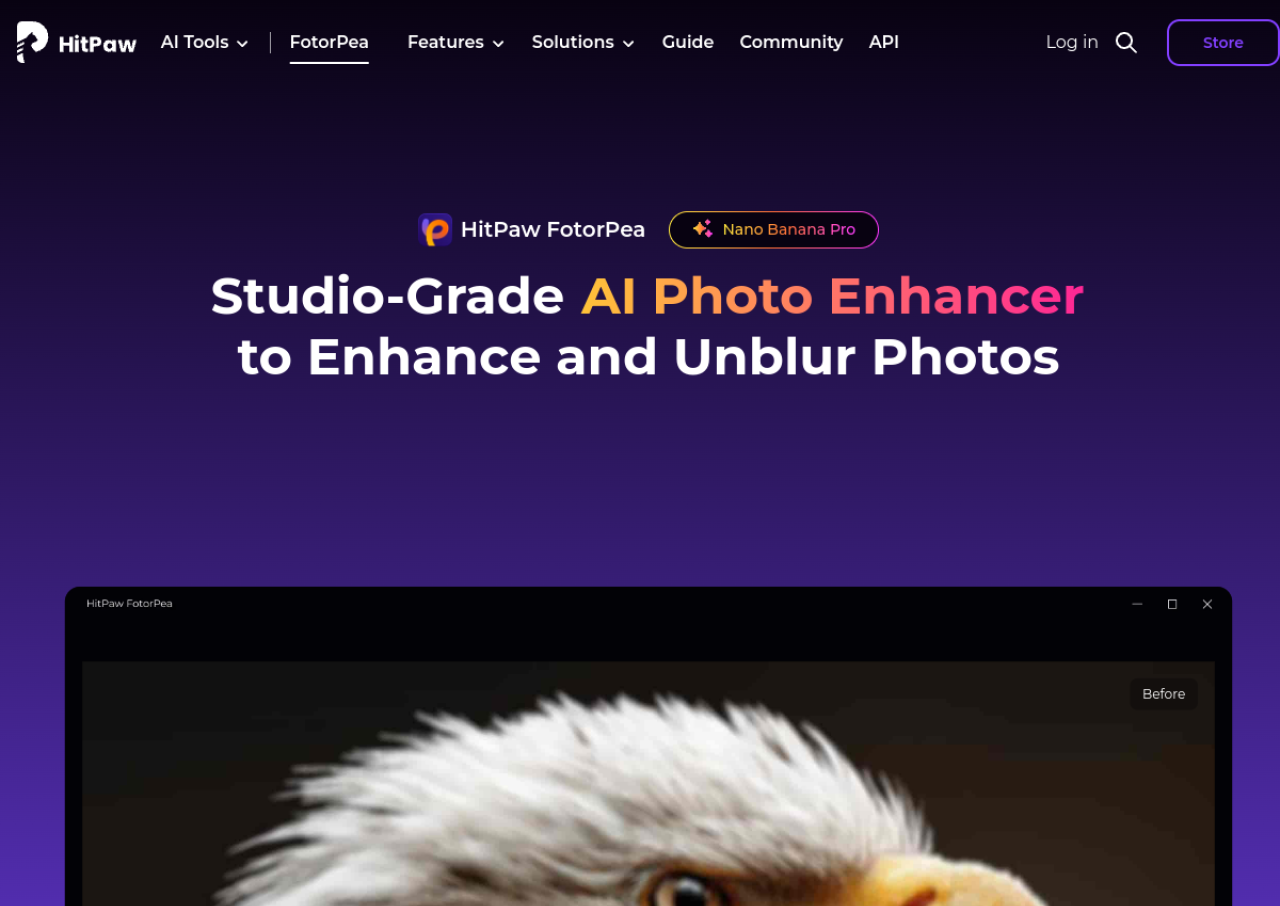 See all screenshots
 - Deployment Cloud Based, On Premises
- Starting price $22.39
- Free trial Available
- Best for Freelancers, SMEs, Agencies
What is HitPaw FotorPea?
HitPaw FotorPea (formerly branded HitPaw Photo Enhancer) is an AI-powered photo enhancement tool from HitPaw available as a Windows and Mac desktop app, mobile apps, a Photoshop plugin, and an online web tool. It uses multiple specialized AI models, including Face, Upscale, Sharpen, Denoise, Colorize, and Low-light models, to fix blur, remove noise, upscale resolution up to 8K (with higher options up to 32K in some modes), restore old or damaged photos, and colorize black-and-white images. It also includes AI background removal, AI face swap, an ID photo creator, a text-to-image generator, and batch processing for multiple images at once.
The tool targets everyday users, photographers, and content creators who want to quickly repair or improve photo quality without manual editing skills. It runs as a paid subscription product built on a credit-based system, with monthly, yearly, and one-time perpetual license options, plus team and business plans for multi-seat use. There is no permanently free plan, though limited free credits are bundled with purchases and a trial is available for a related HitPaw video enhancer.
Key Features of HitPaw FotorPea
HitPaw FotorPea lists 10 documented features, including Multiple AI enhancement models (Face, Upscale, Sharpen, Denoise, Colorize, Low-light), Image upscaling up to 8K resolution and Motion blur and focus blur removal. The list below covers what the product does rather than how it is marketed.
- Multiple AI enhancement models (Face, Upscale, Sharpen, Denoise, Colorize, Low-light)
- Image upscaling up to 8K resolution
- Motion blur and focus blur removal
- Noise and JPEG artifact reduction
- Old photo restoration and color repair
- AI colorization of black-and-white photos
- Instant AI background removal
- AI face swap with natural blending
- ID photo creator with auto-formatting
- Batch processing of multiple images
HitPaw FotorPea Pricing
HitPaw FotorPea lists 2 plans, from $22.39 to $90.39.
1 Month License
$22.39
per month, auto renewing
Discounted monthly licence on the HitPaw FotorPea purchase page, listed against a regular price of $27.99, cancellable at any time.
1 Year License
$90.39
per year, auto renewing
Discounted annual licence listed against a regular price of $112.99, with a renewal notification email before each renewal.
HitPaw FotorPea Specifications
HitPaw FotorPea is available on web app, Windows and macOS and has iOS and Android apps. It offers an API and has a free trial.
- Deployment
- Cloud Based
- On Premises
- Billing cycle
- Monthly
- Desktop
- Web App
- Windows
- macOS
- Mobile
- iOS
- Android
- Languages
- English
- Built for
- Freelancers
- SMEs
- Agencies
- Support
- Tickets
- Integrations
- Adobe Photoshop plugin; photo enhancer API available for developers
- Public API
- Yes
- Free trial
- Yes
- Free plan
- No
- Runs in browser
- No
- Customisable
- No
- Website
- hitpaw.com
HitPaw FotorPea Videos
HitPaw FotorPea Screenshots
HitPaw FotorPea Comparisons
Side by side comparisons of HitPaw FotorPea against 3 other AI Image Upscaler Tools options listed here.



HitPaw FotorPea Reviews
No reviews yet
Used HitPaw FotorPea? Share your experience and help other buyers decide.
HitPaw FotorPea FAQs
Alternatives to HitPaw FotorPea
Other AI Image Upscaler Tools recorded on the same fields.