ImgUpscaler
VerifiedAI-powered online tool to upscale and enhance images by 2x or 4x with batch processing
 See all screenshots
 - Deployment Cloud Based
- Starting price Free
- Free trial Not offered
- Best for Freelancers, SMEs, Agencies
What is ImgUpscaler?
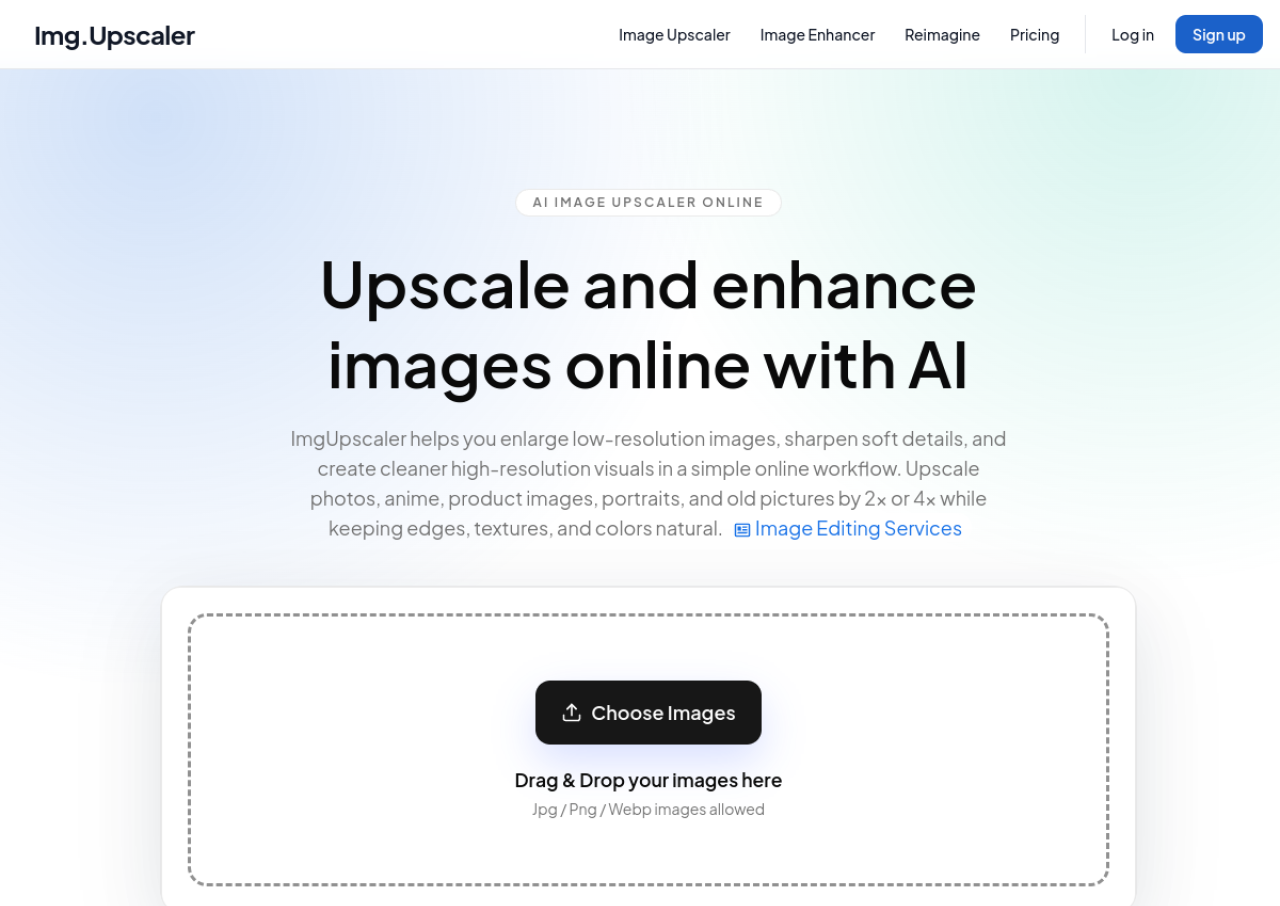
ImgUpscaler is an online AI-powered image upscaling tool that enlarges low-resolution photos while sharpening details, textures, and edges. It supports 2x and 4x enlargement and works with photos, anime art, portraits, ecommerce product images, and old pictures. Users upload a JPG, PNG, or WebP file, choose an enlargement ratio, and download a higher-resolution result directly from the browser without installing software.
Beyond basic upscaling, ImgUpscaler offers batch processing for handling multiple images at once and a "Reimagine AI" feature that lets users guide creative enhancement with text prompts, adjusting creativity and resemblance strength. The tool is aimed at everyday users, ecommerce sellers, and creators needing quick image enhancement, with a free tier for occasional use and paid plans for higher volume, ad-free, batch workflows. Uploaded images are automatically deleted on a schedule for privacy.
Key Features of ImgUpscaler
ImgUpscaler lists 8 documented features, including AI-based 2x and 4x image super-resolution upscaling, Batch processing of multiple images (paid plans) and Reimagine AI prompt-guided creative image enhancement. The list below covers what the product does rather than how it is marketed.
- AI-based 2x and 4x image super-resolution upscaling
- Batch processing of multiple images (paid plans)
- Reimagine AI prompt-guided creative image enhancement
- Support for photos, anime art, portraits, ecommerce, and old photo restoration
- JPG, PNG, and WebP format support
- Automatic deletion of uploaded images for privacy
- Ad-free experience on paid plans
- Browser-based workflow with no software installation required
ImgUpscaler Pricing
ImgUpscaler lists 3 plans, starting free and running to $19.90.
Free
Free
/mo
AI image upscaling, enhancement and Reimagine with 50 credits per month and ads.
Premium
$9.90
/mo
Most popular tier with 500 credits per month, batch processing and no ads, aimed at creators, marketers and small teams.
Business
$19.90
/mo
No credits limit, for businesses and production workflows with high volume.
ImgUpscaler Specifications
ImgUpscaler is available on web app. It has a free plan.
- Deployment
- Cloud Based
- Billing cycle
- Monthly
- Desktop
- Web App
- Languages
- English
- Built for
- Freelancers
- SMEs
- Agencies
- Support
- Integrations
- No major third-party integrations
- Public API
- No
- Free trial
- No
- Free plan
- Yes
- Runs in browser
- Yes
- Customisable
- Yes
- Website
- imgupscaler.com
ImgUpscaler Videos
ImgUpscaler Screenshots
ImgUpscaler Comparisons
Side by side comparisons of ImgUpscaler against 3 other AI Image Upscaler Tools options listed here.



ImgUpscaler Reviews
No reviews yet
Used ImgUpscaler? Share your experience and help other buyers decide.
ImgUpscaler FAQs
Alternatives to ImgUpscaler
Other AI Image Upscaler Tools recorded on the same fields.