Rollbar
VerifiedReal-time error monitoring and automated debugging for software teams
 See all screenshots
 - Deployment Cloud Based
- Starting price Free
- Free trial Available
- Best for Freelancers, Startups, SMEs
What is Rollbar?
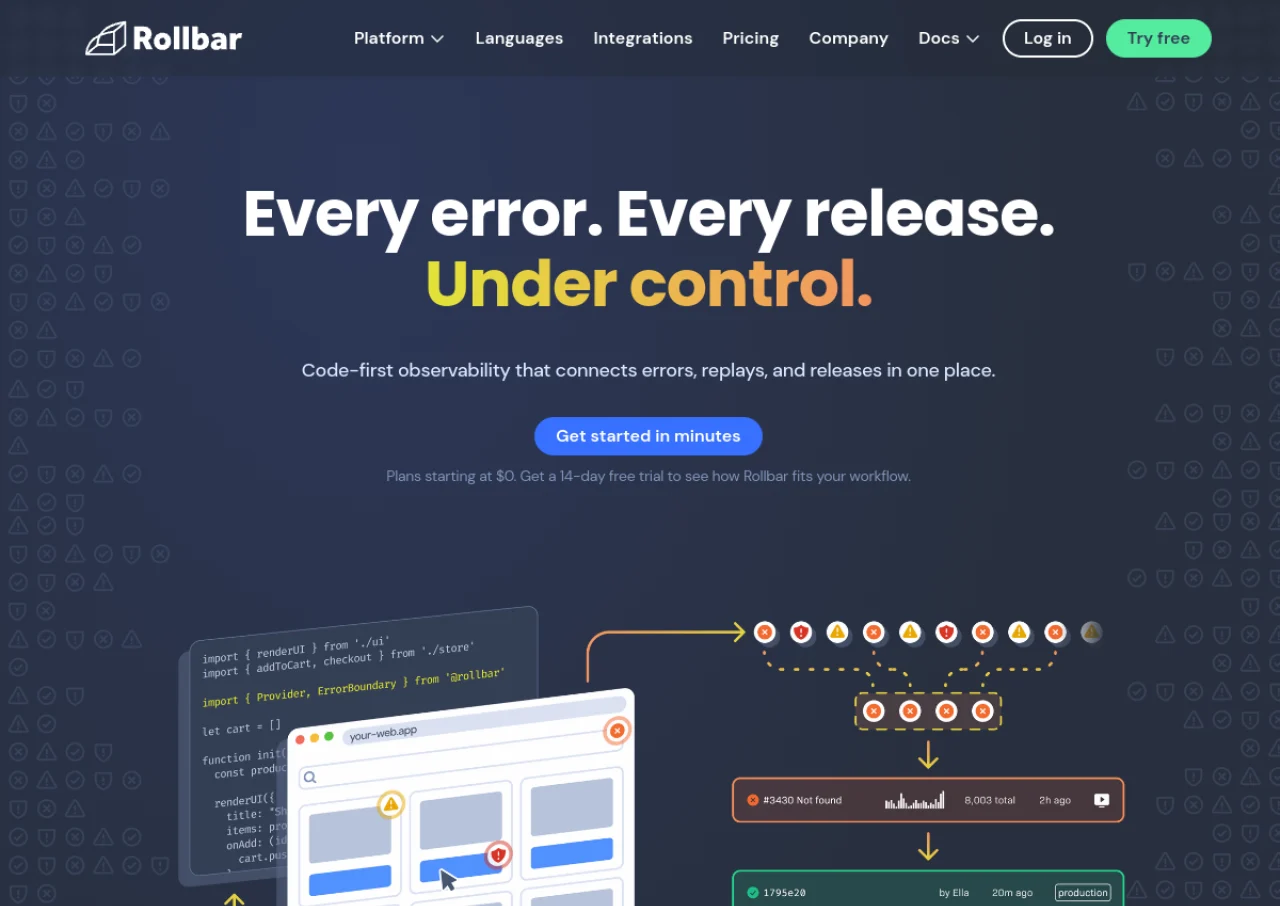
Rollbar is a cloud based error tracking and monitoring platform that captures errors, exceptions, and crash reports from applications in real time. It automatically groups related errors using machine learning, provides stack traces and breadcrumb telemetry for root cause analysis, and offers session replay to see what a user did before an error occurred.
Rollbar's paid tiers add features like Rollbar Analyze query language, adaptive alerting, and SAML/SCIM provisioning for larger teams. It also includes an AI agent called Resolve that can review code and open pull requests with suggested fixes. Pricing scales with monthly event volume, session replays, and AI credits, with a free tier for small projects and custom Enterprise pricing for high volume needs.
Key Features of Rollbar
Rollbar lists 10 documented features, including Real-time error monitoring and alerts, Machine learning based automatic error grouping and Session Replay. The list below covers what the product does rather than how it is marketed.
- Real-time error monitoring and alerts
- Machine learning based automatic error grouping
- Session Replay
- Telemetry and breadcrumb timeline for root cause analysis
- Deploy tracking
- AI agent (Resolve) that suggests and opens fix pull requests
- Rollbar Query Language (RQL) for querying error data (Advanced+)
- Adaptive alerts and saved views (Advanced+)
- SAML/SCIM provisioning (Advanced+)
- Integrations with Slack, Jira and PagerDuty
Rollbar Pricing
Rollbar lists 4 plans. Three carry a published figure, from Free to $13; the rest are quoted on request.
Free
Free
5,000 events/month, 1,000 replays, 30-day retention
Real-time feed and alerts, error grouping, stack traces, deploy tracking
Essentials
$9/month
Starting at 10K events, scales up to 50M events/month
90-day retention, fine-grained rate limiting; price scales with event volume
Advanced
$13/month
Starting at 10K events, scales up to 50M events/month
180-day retention; adds RQL analytics, adaptive alerts, SAML/SCIM
Enterprise
Custom
80M+ events/month
Custom data retention, priority support with SLAs, dedicated Slack channel
Rollbar Specifications
Rollbar is available on web app. It offers an API, has a free trial and has a free plan.
- Deployment
- Cloud Based
- Billing cycle
- Monthly
- Desktop
- Web App
- Languages
- English
- Built for
- Freelancers
- Startups
- SMEs
- Agencies
- Enterprises
- Support
- Live Support
- Tickets
- Integrations
- Slack, Jira, PagerDuty, GitHub, GitLab, Bitbucket, Microsoft Teams, VS Code, Zapier
- Public API
- Yes
- Free trial
- Yes
- Free plan
- Yes
- Runs in browser
- Yes
- Customisable
- Yes
- Website
- rollbar.com
Rollbar Videos
Rollbar Screenshots
Rollbar Comparisons


Used Rollbar? Write the first review.
Rollbar FAQs
Alternatives to Rollbar
Other Bug Fixing Software recorded on the same fields.