
Roblox Studio
VerifiedFree tool to build, script, and publish 3D games and experiences on Roblox
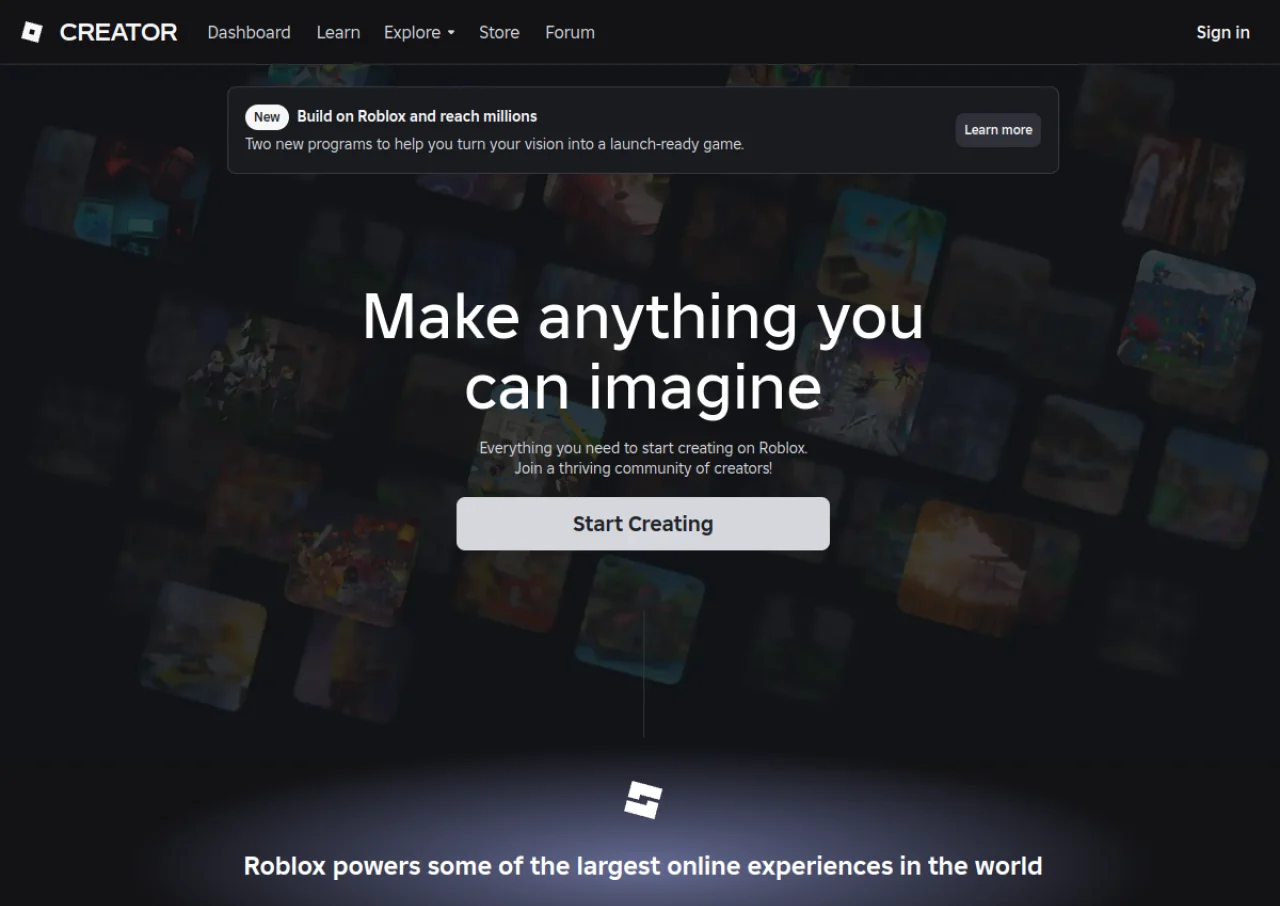 See all screenshots
 - Deployment Cloud Based
- Starting price Free
- Free trial Not offered
- Best for Freelancers, Startups, SMEs
What is Roblox Studio?
Roblox Studio is Roblox's free desktop application for building, scripting, testing, and publishing games and experiences on the Roblox platform. Creators use drag-and-drop building tools and a Luau (a Lua dialect) script editor with syntax highlighting and type checking, plus Roblox Assistant, an AI feature that can generate materials, textures, and code and manipulate the data model directly. Team Create allows multiple creators to work on the same project simultaneously, and built-in device emulation helps test experiences across phones, tablets, consoles, and VR before release.
Roblox Studio itself has no subscription cost. Instead, Roblox monetizes through Robux, its virtual currency: developers pay small Robux fees to upload or publish certain marketplace assets, and Roblox takes a revenue share on marketplace and in-experience purchases, with creator shares ranging from a 30 percent base up to 70 percent at higher price points for avatar items.
Key Features of Roblox Studio
Roblox Studio lists 9 documented features, including Free drag-and-drop building tools plus a Luau scripting editor, Roblox Assistant AI for code generation, data model edits, and asset creation and Team Create for real-time multiplayer collaboration on the same project. The list below covers what the product does rather than how it is marketed.
- Free drag-and-drop building tools plus a Luau scripting editor
- Roblox Assistant AI for code generation, data model edits, and asset creation
- Team Create for real-time multiplayer collaboration on the same project
- Procedural mesh and texture and material generation tools
- Built-in device emulation for testing across phones, tablets, consoles, and VR
- Marketplace publishing for avatar items, game passes, and in-experience purchases
- Script editor with syntax highlighting, type checking, and inline documentation
- Physics, animation, and terrain editing tools
- One project can be played across mobile, PC, console, and VR
Roblox Studio Pricing
Roblox Studio lists one plan, at Free.
Roblox Studio
Free
Free to download, use, and publish games. Roblox applies small Robux fees for uploading or publishing certain assets and takes a revenue share on marketplace and in-experience purchases, from a 30 percent base commission up to 70 percent progressive share on avatar item sales
Roblox Studio Specifications
Roblox Studio is available on Windows and macOS. It offers an API and has a free plan.
- Deployment
- Cloud Based
- Billing cycle
- Transaction
- Desktop
- Windows
- macOS
- Languages
- English
- Built for
- Freelancers
- Startups
- SMEs
- Enterprises
- Integrations
- Roblox Open Cloud API, glTF and FBX model import, third-party plugins via the Creator Store
- Public API
- Yes
- Free trial
- No
- Free plan
- Yes
- Runs in browser
- No
- Customisable
- Yes
- Website
- create.roblox.com
Roblox Studio Videos
Roblox Studio Screenshots
Roblox Studio Comparisons



Used Roblox Studio? Write the first review.
Roblox Studio FAQs
Alternatives to Roblox Studio
Other Game Development Software recorded on the same fields.