Prezi AI
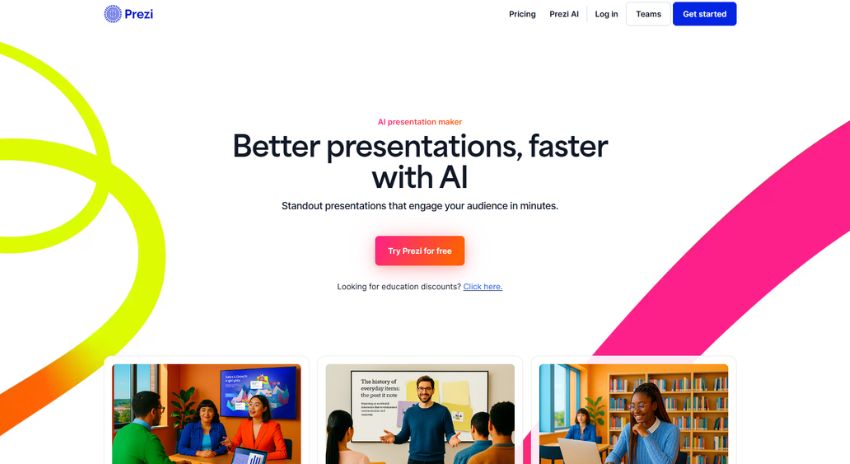
VerifiedBetter presentations, faster with AI
 See all screenshots
 - Deployment Cloud Based
- Starting price Free
- Free trial Available
- Best for Freelancers, Startups, SMEs
What is Prezi AI?
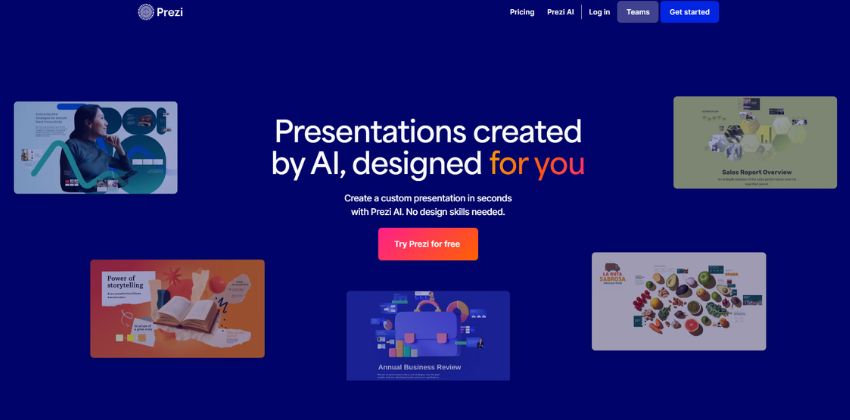
Prezi AI is an AI presentation maker that helps users create engaging, visually dynamic presentations faster by turning prompts or uploaded files into structured presentation drafts. It generates slide titles, talking points, layouts, and visuals, and combines AI drafting with Prezi’s open-canvas presentation style. It is aimed at business teams, educators, students, trainers, marketers, sales professionals, and other users who want more memorable, polished presentations without spending hours on design.
Key Features of Prezi AI
Prezi AI lists 7 documented features, including AI Presentation Creation, AI Design Assistance and Presentation Styling. The list below covers what the product does rather than how it is marketed.
- AI Presentation Creation
- AI Design Assistance
- Presentation Styling
- Content Enhancement
- Team Collaboration
- Sharing and Export
- Security and Admin
Prezi AI Pricing
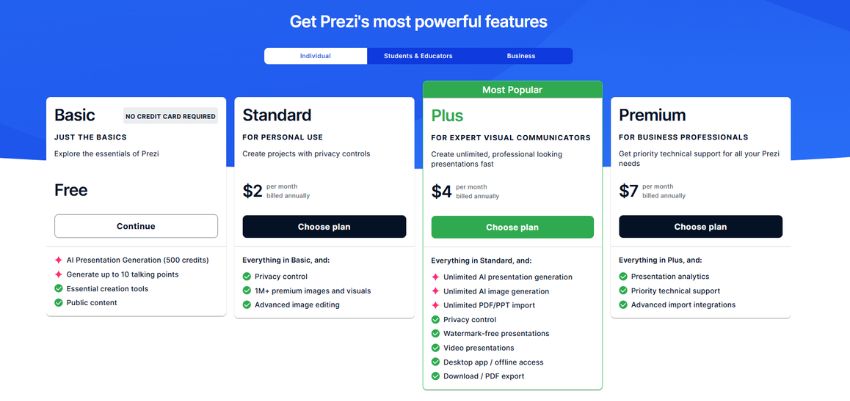
Prezi AI publishes 4 plans, starting at $0 on the Basic Plan tier. Figures are taken from the vendor's own pricing page.
Basic Plan
Free
What’s Included:
- AI Presentation Generation (500 credits)
- Generate up to 10 talking points
- Essential creation tools
- Public content
Standard Plan
2/month
What’s Included:
- Privacy control
- 1M+ premium images and visuals
- Advanced image editing
Plus Plan
4/month
What’s Included:
- Unlimited AI presentation generation
- Unlimited AI image generation
- Unlimited PDF/PPT import
- Privacy control
- Watermark-free presentations
- Video presentations
- Desktop app / offline access
- Download / PDF export
Premium Plan
7/month
What’s Included:
- Presentation analytics
- Priority technical support
- Advanced import integrations
Prezi AI Specifications
Prezi AI is available on web app, Windows and macOS and has iOS and Android apps. It has a free trial and has a free plan.
- Deployment
- Cloud Based
- Billing cycle
- Yearly
- Desktop
- Web App
- Windows
- macOS
- Mobile
- iOS
- Android
- Languages
- English
- Built for
- Freelancers
- Startups
- SMEs
- Agencies
- Enterprises
- Support
- Phone
- Live Support
- Training
- Tickets
- Integrations
- Microsoft PowerPoint, Google Drive, Zoom
- Public API
- No
- Free trial
- Yes
- Free plan
- Yes
- Runs in browser
- Yes
- Customisable
- Yes
- Website
- prezi.com
Prezi AI Videos
Prezi AI Screenshots
Prezi AI Comparisons
Side by side comparisons of Prezi AI against 3 other Ai Design Software options listed here.



Prezi AI Reviews
No reviews yet
Used Prezi AI? Share your experience and help other buyers decide.
Prezi AI FAQs
Alternatives to Prezi AI
Other Ai Design Software recorded on the same fields.