Microsoft Teams
VerifiedMeetings, chat and files in the place work already happens
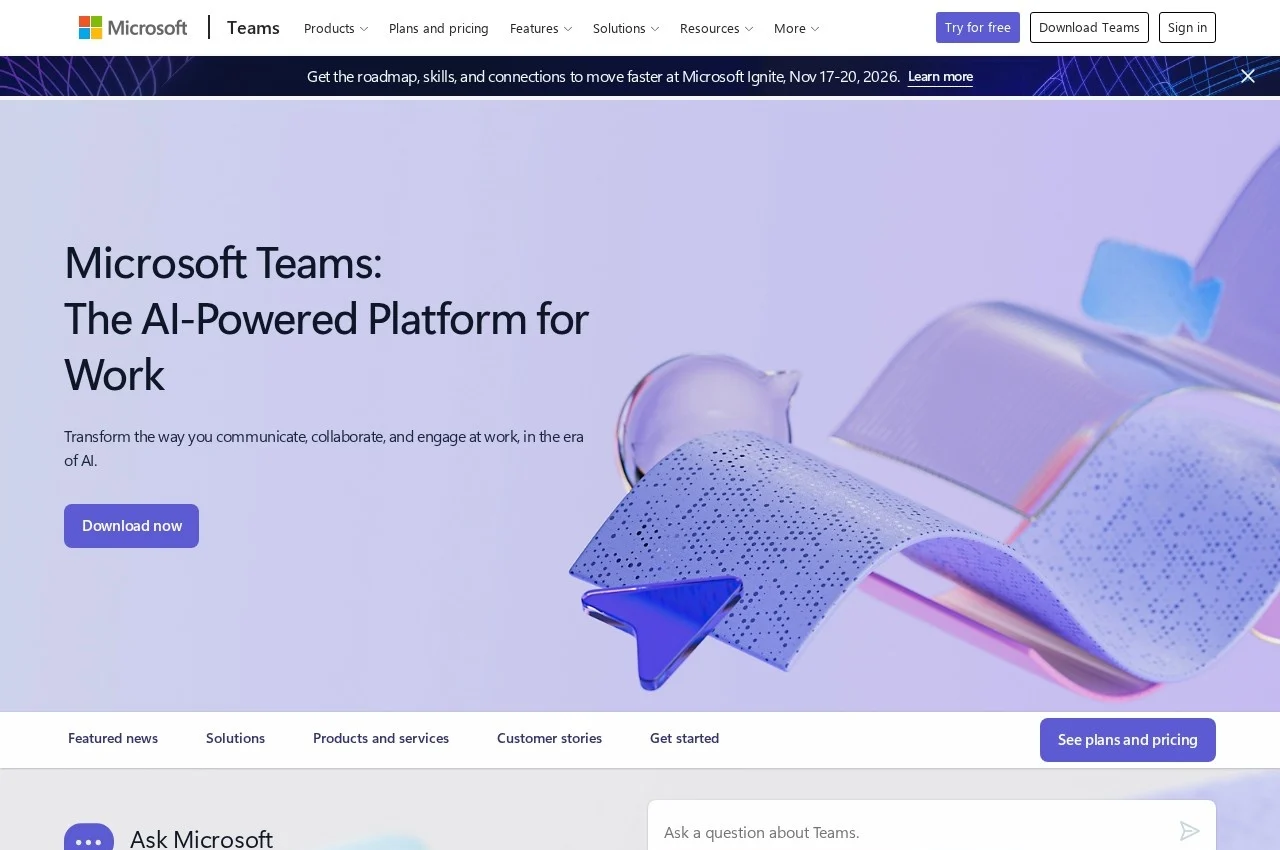 See all screenshots
 - Deployment Cloud Based, SaaS
- Starting price Not published
- Free trial Available
- Best for Freelancers, Small Business, Medium Business
What is Microsoft Teams?
Microsoft Teams combines chat, video meetings, calling, file collaboration and application hosting in one workspace, integrated with Microsoft 365, and is sold within Microsoft 365 plans as well as separately, with editions for education, small business and enterprise.
Being the place files and conversations already live is what makes Teams different from a meeting tool, and it is also the strongest criticism of it. A document discussed in a channel stays with that conversation rather than in an inbox, which is genuinely better, and the same design means a busy organisation accumulates hundreds of channels nobody can find anything in.
Hosting applications inside the client is the part most organisations underuse. A workflow, an approval or a dashboard surfaced as a tab in the channel where the relevant team already sits is far more likely to be used than the same thing behind a separate login, which is why Teams became a deployment target rather than only a communication tool.
Licensing is where this purchase is actually decided, since Teams arrives inside most Microsoft 365 business and enterprise plans, and the practical comparison for an organisation already paying for those is not against a competitor's features but against the cost of adding a second vendor. Rates are published within the Microsoft 365 plan range rather than for Teams alone.
Key Features of Microsoft Teams
- Persistent team chat and channels
- Video meetings and webinars
- Calling with Teams Phone add-on
- File collaboration through SharePoint and OneDrive
- Application and workflow tabs in channels
- Meeting recording and transcription
- Live captions and translation
- Guest and external access
- Copilot AI features on eligible plans
- Admin controls and compliance
- Education and frontline editions
- Desktop, web and mobile clients
Microsoft Teams Pricing
Within Microsoft 365
Not published
Teams is included in most Microsoft 365 business and enterprise plans and also sold separately. Rates are published within the Microsoft 365 plan range rather than for Teams alone.
Microsoft Teams Specifications
- Deployment
- Cloud Based
- SaaS
- Desktop
- Web App
- Windows
- Mac
- Linux
- Mobile
- iOS
- Android
- Built for
- Freelancers
- Small Business
- Medium Business
- Large Enterprise
- Support
- Phone
- Knowledge Base
- Public API
- Yes
- Free trial
- Yes
- Free plan
- No
- Runs in browser
- No
- Customisable
- No
- Website
- microsoft.com
Microsoft Teams Screenshots
Microsoft Teams Comparisons



Used Microsoft Teams? Write the first review.
Microsoft Teams FAQs
Alternatives to Microsoft Teams
Other Application Sharing Software recorded on the same fields.