
KioWare
VerifiedKiosk lockdown across directories, HR kiosks, POS, self-checkout and virtual reception
 See all screenshots
 - Deployment On Premise, Cloud Based
- Starting price Quoted on request
- Free trial Available
- Best for Small Business, Medium Business, Large Enterprise
What is KioWare?
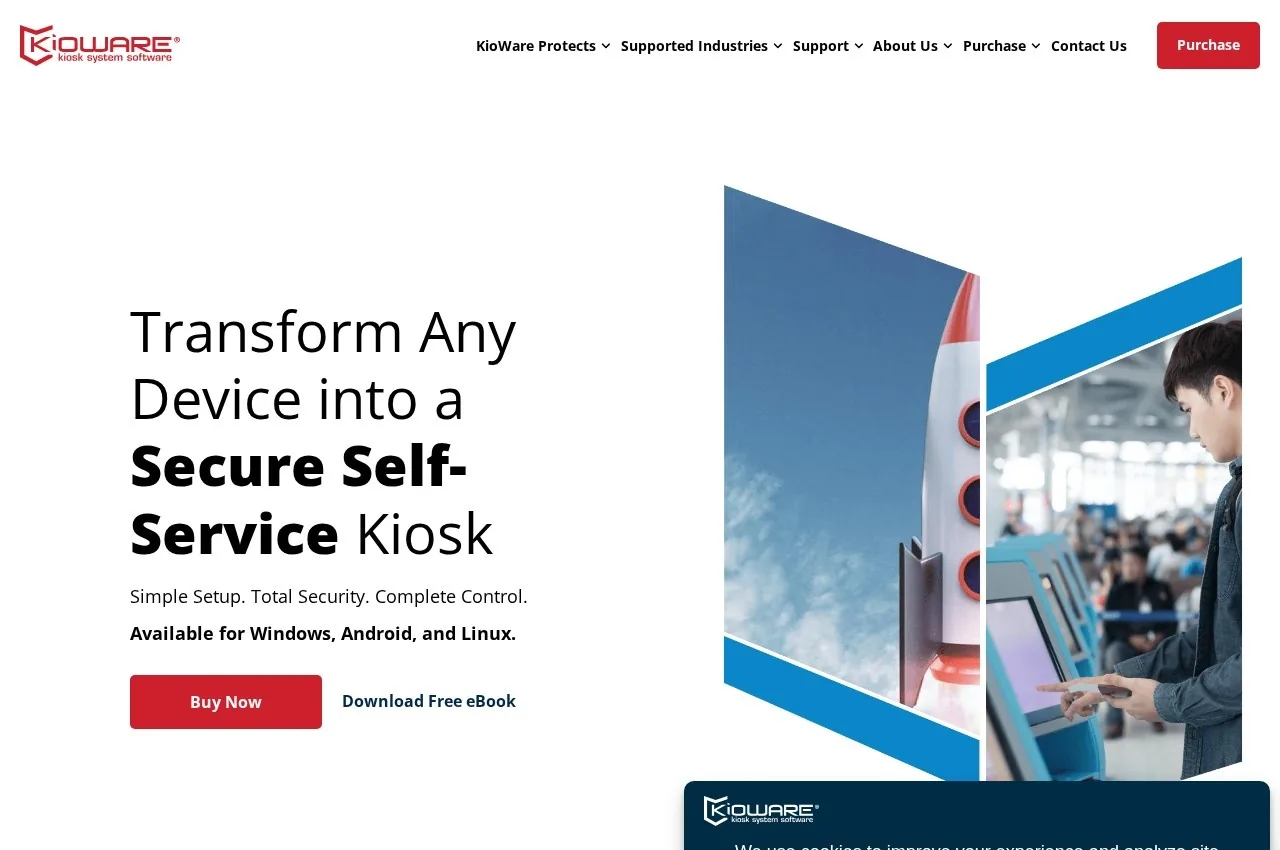
KioWare provides kiosk software published across use cases including directories, HR kiosks, point of sale, self-checkout and virtual receptionist, serving manufacturing, retail, healthcare, technology, government and consulting, with published system requirements and support material.
HR kiosks are the use case worth explaining, because they serve a workforce most software never reaches.
A substantial part of the workforce has no company computer and no company email address: manufacturing operatives, warehouse staff, cleaners, kitchen workers and drivers. They still need to view payslips, book leave, update personal details, complete training and read notices, and the usual assumption that employees have a login and a device simply does not hold.
A kiosk in a break room is how those transactions actually reach that population. That places unusual demands on the software: sessions must end cleanly so the next person cannot see the previous one's payslip, authentication must work without an email address, and the interface must be usable by someone who does not use computers routinely.
Session isolation is the security requirement people underestimate. A shared terminal handling personal data must clear everything between users reliably, and a browser that retains a session is a data protection incident rather than a bug.
The virtual receptionist use case addresses buildings without permanent reception staff, where a visitor must announce themselves, notify a host and produce a record of who is in the building, which is a fire safety obligation as much as a security one.
Pricing is not published on the captured page.
Key Features of KioWare
- Kiosk browser lockdown
- Session isolation between users
- HR self-service kiosks
- Employee access without email accounts
- Directory and wayfinding kiosks
- Point of sale and self-checkout
- Virtual receptionist and visitor logging
- Attended and unattended modes
- Published system requirements
- Multi-industry deployment
KioWare Pricing
Quoted
Quoted on request
No pricing is published on the captured page. Kiosk software is normally licensed per terminal, perpetually or by subscription.
KioWare Specifications
- Deployment
- On Premise
- Cloud Based
- Desktop
- Windows
- Web App
- Mobile
- Android
- Built for
- Small Business
- Medium Business
- Large Enterprise
- Support
- Phone
- Public API
- Yes
- Free trial
- Yes
- Free plan
- No
- Runs in browser
- No
- Customisable
- No
- Website
- kioware.com
KioWare Screenshots
KioWare Comparisons



KioWare Reviews
No reviews yet
Used KioWare? Share your experience and help other buyers decide.
KioWare FAQs
Alternatives to KioWare
Other Kiosk Software recorded on the same fields.