Google Forms
VerifiedFree online forms, surveys, and quizzes built into Google Workspace
 See all screenshots
 - Deployment Cloud Based
- Starting price Free
- Free trial Available
- Best for Freelancers, Startups, SMEs
What is Google Forms?
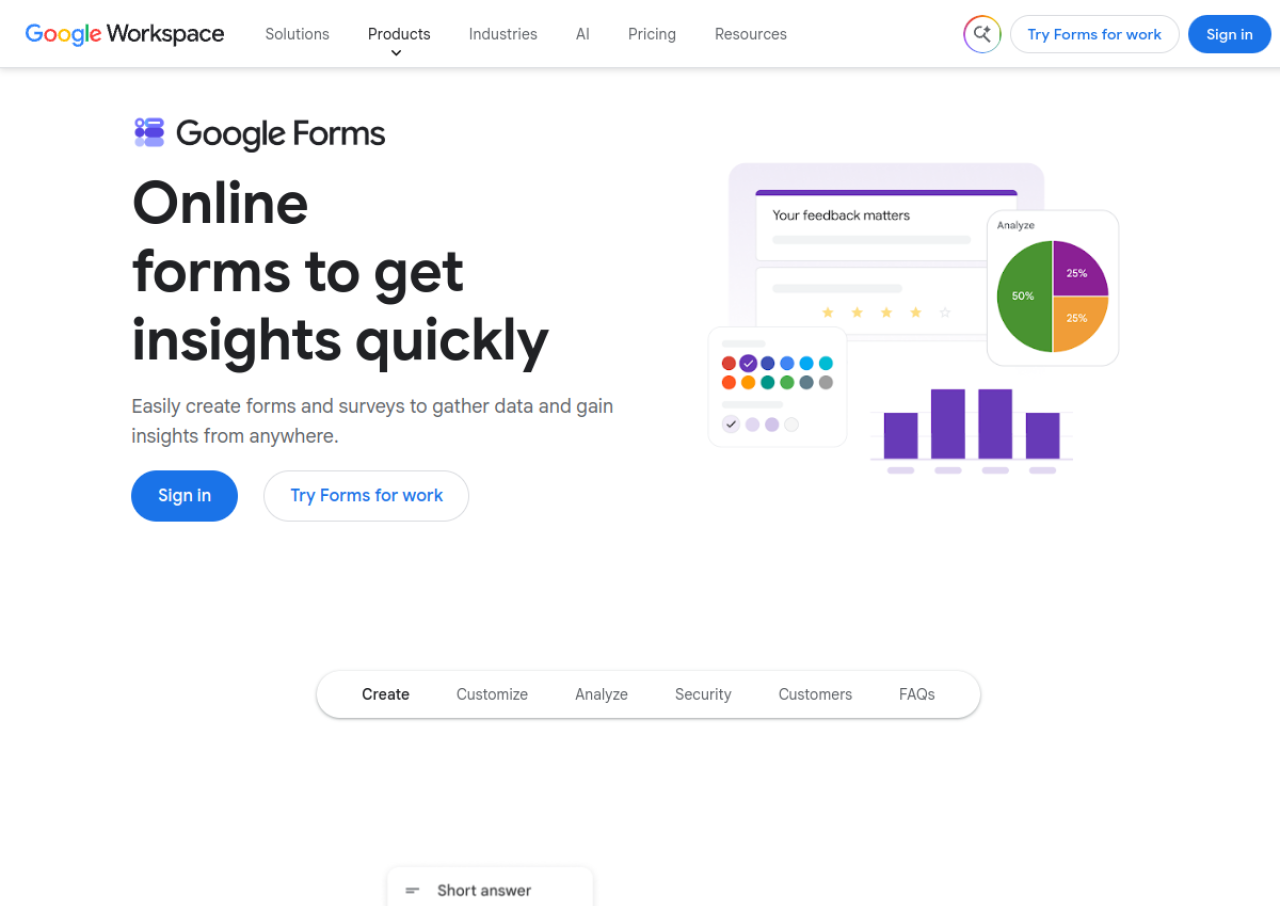
Google Forms is a free form and survey builder from Google, available to anyone with a Google account and bundled into every Google Workspace subscription. It offers a straightforward drag-and-drop editor with question types like multiple choice, checkboxes, dropdowns, linear scales, and grids, along with conditional logic, templates, and quiz mode with automatic grading.
Responses feed directly into Google Sheets for real-time charts and analysis, and forms can be co-edited by multiple collaborators. Design customization is limited compared to dedicated form builders, and advanced functionality such as complex branching or payment collection generally requires third-party add-ons. There is no dedicated standalone paid tier; expanded storage and admin controls come through paid Google Workspace Business plans starting around $7 per user per month billed annually.
Key Features of Google Forms
Google Forms lists 10 documented features, including Drag-and-drop form and survey builder, Multiple question types: multiple choice, checkboxes, dropdown, linear scale, grid and Conditional logic and branching based on answers. The list below covers what the product does rather than how it is marketed.
- Drag-and-drop form and survey builder
- Multiple question types: multiple choice, checkboxes, dropdown, linear scale, grid
- Conditional logic and branching based on answers
- Quiz mode with automatic grading and answer keys
- Real-time response collection with automatic Google Sheets integration
- Templates gallery for surveys, quizzes, and forms
- Real-time collaboration with multiple editors
- Themes with custom colors, fonts, and header images
- Add-ons marketplace to extend functionality
- Integration with Google Classroom, Drive, and other Workspace apps
Google Forms Pricing
Google Forms lists 4 plans, starting free and running to $22.
Free (personal Google account)
Free
Unlimited forms and responses
Full core Google Forms functionality for individual Google account users
Business Starter (Google Workspace)
$7/user/month (billed annually) or $8.40/user/month monthly
30 GB pooled storage per user
Google Forms plus Gmail, Docs, Sheets, Meet, and 30GB storage
Business Standard (Google Workspace)
$14/user/month (billed annually) or $16.80/user/month monthly
2 TB storage
Adds more storage and admin controls
Business Plus (Google Workspace)
$22/user/month (billed annually) or $26.40/user/month monthly
5 TB storage
Adds enhanced security, eDiscovery, and retention
Google Forms Specifications
Google Forms is available on web app and has iOS and Android apps. It offers an API, has a free trial and has a free plan.
- Deployment
- Cloud Based
- Billing cycle
- Monthly
- Desktop
- Web App
- Mobile
- iOS
- Android
- Languages
- English
- Built for
- Freelancers
- Startups
- SMEs
- Agencies
- Enterprises
- Support
- Tickets
- Integrations
- Google Sheets, Google Drive, Google Classroom, Zapier, Google Workspace apps
- Public API
- Yes
- Free trial
- Yes
- Free plan
- Yes
- Runs in browser
- Yes
- Customisable
- Yes
- Website
- google.com
Google Forms Videos
Google Forms Screenshots
Google Forms Comparisons



Google Forms Reviews
No reviews yet
Used Google Forms? Share your experience and help other buyers decide.
Google Forms FAQs
Alternatives to Google Forms
Other Form Management Software recorded on the same fields.