
Ginger Software
VerifiedAI writing assistant for grammar, style and rephrasing, from $3.00 a month on a two-year term
 See all screenshots
 - Deployment Cloud Based, On Premise
- Starting price $13
- Free trial Available
- Best for Individuals, Freelancers, Small Business
What is Ginger Software?
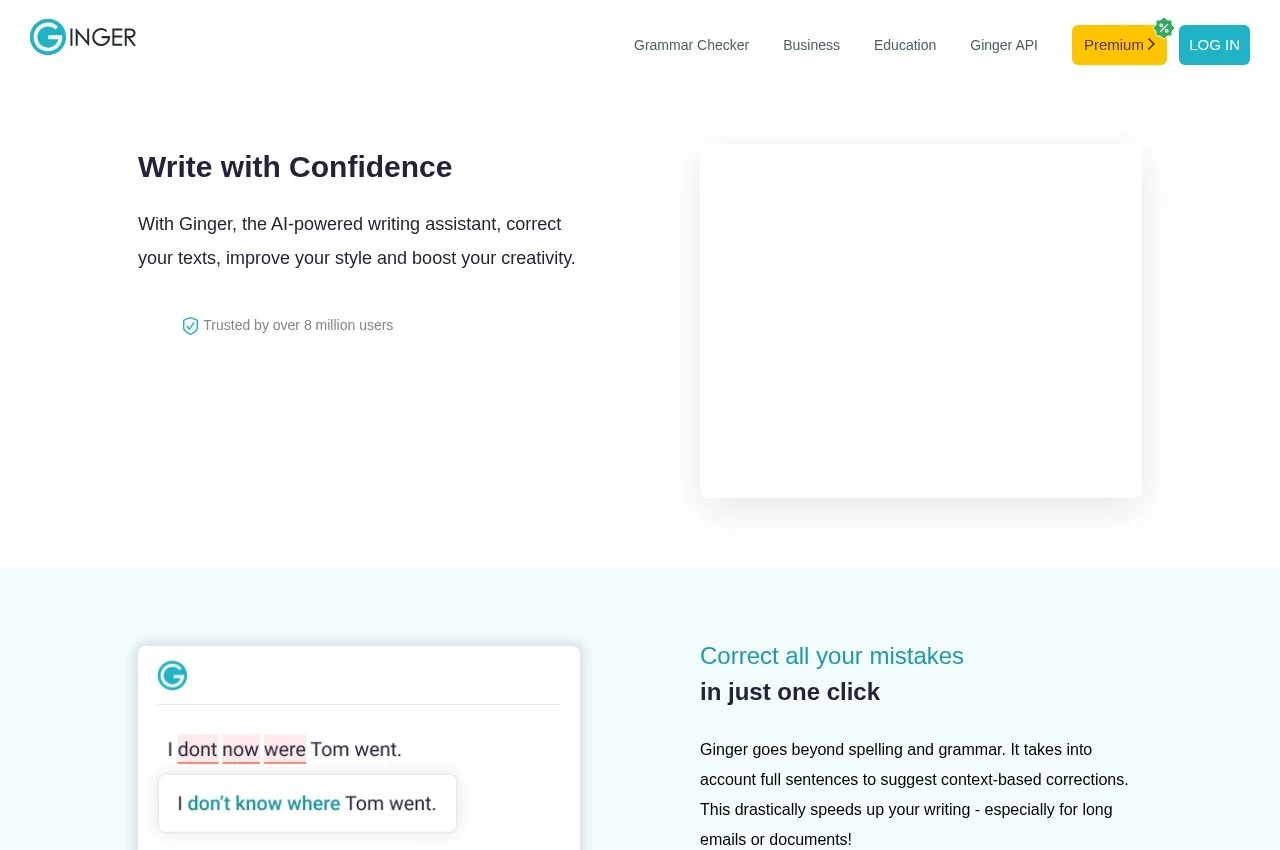
Ginger is an AI-powered writing assistant that corrects text, improves style and suggests rephrasings, delivered through browser extensions for Chrome and Edge, a Mac application and a Windows download that works inside Microsoft Office.
Working inside the applications people already write in is the distinguishing choice, and it matters more than the correction quality on its own. A proofreading tool that requires pasting text into a separate window gets used for important documents and skipped for everything else, which is exactly backwards, because the everyday email that goes out with an error is more damaging in aggregate than the one document somebody remembered to check.
The Microsoft Office integration is the specific detail worth noting, since a large amount of professional writing still happens in Word and never passes through a browser. Tools built only as browser extensions cannot see that writing at all.
Rephrasing sits alongside grammar correction and addresses a different problem. Grammar checking finds sentences that are wrong; rephrasing addresses sentences that are correct but clumsy, which is the more common failing in professional writing and the harder one to self-diagnose.
Ginger is aimed at non-native English writers as much as native ones, which shapes the correction approach: the errors a second-language writer makes are systematically different from typing slips, involving article use, preposition choice and tense agreement rather than transposed letters.
Pricing is published across four terms with a standing 50 percent promotional discount. Monthly is billed at $13.00 and discounted to $6.5 per month. Quarterly is billed as one payment of $14.97, working out at $9.99 then $4.99 per month. Annual is billed as one payment of $45.00, at $7.50 then $3.75 per month. A two-year term is billed as one payment of $72.00, at $6.00 then $3.00 per month. A free tier is available through the browser extensions.
Key Features of Ginger Software
- AI grammar and spelling correction
- Style improvement suggestions
- Sentence rephrasing
- Chrome browser extension
- Microsoft Edge extension
- Mac desktop application
- Windows download with Microsoft Office integration
- Works inside existing writing applications
- Support for non-native English writers
- Free tier through the extensions
- Four billing terms from monthly to two years
Ginger Software Pricing
Monthly
$13
Billed every month, discounted to $6.5 per month under the standing 50 percent promotion.
Quarterly
$14.97
Works out at $9.99 per month before the promotion and $4.99 after it.
Annual
$45
Marked most popular. Works out at $7.50 per month before the promotion and $3.75 after it.
Two years
$72
Works out at $6.00 per month before the promotion and $3.00 after it, the lowest published rate.
Ginger Software Specifications
- Deployment
- Cloud Based
- On Premise
- Desktop
- Web App
- Windows
- Mac
- Built for
- Individuals
- Freelancers
- Small Business
- Medium Business
- Support
- Public API
- No
- Free trial
- Yes
- Free plan
- No
- Runs in browser
- No
- Customisable
- No
- Website
- gingersoftware.com
Ginger Software Screenshots
Ginger Software Comparisons



Used Ginger Software? Write the first review.
Ginger Software FAQs
Alternatives to Ginger Software
Other Proofreading Software recorded on the same fields.