
LanguageTool
VerifiedMultilingual grammar, spelling and style checker across apps and browsers
 See all screenshots
 - Deployment Cloud Based
- Starting price Quoted on the site
- Free trial Available
- Best for Individuals, Freelancers, Small Business
What is LanguageTool?
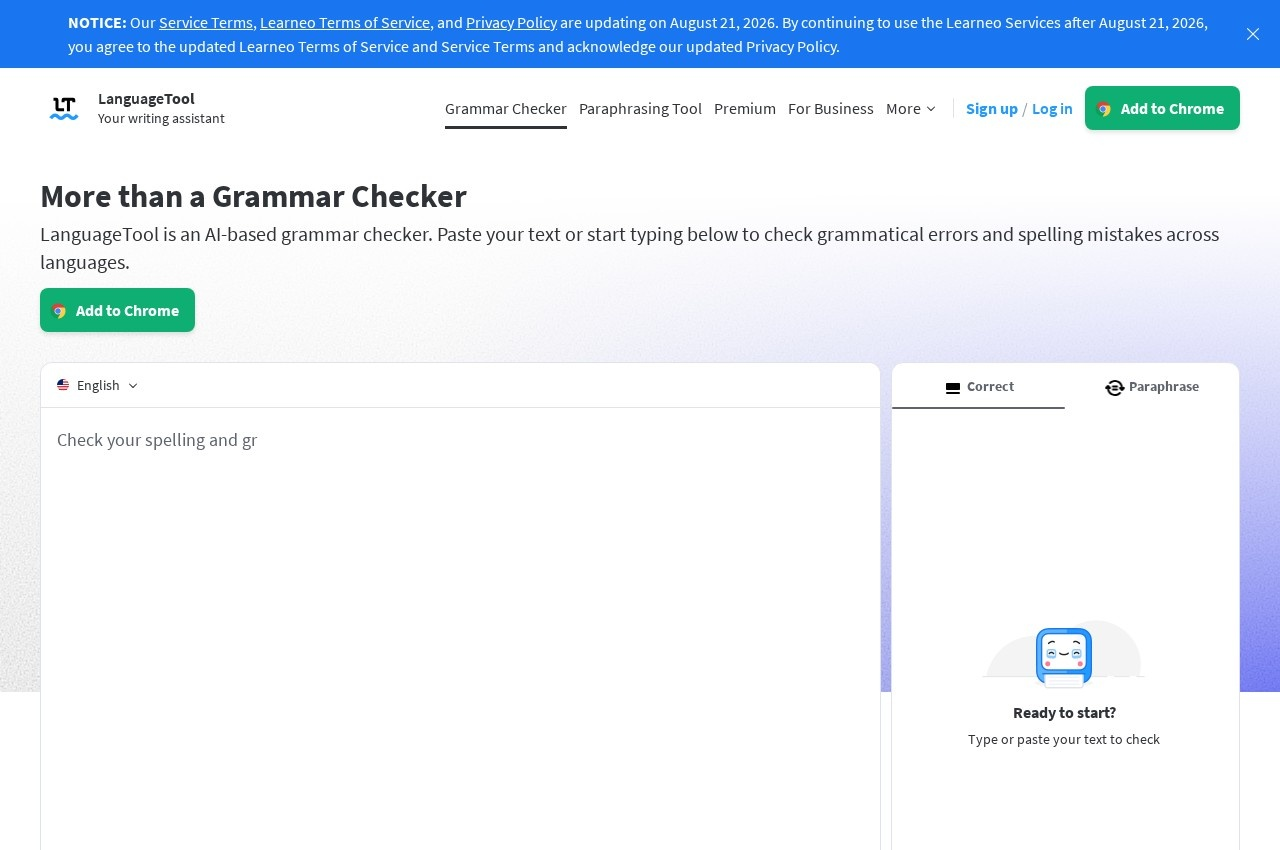
LanguageTool checks grammar, spelling and style, and its distinguishing feature is that it works across languages rather than English alone. It detects the language being typed automatically and adapts its suggestions, which matters for anyone who writes in more than one language during a working day. Suggestions appear while typing rather than as a separate proofreading pass, whether the text is an email, a blog post or a short message.
Reach is the second differentiator. A browser add-on covers Chrome and Firefox and works across the web, a Google Docs add-on checks documents in place, and a Microsoft Word add-in supports Windows, Mac and the online version, requiring Word 2016 or later or Office 365. A macOS application extends checking into Word and most other Mac applications, and there is a Windows desktop application as well. The practical effect is that the same checker follows the writer between tools instead of forcing text into a dedicated editor.
That dedicated editor does exist for longer work. It offers a distraction-free writing view with a dark or light appearance, and the vendor states texts are stored securely. Statistics track productivity alongside the languages used, errors made and suggestions applied, so a writer can see patterns in their own mistakes rather than only fixing them one at a time. Picky Mode unlocks stricter checking for advanced punctuation, style and typography. The vendor states more than 2000 organisations use its writing tools.
Key Features of LanguageTool
- Grammar, spelling and style checking in one pass
- Automatic detection of the language being typed
- Support for multiple languages rather than English only
- Suggestions offered while typing rather than as a separate review step
- Browser add-on for Chrome and Firefox that works across the web
- Google Docs add-on for checking documents in place
- Microsoft Word add-in for Windows, Mac and the online version
- macOS application covering Word and most other Mac applications
- Windows desktop application for the same checks
- Dedicated editor with a distraction-free writing view
- Picky Mode for advanced punctuation, style and typography suggestions
- Statistics tracking productivity, languages used, errors made and suggestions applied
- Dark and light appearance options in the editor
- Texts stored securely according to the vendor
LanguageTool Pricing
Premium
Quoted on the site
A premium page exists but publishes no verifiable plan figure. A free tier is offered alongside it.
LanguageTool Specifications
- Deployment
- Cloud Based
- Desktop
- Web App
- Windows
- Mac
- Built for
- Individuals
- Freelancers
- Small Business
- Medium Business
- Support
- Public API
- Yes
- Free trial
- Yes
- Free plan
- Yes
- Runs in browser
- No
- Customisable
- No
LanguageTool Screenshots
LanguageTool Reviews
No reviews yet
Used LanguageTool? Share your experience and help other buyers decide.
Alternatives to LanguageTool
Other Grammar Checker Software recorded on the same fields.