
 See all screenshots
 - Deployment Cloud Based
- Starting price Free
- Free trial Not offered
- Best for Freelancers, Startups, SMEs
What is GIMP?
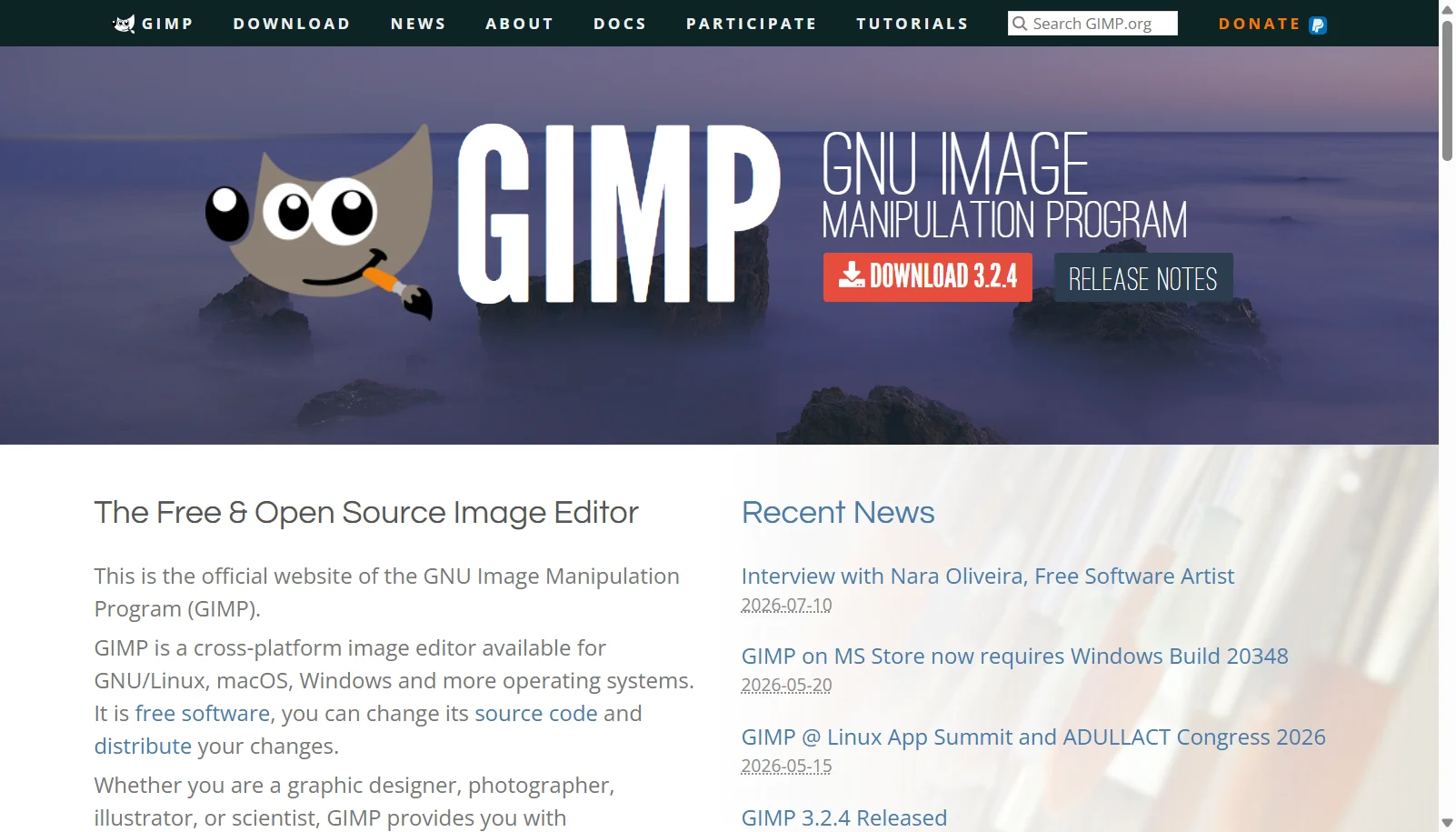
GIMP, short for GNU Image Manipulation Program, is a free and open source raster image editor available for Windows, macOS and Linux. It is used for photo retouching and restoration, image composition, and general graphic design work, and includes scripting support through Python and Script-Fu (Scheme) for automating repetitive tasks. GIMP 3.0, released in 2025 and built on GTK 3, brought better tablet support, HiDPI scaling and native Wayland support on Linux, with 3.2 following in 2026.
As community-developed open source software distributed under the GPL license, GIMP has no purchase price or subscription tiers and no company support line, relying instead on community documentation, forums and plugin ecosystems such as G'MIC for extended functionality.
Key Features of GIMP
GIMP lists 8 documented features, including Photo retouching, restoration and composition tools, Customizable brush engine and paint tools and Scripting support via Python and Script-Fu (Scheme). The list below covers what the product does rather than how it is marketed.
- Photo retouching, restoration and composition tools
- Customizable brush engine and paint tools
- Scripting support via Python and Script-Fu (Scheme)
- Extensive third-party plugin ecosystem
- Layers, channels and masks
- ICC color management for print and digital work
- Non-destructive GEGL-based editing operations
- Native Wayland and HiDPI display support (GIMP 3.0+)
GIMP Pricing
GIMP lists one plan, at Free.
GIMP Specifications
GIMP is available on Windows and macOS. It has a free plan.
- Deployment
- Cloud Based
- Billing cycle
- One-time
- Desktop
- Windows
- macOS
- Languages
- English
- Built for
- Freelancers
- Startups
- SMEs
- Integrations
- Python and Script-Fu scripting, G'MIC filter plugin, PSD/XCF/TIFF/PNG/JPEG file support
- Public API
- No
- Free trial
- No
- Free plan
- Yes
- Runs in browser
- No
- Customisable
- Yes
- Website
- gimp.org
GIMP Videos
GIMP Screenshots
GIMP Comparisons


Used GIMP? Write the first review.
GIMP FAQs
Alternatives to GIMP
Other Digital Art Software recorded on the same fields.