Photopea
VerifiedFree browser-based image editor compatible with PSD, AI, XD and Sketch files
 See all screenshots
 - Deployment Cloud Based
- Starting price Free
- Free trial Not offered
- Best for Freelancers, Startups, SMEs
What is Photopea?
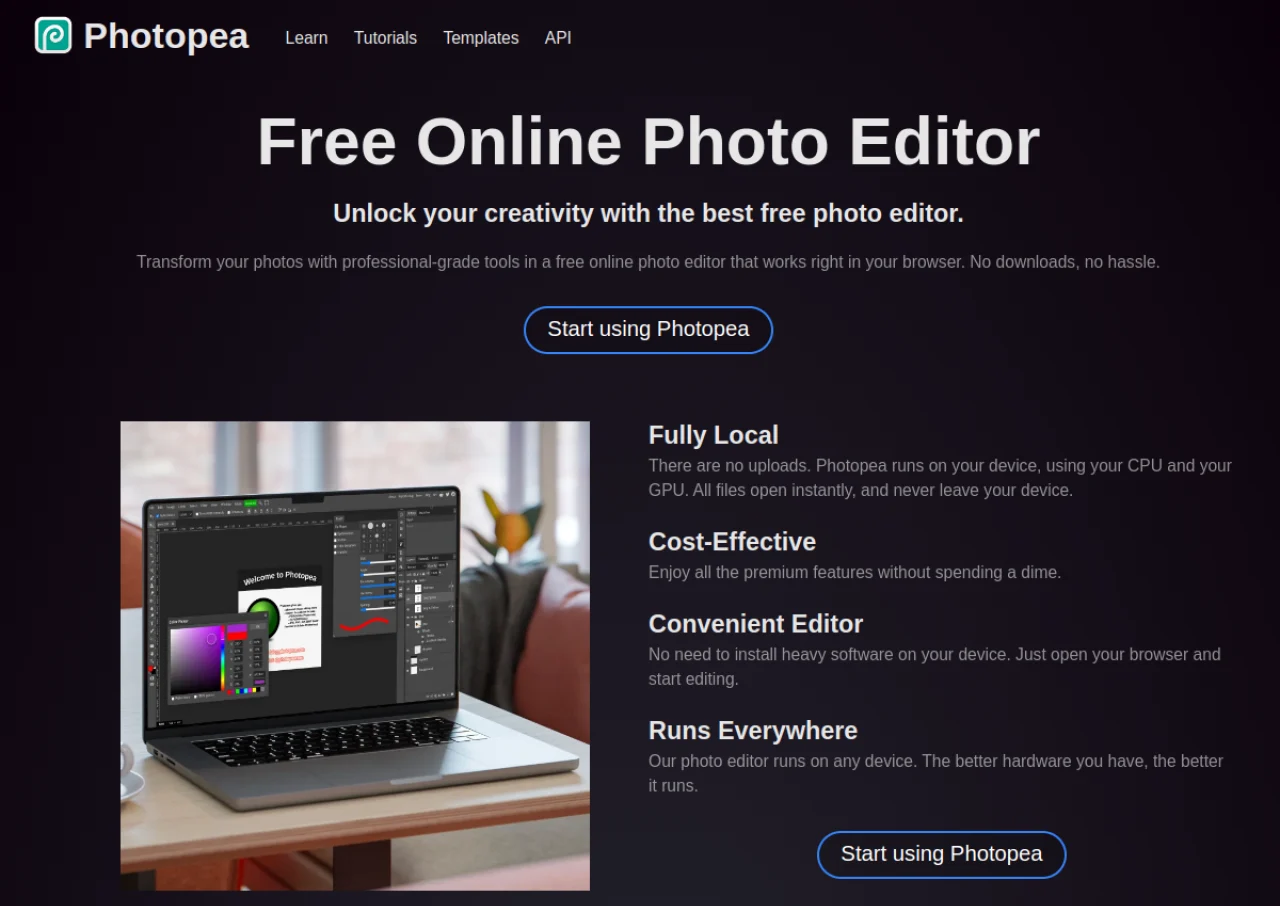
Photopea is a free, browser-based image editor from Czech developer Ivan Kutskir that mirrors much of Adobe Photoshop's interface and toolset. It opens and saves native PSD files along with AI, XD, Sketch, CDR and dozens of other formats, and supports layers, masks, channels, smart objects, layer styles and vector shapes, all processed locally in the browser rather than uploaded to a server.
The core editor is free to use, supported by ads shown between projects. A Photopea Premium subscription removes ads and adds extras such as additional Peadrive cloud storage and access to generative fill. Because it requires no installation and runs on any device with a modern browser, it is widely used as a free alternative to desktop editors.
Key Features of Photopea
Photopea lists 8 documented features, including Opens and saves native PSD, AI, XD, Sketch and CDR files, Layers, masks, channels, smart objects and layer styles and Vector shapes and paths similar to Illustrator tools. The list below covers what the product does rather than how it is marketed.
- Opens and saves native PSD, AI, XD, Sketch and CDR files
- Layers, masks, channels, smart objects and layer styles
- Vector shapes and paths similar to Illustrator tools
- Runs entirely client-side in the browser
- Supports 40+ import/export formats including PDF, SVG and RAW
- AI-assisted object selection and background removal
- Generative fill (Premium)
- No installation required, works on any device with a browser
Photopea Pricing
Photopea lists 2 plans, starting free and running to $5.
Premium
$5/month
Ad-free
Removes ads and adds extras such as more Peadrive cloud storage and generative fill access
Photopea Specifications
Photopea is available on web app. It has a free plan.
- Deployment
- Cloud Based
- Billing cycle
- Monthly
- Desktop
- Web App
- Languages
- English
- Built for
- Freelancers
- Startups
- SMEs
- Agencies
- Support
- Integrations
- Google Workspace Marketplace
- Public API
- No
- Free trial
- No
- Free plan
- Yes
- Runs in browser
- Yes
- Customisable
- No
- Website
- photopea.com
Photopea Videos
Photopea Screenshots
Photopea Comparisons


Used Photopea? Write the first review.
Photopea FAQs
Alternatives to Photopea
Other Digital Art Software recorded on the same fields.