CheckMark Payroll
VerifiedAffordable in-house and online payroll software for small businesses and accountants
 See all screenshots
 - Deployment Cloud Based, On Premises
- Starting price $649
- Free trial Available
- Best for Freelancers, SMEs, Agencies
What is CheckMark Payroll?
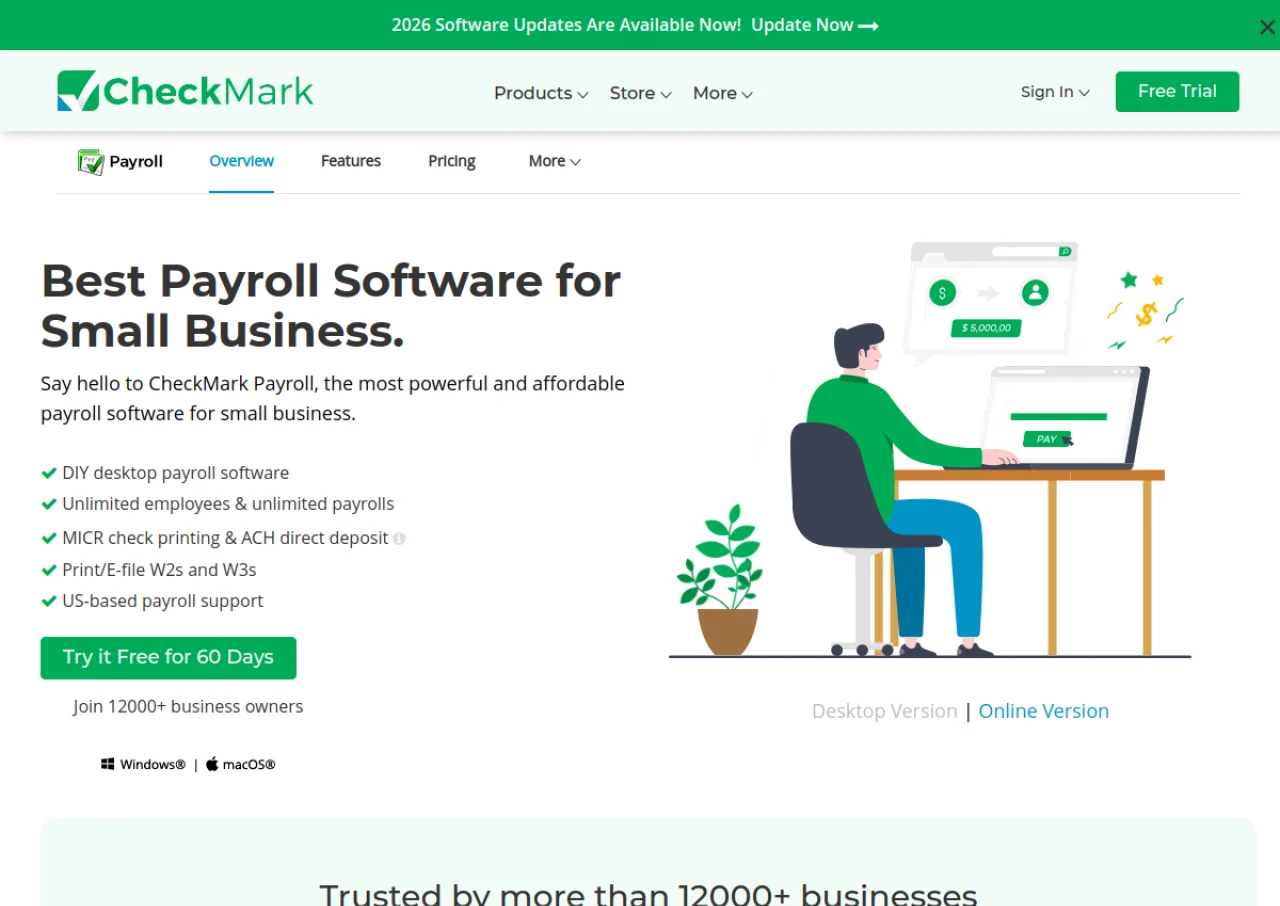
CheckMark Payroll is a payroll processing solution offered in two formats: a desktop application for Windows and macOS, and CheckMark Online Payroll, a cloud-based version accessible through a web browser. It is designed for small and medium-sized businesses and for accountants who process payroll on behalf of multiple clients. The software handles payroll calculations, direct deposit via ACH, MICR-encoded check printing, tax form preparation (941, 940, 944, 943, W-2, W-3), and e-filing to the SSA and state agencies. It supports unlimited employees and payroll runs, tracks paid time off, and can import employee hours from spreadsheets or time clocks.
The desktop edition is sold as an annual license with tiered pricing for managing multiple companies, while the online edition is billed monthly on a per-employee basis with a separate Accountant Edition for firms managing several client companies. Both editions include tax table updates, payroll reporting, and export options to accounting programs such as QuickBooks and MultiLedger.
Key Features of CheckMark Payroll
CheckMark Payroll lists 10 documented features, including Unlimited employees and unlimited payroll runs, Direct deposit via ACH file creation and MICR-encoded check printing on blank check stock. The list below covers what the product does rather than how it is marketed.
- Unlimited employees and unlimited payroll runs
- Direct deposit via ACH file creation
- MICR-encoded check printing on blank check stock
- Federal and state tax withholding tables, updated regularly
- Prints and e-files Forms 941, 940, 944, 943, W-2, and W-3
- Employee hours entry via spreadsheet-style grid, with import from spreadsheets or time clocks
- Sick and vacation (PTO) accrual tracking
- 40-50+ payroll reports, exportable to spreadsheet or plain text
- Export to QuickBooks, MultiLedger, and other accounting software
- Employee self-service portal (Online edition)
CheckMark Payroll Pricing
CheckMark Payroll lists one plan, at $649.
Payroll Pro+
$649
first year, then $469 from the second year
Base software supports one company and installation on one computer, with all pay frequencies, multiple pay rates and MICR encoded check printing.
CheckMark Payroll Specifications
CheckMark Payroll is available on web app, Windows and macOS. It has a free trial.
- Deployment
- Cloud Based
- On Premises
- Billing cycle
- Yearly
- Desktop
- Web App
- Windows
- macOS
- Languages
- English
- Built for
- Freelancers
- SMEs
- Agencies
- Support
- Phone
- Live Support
- Integrations
- Exports/integrates with QuickBooks, MultiLedger, and other accounting software; supports spreadsheet and time clock import for hours
- Public API
- No
- Free trial
- Yes
- Free plan
- No
- Runs in browser
- Yes
- Customisable
- Yes
- Website
- checkmark.com
CheckMark Payroll Videos
CheckMark Payroll Screenshots
CheckMark Payroll Comparisons
Side by side comparisons of CheckMark Payroll against 3 other Stand Alone Payroll Software options listed here.



Used CheckMark Payroll? Write the first review.
CheckMark Payroll FAQs
Alternatives to CheckMark Payroll
Other Stand Alone Payroll Software recorded on the same fields.