


Plans and Pricing
Compare pricing of FreeFileSync vs Compare with the following detailed pricing plan info. FreeFileSync comes in 2 packages: Foundation, Strength. On the other hand, Compare has not provided information about its pricing.
Screenshot
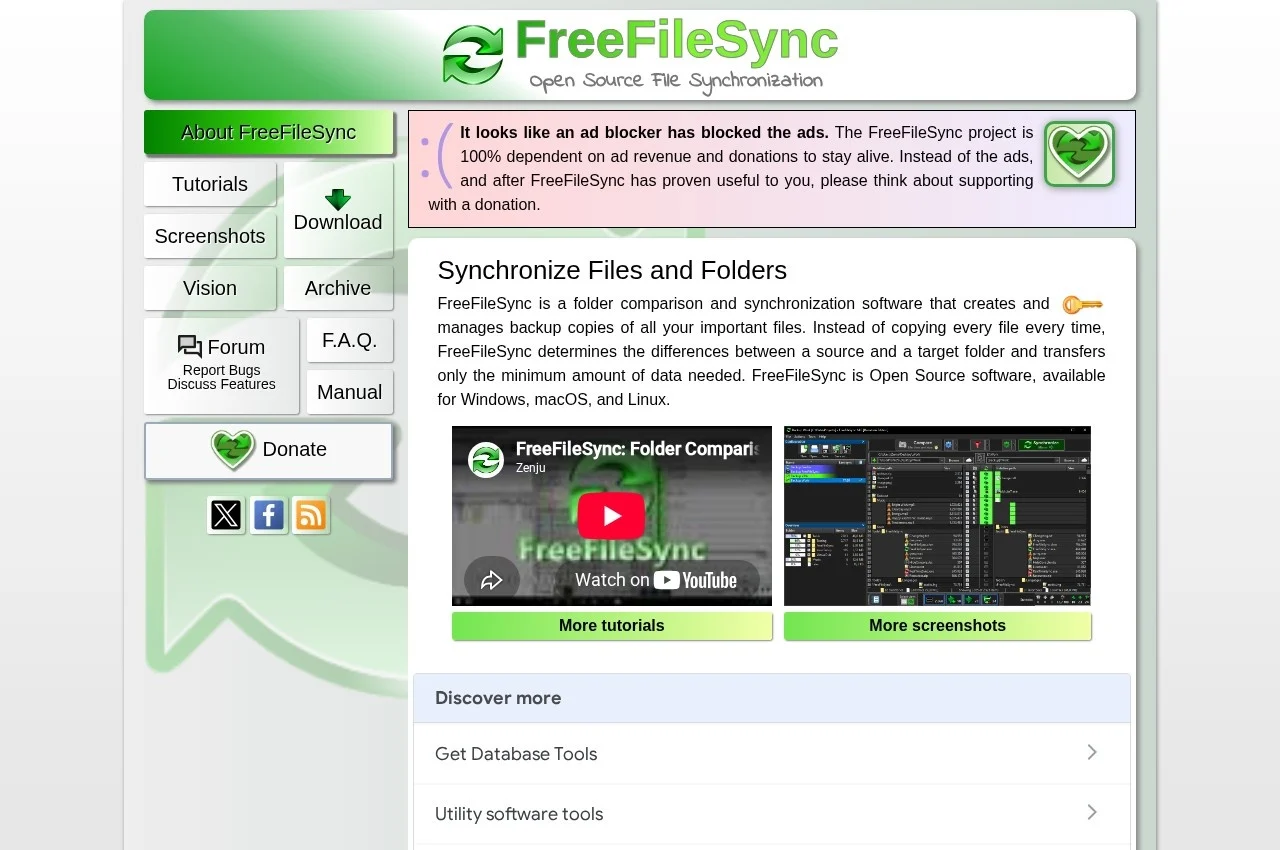
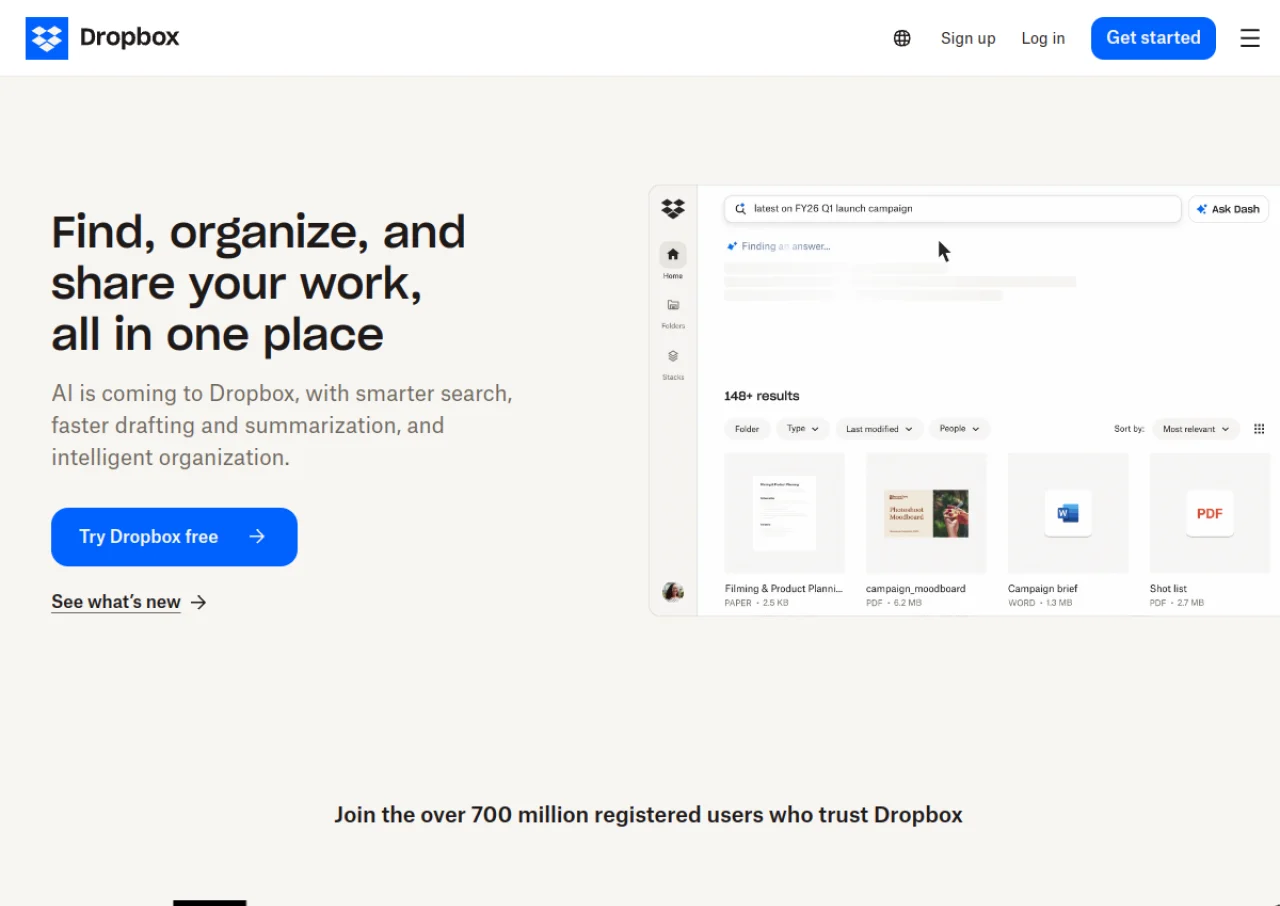
Take a look at the below screenshots and seamlessly compare the user interface of FreeFileSync and Dropbox for better insights.
Features
Compare between FreeFileSync and Dropbox on their key features and functionalities to pick the right one for your business.
- Folder comparison before synchronisation
- Mirror, update and two way sync modes
- Visual difference review before applying
- Batch jobs for scheduled runs
- Support for external drives and network shares
- FTP and cloud storage targets
- File versioning on overwrite
- Cross platform for Windows, macOS and Linux
- Open source
- Detailed logging of sync runs
- Automatic file sync across devices
- Smart Sync for on demand file access
- Dropbox Paper collaborative workspace
- Shareable links with password protection and expiration
- Up to 365 day version history and file recovery on higher tiers
- Dropbox Dash AI powered search
- Native e-signatures and PDF editing
- Team folders and centralized admin console
- Integrations with Slack, Zoom, and Microsoft 365
Additional Details
| Details | FreeFileSync | Dropbox |
|---|---|---|
| Languages | - | english |
| Country | - | United States |
| API Available | ✖ | ✔ |
| Run On Mobile Browser | ✖ | ✔ |
| Free Plan | ✖ | ✔ |
| Customization | ✖ | ✖ |
| Support | Email, Phone, Live Support, Tickets | |
| Target Audience | Freelancers, Small Business, Medium Business | freelancers, startups, smes, agencies, enterprises |
| Platforms | Windows, macOS, Linux | web app, windows, macos |
| Subscription Plans | - | Monthly |
| Deployment | On Premises | cloud based |