
FreeFileSync
VerifiedOpen source folder comparison and synchronisation, donation funded
 See all screenshots
 - Deployment On Premises
- Starting price Not published
- Free trial Available
- Best for Freelancers, Small Business, Medium Business
What is FreeFileSync?
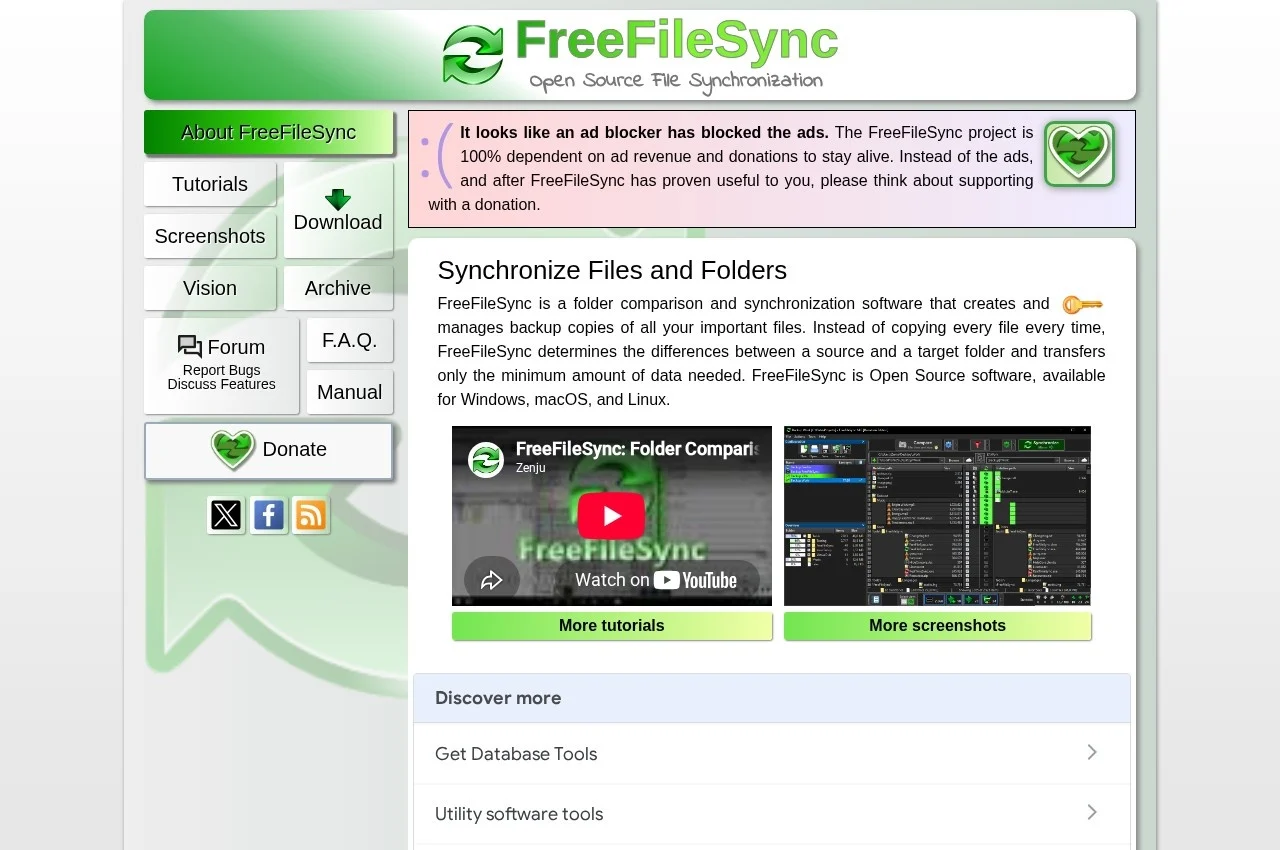
FreeFileSync is an open source folder comparison and synchronisation tool for Windows, macOS and Linux. It compares two folders, shows exactly what differs, and applies the synchronisation the user chooses, whether mirroring one direction, updating, or resolving both ways.
Showing the differences before acting is the design choice that distinguishes it from continuous sync tools, and it is the right one for backup work. Automatic synchronisation is convenient until it propagates a deletion or an unwanted change to the copy that was supposed to be the safe one. A tool that presents the comparison first and waits for confirmation gives the user the chance to notice that four hundred files are about to be removed.
Local and network targets are the normal use, covering external drives, network shares and FTP or cloud storage mounted locally, which suits a backup routine run on a schedule rather than a live sync between machines.
The project is funded by donations and advertising on its site, and asks users to disable ad blockers or contribute. That is worth knowing when evaluating it for organisational use, since the funding model is community supported rather than commercial, with the sustainability questions that implies.
Key Features of FreeFileSync
- Folder comparison before synchronisation
- Mirror, update and two way sync modes
- Visual difference review before applying
- Batch jobs for scheduled runs
- Support for external drives and network shares
- FTP and cloud storage targets
- File versioning on overwrite
- Cross platform for Windows, macOS and Linux
- Open source
- Detailed logging of sync runs
FreeFileSync Pricing
Free and open source
Not published
Free and open source, funded by donations and site advertising. No commercial rate is published.
FreeFileSync Specifications
- Deployment
- On Premises
- Desktop
- Windows
- macOS
- Linux
- Built for
- Freelancers
- Small Business
- Medium Business
- Support
- Knowledge Base
- Community Forum
- Public API
- No
- Free trial
- Yes
- Free plan
- No
- Runs in browser
- No
- Customisable
- No
- Website
- freefilesync.org
FreeFileSync Screenshots
FreeFileSync Comparisons



Used FreeFileSync? Write the first review.
FreeFileSync FAQs
Alternatives to FreeFileSync
Other File Sync Software recorded on the same fields.