

With the rise of AI image generators in the last two years, AI logo generators have also emerged, allowing you to create very good and personalized logos in just a few minutes.
In this blog post, we look at the most exciting and powerful AI tools for creating your logo.
What is an AI Logo Generator?
An AI logo generator is a tool powered by artificial intelligence to create logos automatically.
You can specify your preferences, such as company name, industry, color scheme, and style, and the generator will then create logo suggestions.
Using AI, logo generators can quickly create many design variations and often offer further customization options.
What Makes the Ideal AI Logo Generator?
Above all, the ideal AI logo generator should offer outstanding design quality. In addition, usability is crucial to ensure users can create an attractive logo with minimal effort.
Adding text to the logo is also important for a personalized touch. Additionally, the generator should provide clear information about commercial image rights so that users can legally use the generated logos. Plus, you can leverage branding services to maintain a consistent and professional visual identity.
Our test criteria are:
- Design quality: High-quality, professional-looking logos are the main goal and the most important test criterion
- Usability: An intuitive user interface and easy customization options are essential.
- Export: The most important file formats for a logo are SVG, PNG, JPG, and PDF.
- Commercial image rights: Clear information about usage rights is essential for commercial use.
Also Read: Best App Design Software
Comparison of Top AI logo generators in 2026
|
Place |
software | Price | image rights | Free tariff? |
|
1 |
Design.com | from $20 | Yes | free |
| 2 | BrandCrowd | from $20 | Yes |
free |
|
3 |
Zoviz | from $19.99 per month | Yes |
Free |
|
4 |
Looka Logo Maker | from $20 | (65 $) | No |
| 5 | Logomaster | from 29 € | Yes |
No |
|
6 |
Wix Logo Maker | from 23.80 € | Yes | No |
| 7 | Fiverr Logo Maker | from $30 | (60 $) |
No |
|
8 |
LogoAI | from $29 | No | No |
| 9 | Brandmark | from $25 | Yes |
No |
| 10 | ideogram | from $7 | No |
(10 credits/day) |
Detailed Analysis of Best AI Logo Generators in 2026
Below, you will find the test results of all AI logo generators in detail:
Design.com

Design.com’s AI logo generator makes creating a professional logo simple and fast. You just enter your business name, choose your industry, and the platform instantly shows you dozens of logo ideas that already look clean and ready to use. As the #1 logo maker in the world, you’ll always find something that fits your brand perfectly.
The platform also helps you build your entire brand identity in one place. You can automatically create matching websites, business cards, and marketing materials, all styled with your logo’s colors and fonts. It’s an easy way to look professional without needing design experience.
Key Features:
- AI logo generator that creates ready-to-use logos based on your brand details
- Huge library with 350,000+ templates and over a million branding assets
- Complete branding suite for websites, business cards, and marketing designs
- Commercial rights are included with extended license options available
- Multi-format downloads for print and digital use
BrandCrowd

BrandCrowd helps anyone design a great-looking logo in just a few clicks. You type in your business name, pick your favorite style, and the AI gives you hundreds of options that look professional right away. With more than 300,000 templates created by real designers, BrandCrowd makes it easy to find a design that fits your business perfectly.
It’s more than just a logo maker. Once your logo is ready, you can use BrandCrowd’s tools to create business cards, social media graphics, and brand kits that match your design. It’s a quick and affordable way to build a consistent brand identity.
Key Features:
- An AI-powered generator that produces unique logo options instantly
- Custom branding tools for social media, business cards, and more
- Easy customization for fonts, icons, and colors
- Flexible pricing with free previews and affordable paid plans
Zoviz

Zoviz’s AI logo generator makes creating a professional logo simple and fast. You just enter your business name and brand details, and Zoviz’s AI logo generator instantly shows you logo ideas that look clean, modern, and ready to use. Instead of relying on generic logo templates, Zoviz focuses on creating unique logos tailored to your industry, helping brands build a strong identity from the start.
The platform also helps you build your entire brand identity in one place. With Zoviz, your logo automatically expands into a complete brand kit, allowing you to create matching business cards, email signatures, and marketing materials using the same colors and fonts. It’s an easy way to look professional without needing design experience.
Key Features:
- An AI logo generator that creates ready-to-use logos based on your business name and brand details
- Large library of industry-specific icons for more relevant logo designs
- Multilingual logo support for global and regional brands
- Full logo customization (colors, fonts, layouts, styles)
- Automatic brand kit generation with colors, fonts, and brand guidelines
- Commercial rights included for business and marketing use
- Multi-format logo downloads for print and digital use (PNG, JPG, SVG, EPS, PDF)
Also Read: Best Application Lifecycle Management Software
Designs.ai
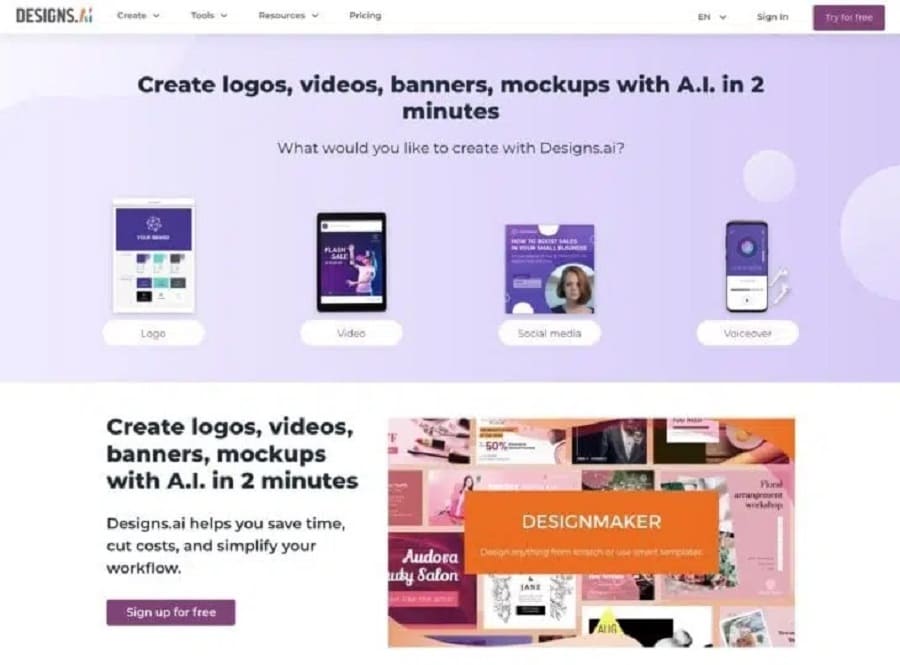
Designs.ai is the AI logo maker I use most often and the one that performed best in testing. It simplifies and speeds up the logo creation process enormously. What’s particularly cool is the user-friendly interface that allows users to specify their design preferences easily. You can also include text in the logo. But that’s not all:
Designs.ai also provides various customization options and clear disclosures about commercial image rights, so you can easily understand how to use the generated logos.
You can download the logo in the most important file formats: SVG, PNG, JPG, and PDF.
Looka
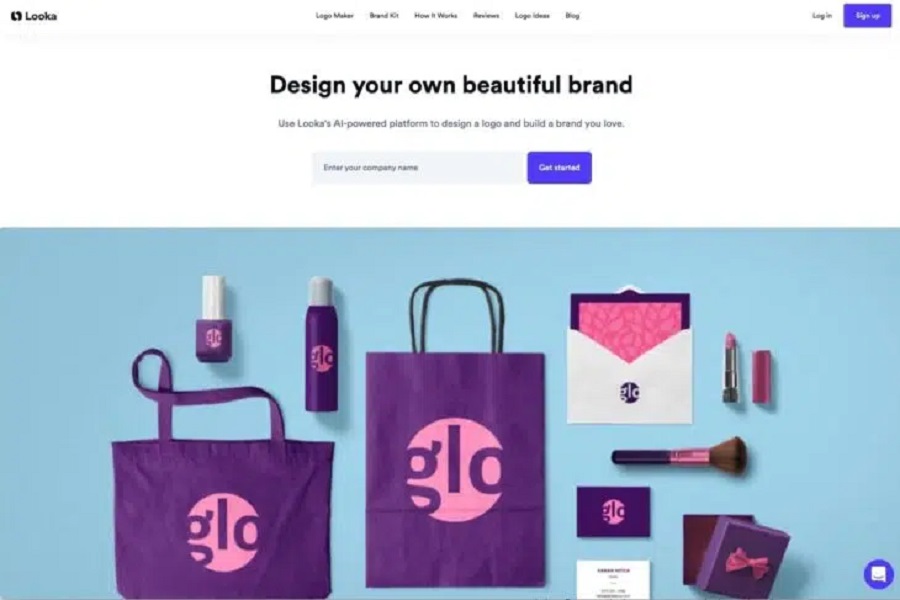
The logo generator Looka also convinced us with its good usability. One small drawback is the need for more variety in the logos. Looka creates rather simple font logos. However, you can purchase these in a brand kit that includes 300+ templates, along with a few core functions and highlights.
Looka also stands out for its realistic preview functions. Users can see how their logo would look on different platforms and products. Realistic representation helps you better understand how the logo appears in different use cases. In decision-making, it is very useful.
Even though you can purchase the logo for as little as $20, it’s worth noting that it’s just a PNG file, which isn’t much use afterward.
For $65, you get all common file formats and “full ownership,” i.e., the commercial rights to your logo and endless editing options.
Logomaster.ai
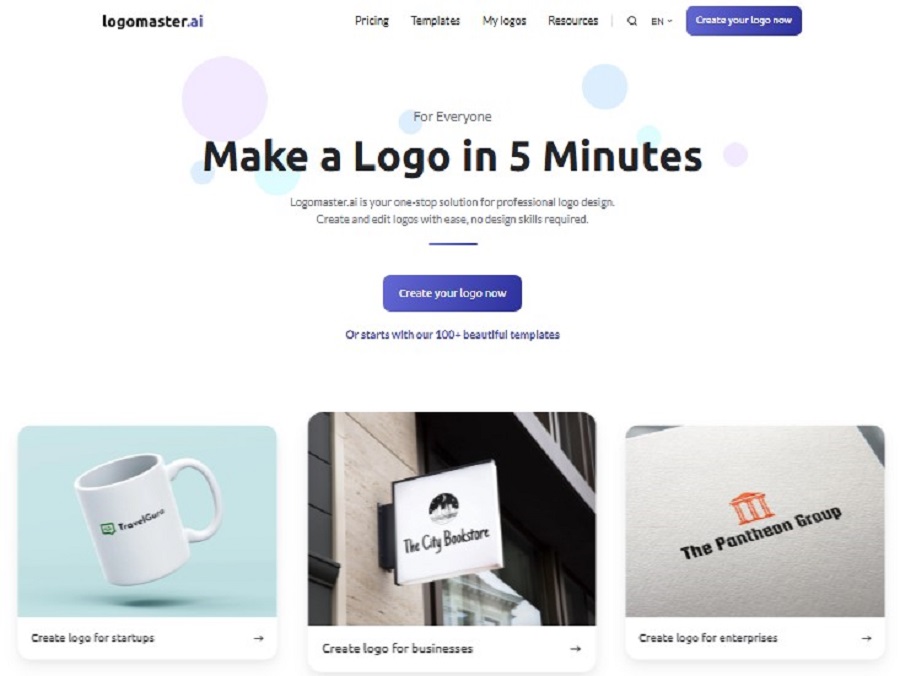
Logomaster.ai does what the advertising slogan promises: You can create a logo here in just 5 minutes – I’m thrilled!
The workflow is extremely simple: You enter the desired company name and, optionally, a slogan, select reference logos, colors, and symbols that you like, and Logomaster creates the first designs.
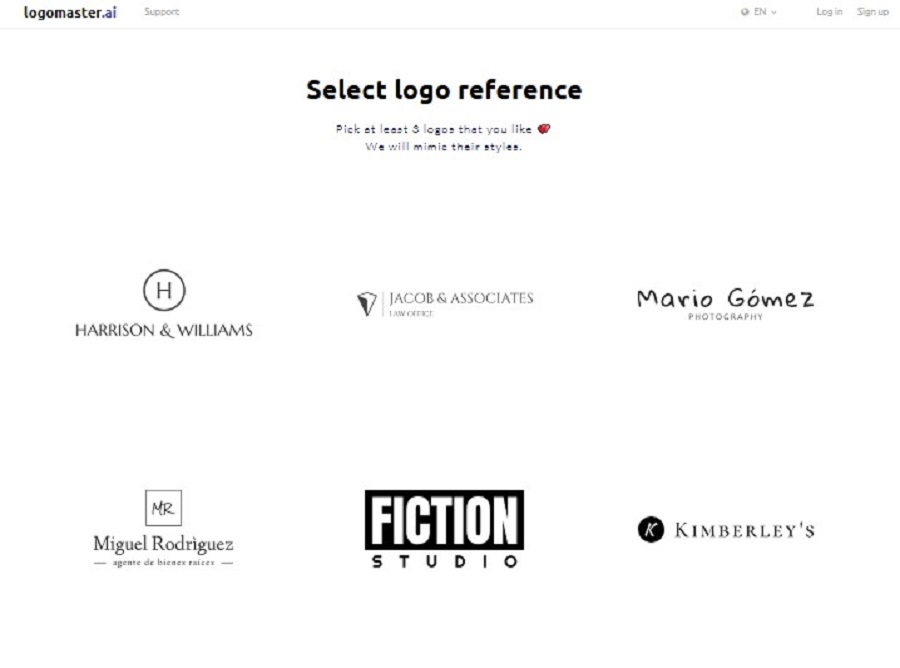
All selected settings and preferences can be changed at any time, giving you maximum flexibility and allowing you to experiment with colors, fonts, and symbols.
Logomaster.ai has developed a clever method to get you to buy: the logo creation is free, user-friendly, and very well done. You only have to pay when satisfied with the result and want to download your logo.
The price is in the middle range: for €29, you get high-resolution files, especially for digital use. From €79 or €129, you also get print files, unlimited logo changes, and up to five logo variations.
Wix Logo Maker
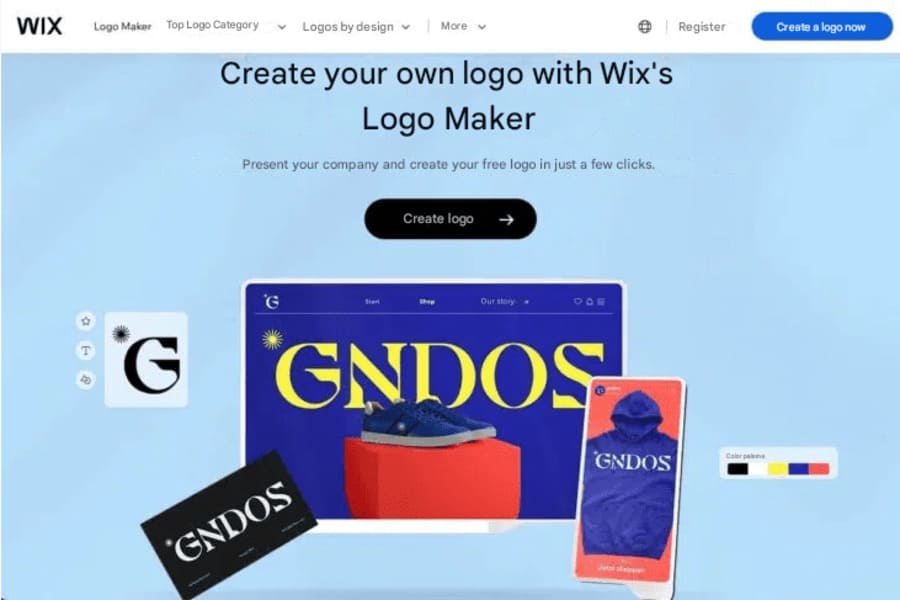
Wix Logo Maker uses AI to create personalized logo suggestions based on user responses. The process begins with entering your brand name and a rough classification of your industry, hobby, etc. You will then be shown five logos to compare and indicate which one you like better so that Wix can learn about your preferences.
The personalized suggestions and extensive customization options allow users to create a logo closely aligned with their brand identity. You can select from various styles, colors, fonts, and symbols to customize your logo exactly how you want. The customization options are very good, but the design is standard and common.
If you choose a package that allows you to download your logo, you will receive full commercial use rights. You can use your logo anytime, anywhere.
For €23.80, you get eight high-resolution image files. However, you only get fully scalable files for €59.48.
Fiverr Logo Maker
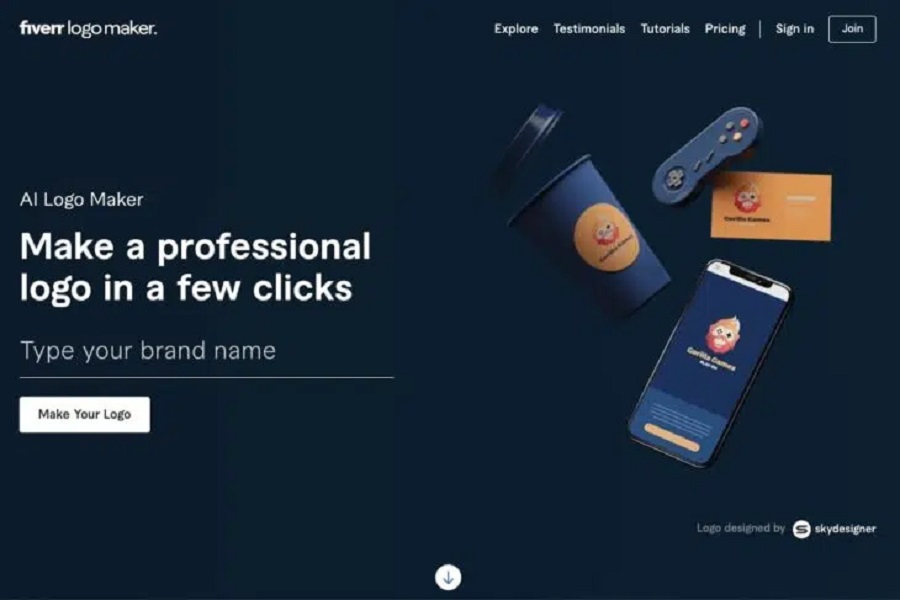
With Fiverr Logo Maker, you can personalize your logo with your brand name and slogan, choose an industry that suits your business, and set your logo’s style with sliders.
You can also change your logo’s colors, fonts, and layouts. You can choose the style you want your logo created in during the creation process, such as Minimalist, Hand-Drawn, 3D, Geometric, Vintage, or Cartoon.
The selection differs from conventional logo generators, but the style is only sometimes recognizable. You can purchase the image rights with Fiverr’s cheapest package. However, fully scalable files only start at $60.
LogoAI
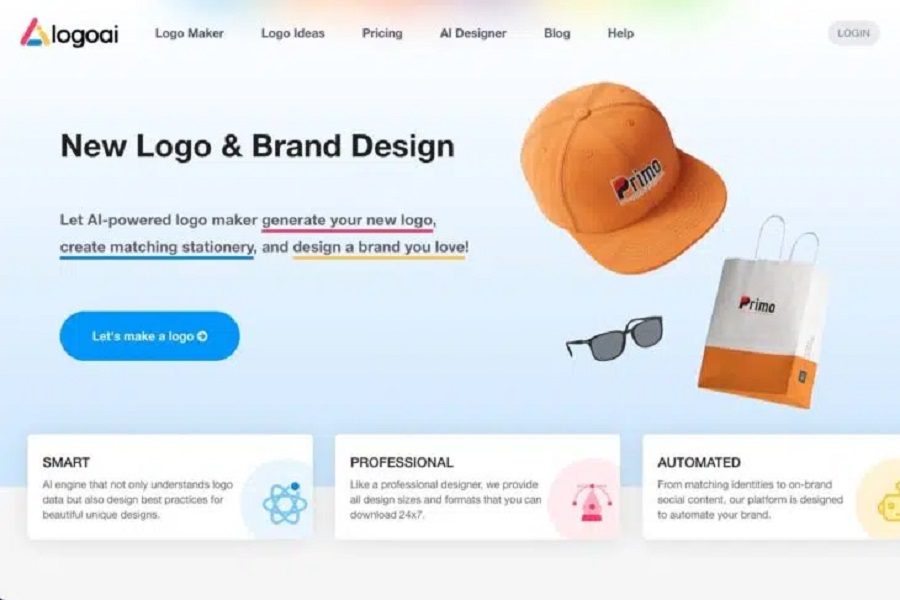
LogoAI is easy to use and affordable, with really good results. The process is simple and well-structured, similar to other logo generators. The various editing functions after the logo has been created are particularly impressive.
You have 3 days to change the name and icons after purchasing the logo. However, you will receive high-resolution vector files only with the Pro plan, which costs $59.
Unfortunately, nothing is said about image rights, so entrepreneurs should treat this with caution or contact support accordingly.
Brandmark
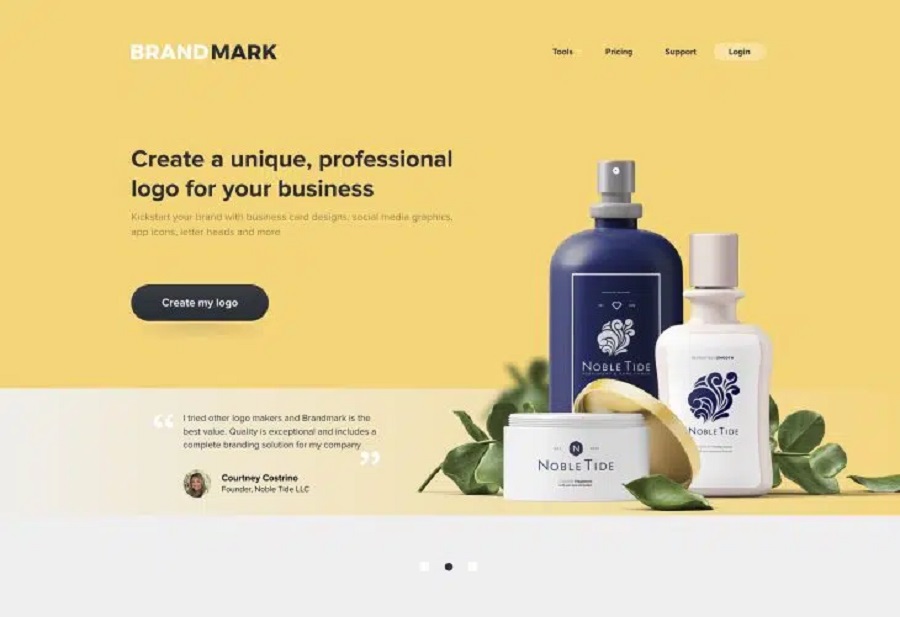
Brandmark is another AI-based logo generator ideal for users without design knowledge. You can create professional-looking logos in just a few minutes by completing a short questionnaire. Although Brandmark does not reinvent the wheel, it allows you to generate attractive text logos in no time.
The process is simple and well-structured, similar to other logo generators. The “Ideas” feature shines by presenting the selected design in different colors, fonts, symbols, and layouts. While creating a completely new logo might still be necessary, the displayed variations make it easier for users to feel confident in their choices or make small adjustments.
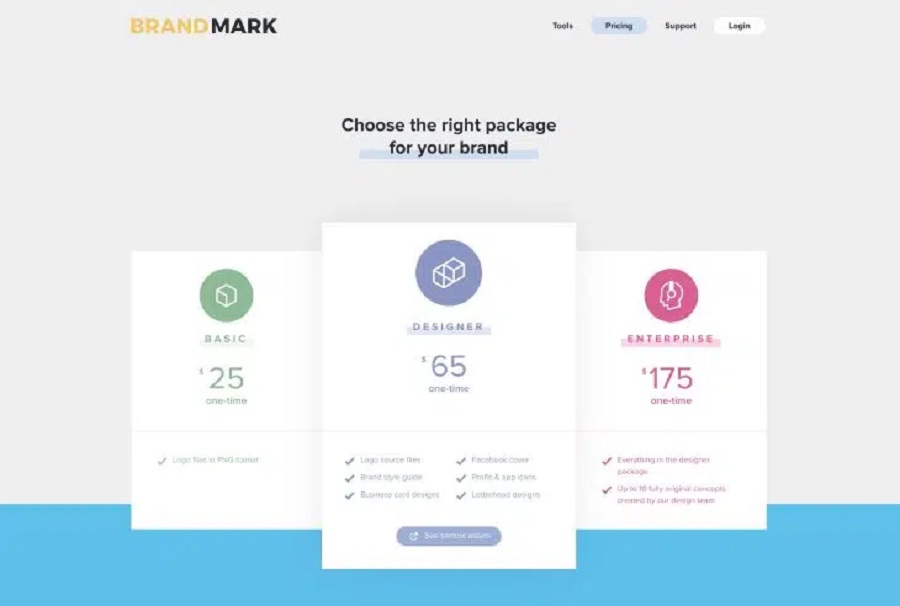
However, if you want full control over your logo, including a style guide, profile icons, and other extras, consider the Designer package for $65 – still a fair price.
Also Read: Best AI Website Builders
Ideogram
Ideogr m is not a real logo tool, but it is currently the best tool for creating images with text, which many other AI image generators need to work better, or only after many attempts.
For example, it is very suitable for stickers, posters, T-shirts, and for creating text logos or logos where text plays an important role.
The ideogram is easy to use and clear. Ideogram’s homepage is reminiscent of Pinterest. In a gallery, you can see what others have created and get inspiration:
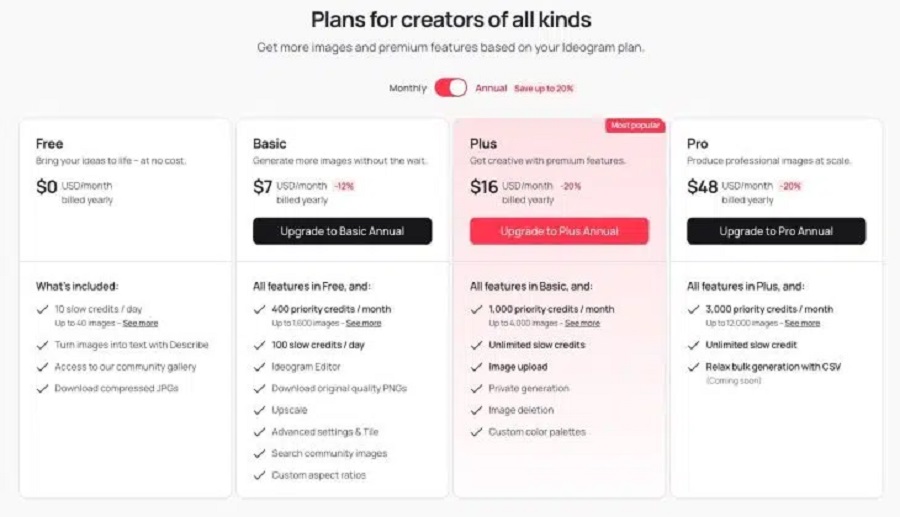
Ideogram is free to use with 10 daily credits (up to 40 image generations). The basic plan costs $7 monthly and offers 400 “priority credits” monthly and 100 “slow credits” daily.
Unfortunately, nothing is said about image rights, so entrepreneurs should treat this with caution or contact support accordingly.

June 9, 2026

June 9, 2026

June 9, 2026

June 9, 2026

June 9, 2026