
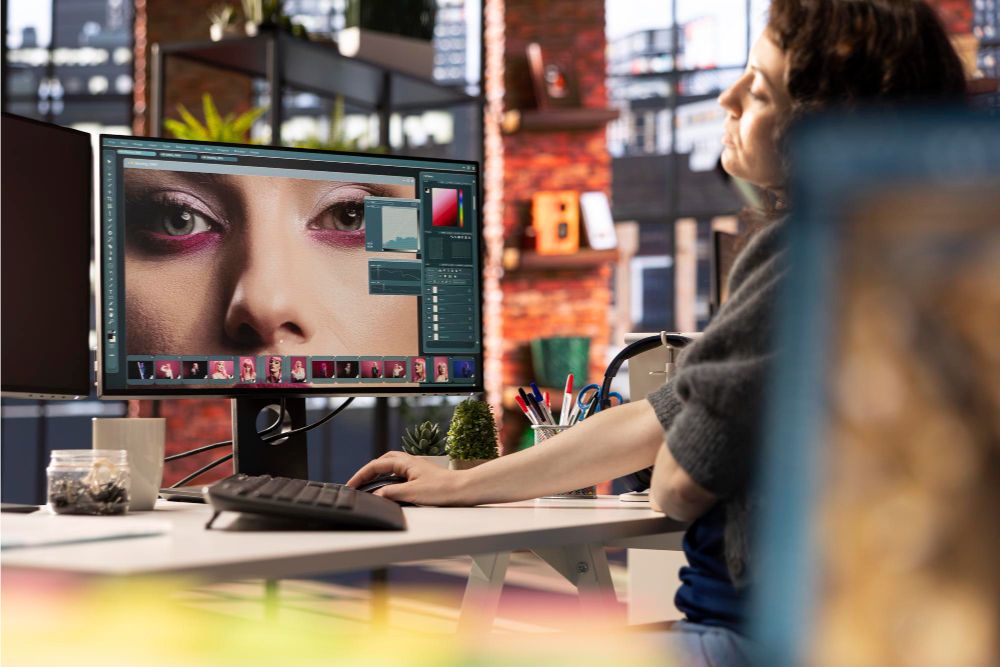
Many AI tools now make the image editing process much easier and can improve or change images with just a few clicks.
In this article, I’ll introduce you to eight brilliant AI image editors that you should try out.
How Can AI Help With Image Editing?
Maybe you asked:
“Artificial intelligence is all well and good. But how can such AI tools help me?”
That’s why, before we get to the tools, I’ve put together some possible uses of AI tools in image editing:
- Outpainting: A process of calculating how an image might continue at the edges to enlarge it (e.g., to add even more sky to a landscape photo)
- Inpainting: Inpainting involves adding missing, damaged, or blurred parts of an image.
- Style transfer: This involves transferring the style of one image to another. For example, you can use this to edit an image in the style of a famous painter or a specific era.
- Image fusion: This is where two images are made into one (e.g., a bear and a robot become a bear robot)
- background removal
- coloring black and white photos
- Upscaling: This increases the resolution of an image. Details are added using AI to prevent the image from looking pixelated.
- 2D to 3D : This converts a 2D image into a 3D image
In short, an AI image editor can help you take your photos to a new level. And usually with little effort.
The Best AI Image Editor in 2026
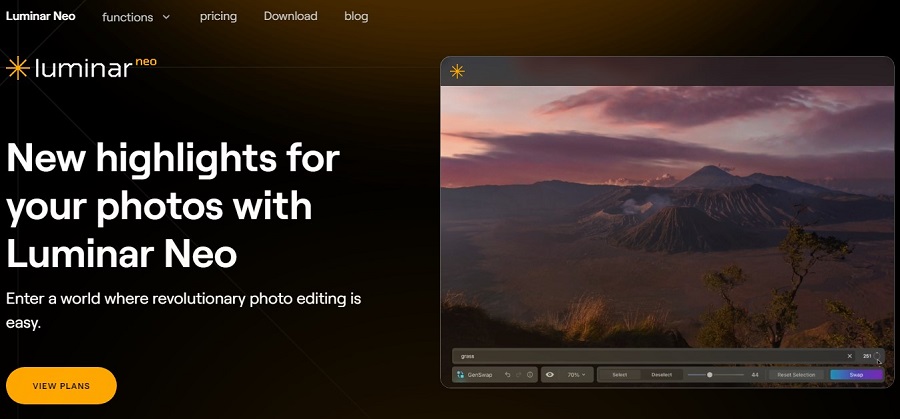
Luminar Neo
- Price: from 8.25 € / month
- AI functions: many different
Luminar Neo is an AI photo editor with over 30 great photo effects and editing features.
In my opinion, it is currently one of the best Photoshop alternatives for editing photos. Not only because it offers a wide range of functions, but also because you can significantly improve images with just a few clicks.
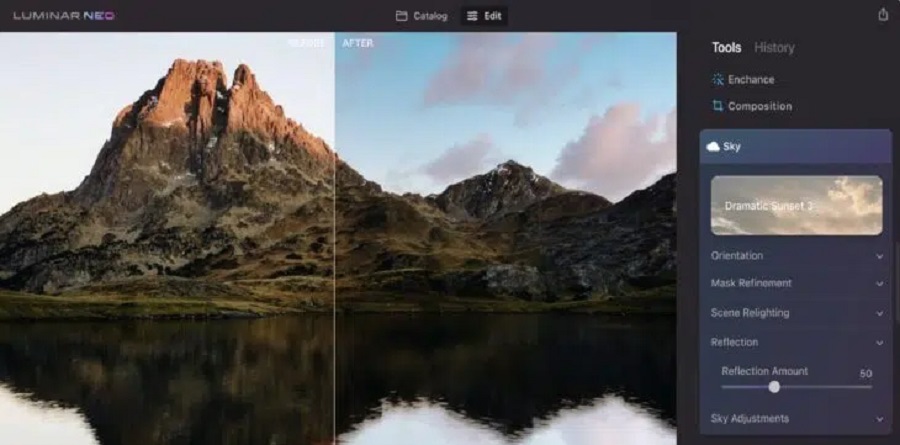
For example, you can completely replace the sky in a photo:
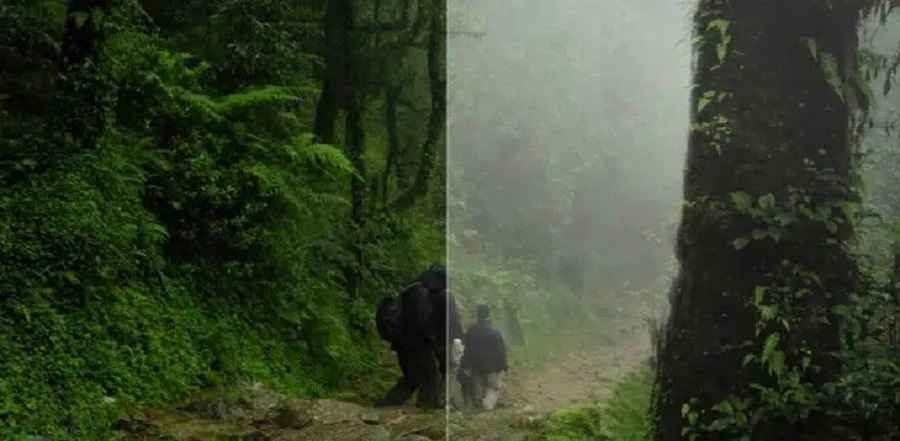
Or add fog:
Additional AI features include:
- exposure adjustment
- Adjust the depth of field
- improve skin imperfections
- background removal
- noise removal
Unlike Photoshop and many other professional tools, the user interface is clear and easy to understand, even for beginners.
Luminar Neo works as a standalone program or a plugin for Photoshop or Lightroom and is compatible with both Windows and Mac.
Magic Hour

- Price: from $15 / month
- AI functions: complex edits, style swaps, coloring images, merging images into one
Magic Hour has quickly become one of the more notable platforms in the AI creative space, especially for anyone who works heavily with photos. The AI image editor stands out for making both quick fixes and creative changes easy.
It supports JPG, JPEG, WEBP, PNG, and more image formats. You can export results at high resolution, making them suitable for both social content and professional visual work.
For example, you can change the angle of your photo:

Or do complex editing by changing the background, hair color, or clothes while maintaining the character consistent:

Additional AI features include:
- Corrective tools to fix lighting, remove blemishes, and refine details
- Facial adjustments
- Object and text replacement
- Style transformations
- Image merging
Magic Hour also includes a free plan, allowing new users to explore the platform and try out many of its AI features before upgrading.
Palette.fm
- Price: Freemium, starting at $0.14 / image
- AI functions: coloring images
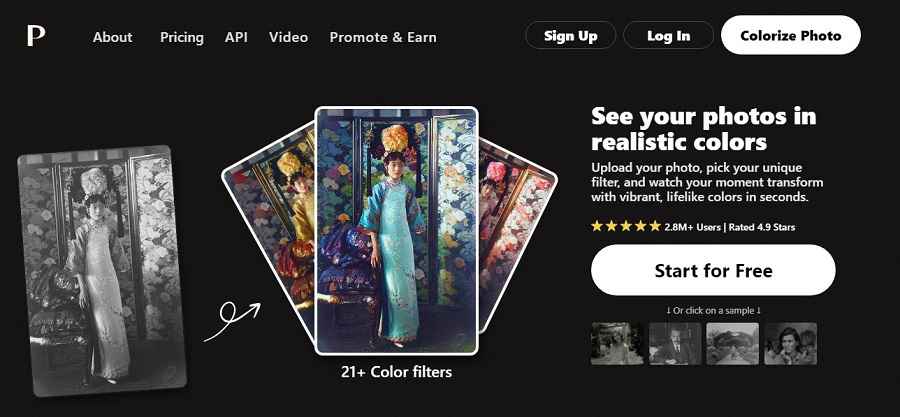
Palette.fm is an AI photo editor that lets you colorize black-and-white images and videos.
And the tool does that well. This is the original image in black and white:
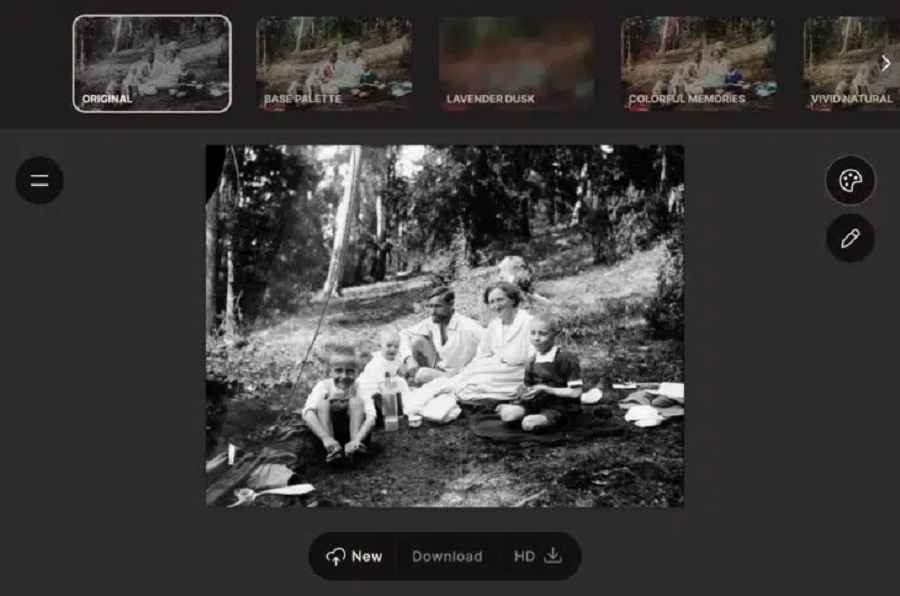
This is the colored image:
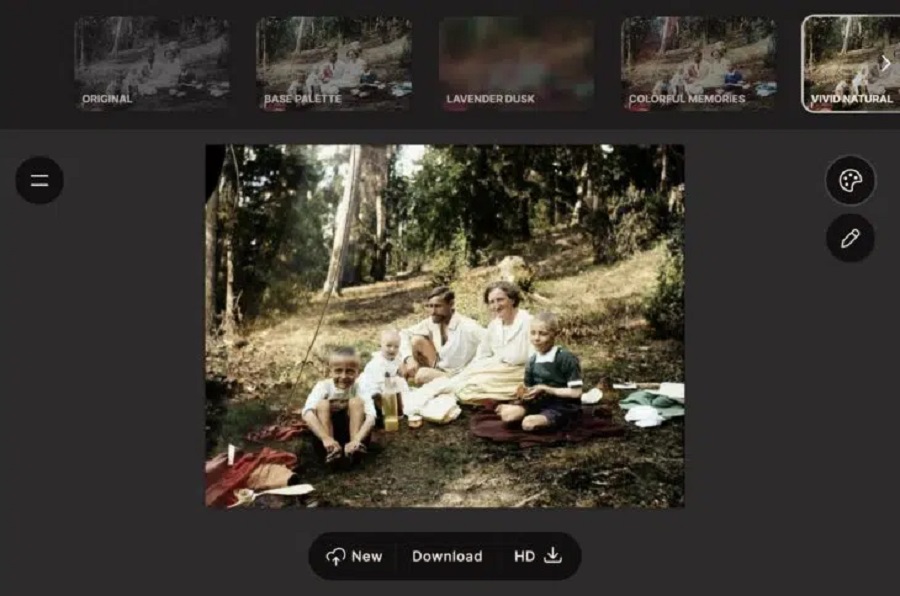
You can apply up to 20 different filters.
Canva
- Price: from approx. 9 € / month
- AI functions: background removal, inpainting
Canva now offers not only an AI image generator but also various AI functions for editing images:
- a background remover
- a magic eraser
- Magic Edit (for inpainting)
For example, you can replace objects in your photos with new objects with Magic Edit.
To do this, move the brush over an area and describe what you want to change. The photos are then automatically adjusted and transformed.
The only disadvantage:
Unfortunately, AI features are not included in the free version of Canva; they are available only on the Pro plan.
Runway

- Price: Freemium, starting at $12 / month
- AI functions: many different
Runway is a big name in AI and has become a market leader in the image and video sector over the last 4 years.
With its Gen-1 and Gen-2 models, for example, it has set new standards in AI video generation.
In addition to its research work, Runway offers a platform with 30+ different AI tools, including not only an AI image generator and an AI video generator but also numerous image editing tools:
- The expansion of images (in all directions)
- style changes
- The removal of people or objects from images
- The animation of 2D images
- Modifying existing images using text commands
- Coloring black and white images
- Creating variations of an image
- Replacing or removing backgrounds
- upscaling of images
- and much more
The platform is free to use. However, you only have 125 credits available.
To purchase more credits, you must upgrade to the Standard plan, which costs $12 monthly.
Topaz Labs
- Price: $199.99 one-time (bundle)
- AI functions: many different
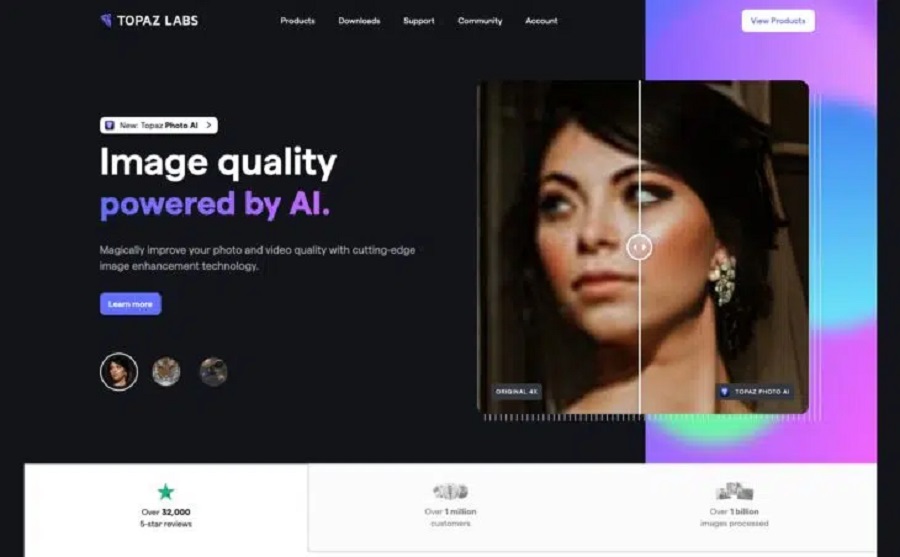
Topaz Labs is a software suite that includes various image editing tools that can be purchased separately or as a bundle:
- Gigapixel AI (for upscaling)
- Sharpen AI (for sharpening an image)
- DeNoise AI (for removing image noise)
- Photo AI (all-in-one tool for automatic image enhancement)
The tools are self-explanatory and usually produce good results with just a few clicks.
Topaz Labs’ editing quality is very good and comparable to Luminar Neo’s.
Slazzer
- Price: Freemium
- AI features: Remove background
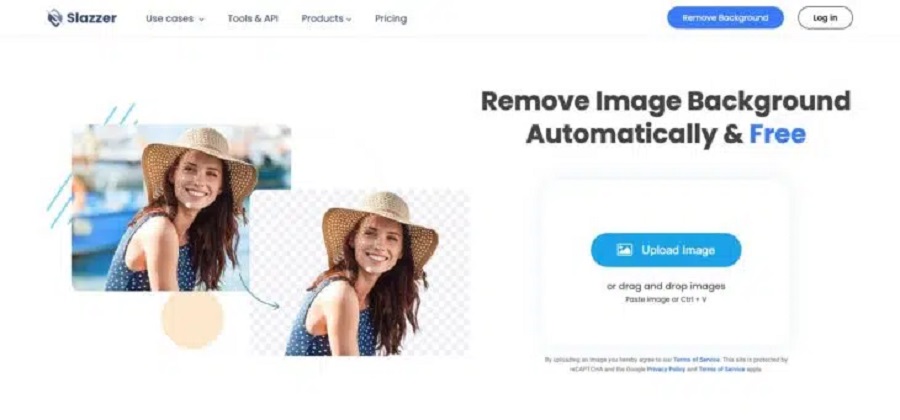
Slazzer is an easy-to-use online automatic background removal tool.
It supports JPG and PNG images with a maximum size of 12 MB and a resolution of 25 megapixels (e.g., 6,250 x 4,000 pixels).
Slazzer is easy to use and requires no prior knowledge or experience in image editing. Simply upload the image by dragging it into the field or browsing your computer to choose one.
The low-resolution download is free. For HD resolution, you have to buy credits.
Lensa

- Price: Freemium
- AI features: various portraits
Along with Facetune, Lensa is one of the most popular apps for enhancing portrait photos for use as profile pictures on LinkedIn, Instagram, or a dating portal, for example.
It offers the following AI functions:
- Changing the background
- cosmetic corrections, e.g., whiter teeth
- change hair color
- Apply art styles (e.g., cartoon characters)
Lensa is available for iOS and Android; the basic version is free.
Artbreeder
- Price: Freemium, starting at $8.99 / month
- AI features: various portraits
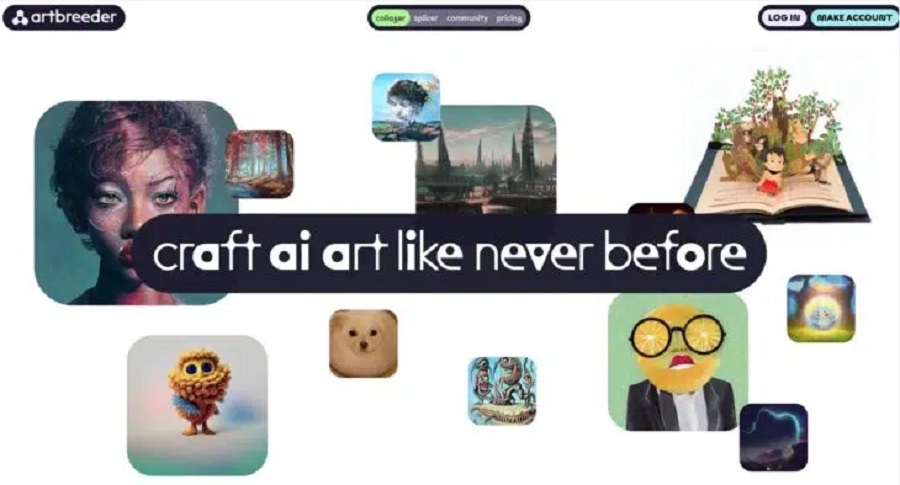
Artbreeder is an AI tool that offers three exciting features:
- Collager is an AI image generator that can generate an image based on a drawing and a prompt.
- Splicer is a tool that lets you “remix” image styles and change their properties. For example, you can make people in photos more female, male, younger, or older, or change their facial expressions:
- Outpainter is a tool that allows you to extend an image beyond its edges.

June 9, 2026

June 9, 2026

June 9, 2026

June 9, 2026

June 9, 2026