
Eraser
VerifiedAI diagramming for engineering teams, with diagrams stored as code alongside docs
 See all screenshots
 - Deployment Cloud Based, SaaS
- Starting price Free
- Free trial Available
- Best for Freelancers, Small Business, Medium Business
What is Eraser?
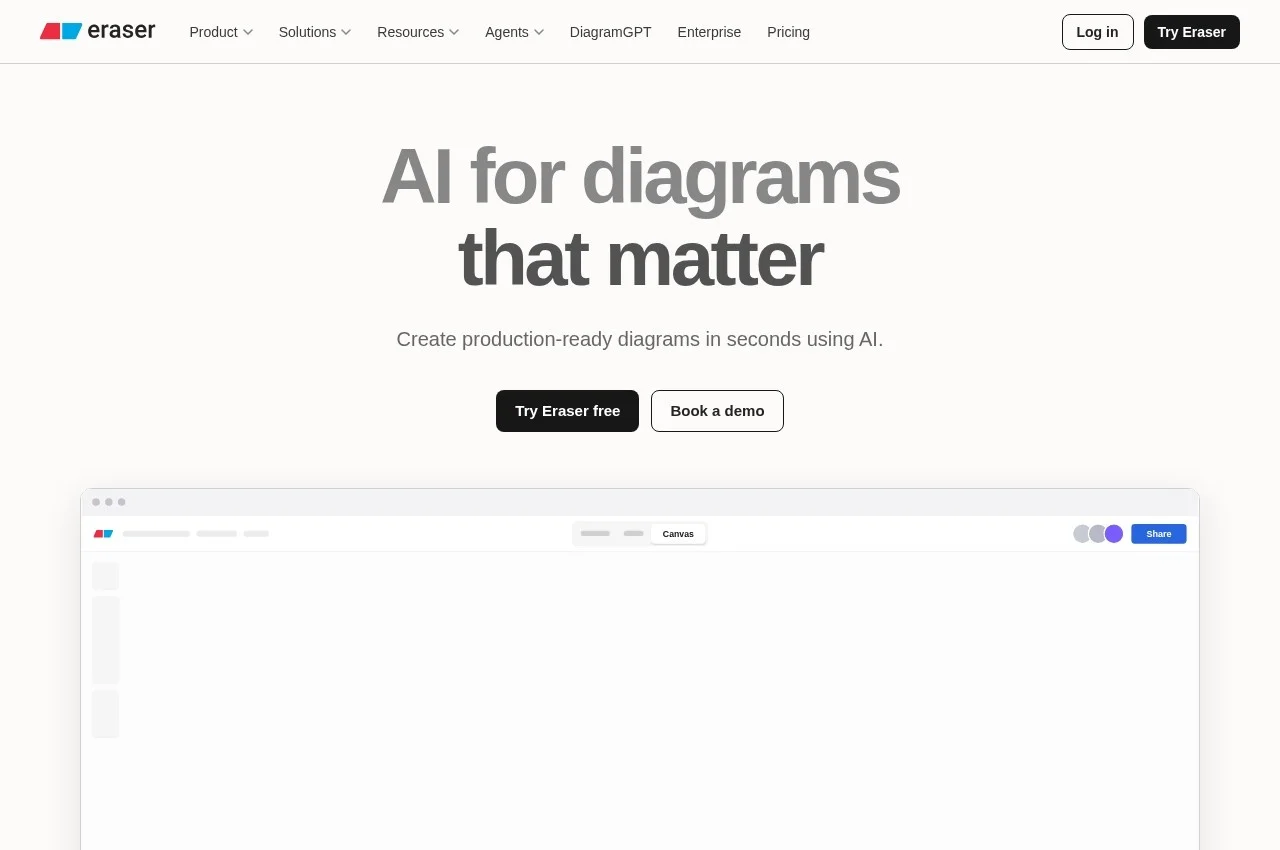
Eraser generates production-ready technical diagrams from AI prompts, aimed at architecture and process teams, DevOps, technology consultants and software engineers. It provides DiagramGPT, a free diagram maker, a Git diagrammer, markdown notes, and integrations with GitHub, Notion, Confluence and VS Code, plus agent integrations and an MCP client catalogue.
Targeting engineers rather than general business users is what shapes the product, and the consequence is that diagrams are treated as artefacts that live beside code. A software architecture diagram is wrong within weeks of being drawn, and the only diagrams that stay accurate are the ones stored where the code is, reviewed when the code changes, and editable by the person making the change rather than by whoever owns the drawing tool.
The Git diagrammer follows that reasoning to its conclusion, generating diagrams from the repository itself rather than from someone's recollection of it.
Publishing an MCP client catalogue and agent integrations positions this for a workflow where the diagram is generated by an assistant reading the codebase, which is the natural end point of everything else the product does. A diagram nobody had to draw is the only kind that stays current, because the cost of regenerating it falls to nearly nothing.
Key Features of Eraser
- AI diagram generation from prompts
- DiagramGPT free tool
- Git diagrammer from repository contents
- Diagrams as code
- Markdown notes alongside diagrams
- GitHub, Notion, Confluence and VS Code integrations
- MCP client catalogue and agent integrations
- Custom icons and file management
- API calls on paid tiers
- Team collaboration
- Free tier with published upgrades
Eraser Pricing
Free
Free
For getting started. Includes markdown notes and GitHub, Notion, Confluence and VS Code integrations.
Starter
$15
Billed annually, or 20 dollars monthly. For advanced collaboration, adding files, 20 custom icons and API calls.
Eraser Specifications
- Deployment
- Cloud Based
- SaaS
- Desktop
- Web App
- Built for
- Freelancers
- Small Business
- Medium Business
- Large Enterprise
- Support
- Knowledge Base
- Public API
- Yes
- Free trial
- Yes
- Free plan
- No
- Runs in browser
- No
- Customisable
- No
- Website
- eraser.io
Eraser Screenshots
Eraser Comparisons

Used Eraser? Write the first review.
Eraser FAQs
Alternatives to Eraser
Other AI Diagram Generator recorded on the same fields.