
AI whiteboard with over 100 agents, offering a lifetime licence alongside subscriptions
3 tools compared
Best AI FlowChart Generator
With AI FlowChart Generator, you can use artificial intelligence to create finished output from a short text prompt or a few simple inputs. Browse and compare the best AI FlowChart Generator options side by side by features, pricing, integrations, and verified user reviews to find the right fit for your needs.
AI FlowChart Generator Compared
Compare the 3 most relevant AI FlowChart Generator options on price, free trial and deployment.
| Product | Starting price | Free trial | Free plan | API | Deployment |
|---|---|---|---|---|---|
 Boardmix AI whiteboard with over 100 agents, offering a lifetime licence… Boardmix AI whiteboard with over 100 agents, offering a lifetime licence… | $5 | ✓ | – | ✓ | Cloud Based, SaaS |
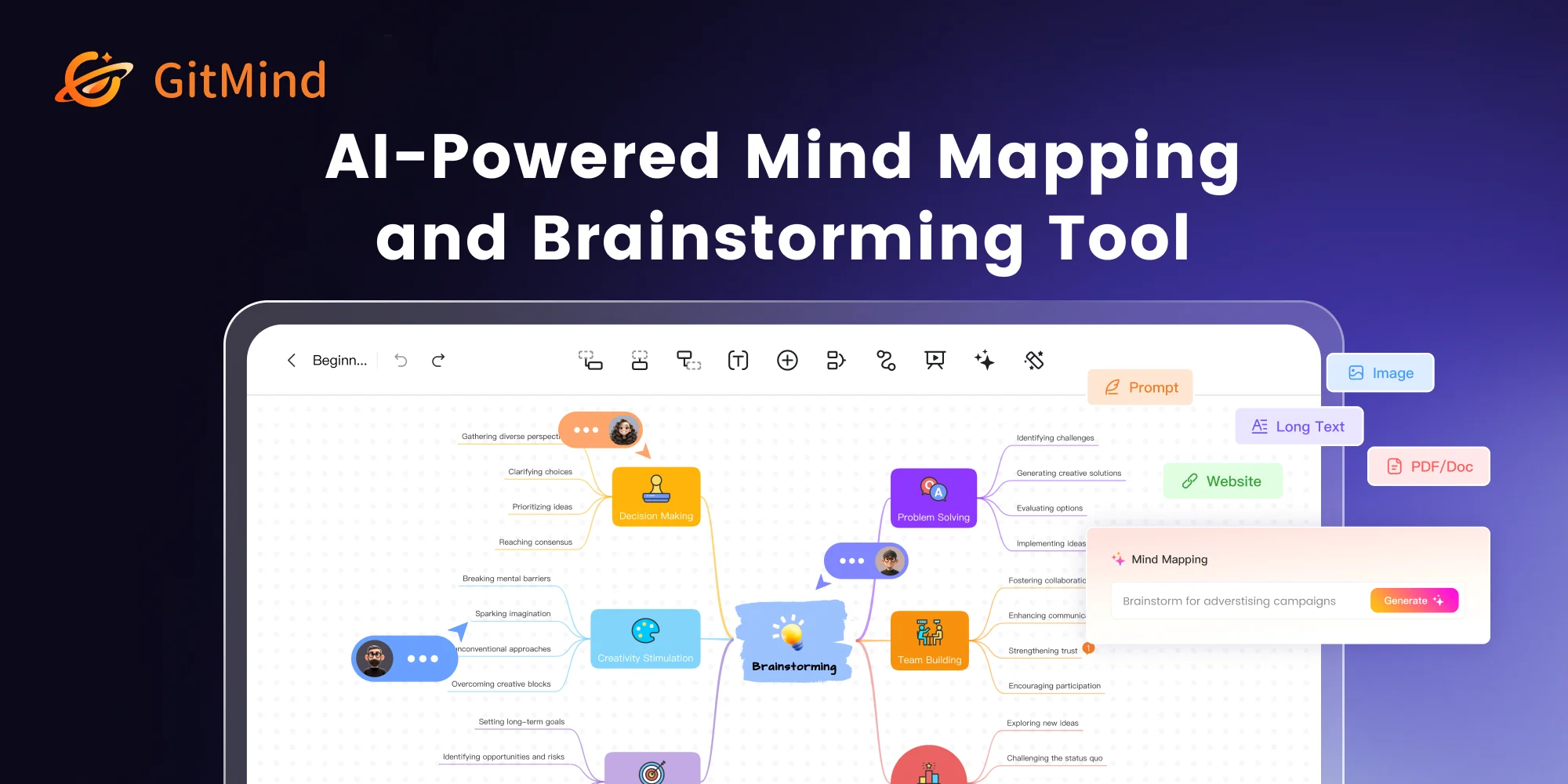 GitMind AI flowcharts and mind maps generated from articles, files, audio… GitMind AI flowcharts and mind maps generated from articles, files, audio… | $9 | ✓ | – | – | Cloud Based, SaaS |
 Eraser AI diagramming for engineering teams, with diagrams stored as code… Eraser AI diagramming for engineering teams, with diagrams stored as code… | $15 | ✓ | – | ✓ | Cloud Based, SaaS |
Your product in this list? Sponsored top-5 positions in AI FlowChart Generator from $19/month.
All Software
3 Best AI FlowChart Generator Options
Showing 1 - 3 of 3 products
Boardmix is an AI collaboration whiteboard covering flowcharts, mind maps, entity relationship and UML diagrams, organisational charts, architecture diagrams, customer journey maps, business model canvases and scrum boards, with more than 100 AI agents and companion products in Pixso for interface design and Presenti for AI presentations.
Selling a lifetime licence alongside subscriptions is genuinely unusual now and it addresses a real reluctance. Diagramming is intermittent work: someone needs it heavily for a fortnight and then not for months, and paying monthly through the quiet periods is what makes people cancel and lose their boards. A one-off purchase matches that usage pattern.
Providing structured templates for named business frameworks, rather than only shapes, is the difference between a drawing tool and a thinking tool. A blank canvas and a business model canvas prompt entirely different work, and most people reaching for a diagram want the second.
Positioning Pixso as a Figma alternative and Presenti as a Gamma alternative is direct rather than coy, which tells a buyer exactly what is being offered and against whom to evaluate it. Naming the incumbent is a claim about price rather than capability, and it should be read that way.
Explore additional details
Explore various Keka features, compare the pricing plans, and unlock the potential of seamless operations by selecting the right software for your business.
Features
View all Boardmix Features- AI flowchart generation
- Mind mapping
- ER and UML diagrams
- Organisational and architecture diagrams
- Business model canvas and SWOT templates
- Customer journey mapping
- Scrum boards and brainstorming
- Over 100 AI agents
- Version history
- Team collaboration
- Pixso interface design tool
- Presenti AI presentation maker
Pricing
Boardmix Caters to
- StartUps
- SMEs
- Agencies
- Enterprises
AI flowcharts and mind maps generated from articles, files, audio and images
GitMind generates flowcharts, entity relationship diagrams, sequence diagrams and UML charts alongside AI mind maps built from a one line prompt, an article, a file, audio, an image or a spreadsheet. It adds summarising tools for books, PDFs, articles and spreadsheets, an infographic generator, translation, quiz generation and AI chat, running across several underlying models including ChatGPT, Gemini, Claude and DeepSeek.
Generating a diagram from an existing document rather than from a prompt is the more useful capability of the two, and it is the harder one. Describing a process well enough for a model to draw it is nearly as much work as drawing it; pointing at a specification already written and getting its structure back is genuine leverage, because the document exists and nobody has read it carefully.
Audio to mind map addresses the recording nobody revisits. A meeting or lecture recording is effectively write-only, and turning it into a structure that can be scanned is what makes it worth having captured.
Supporting several underlying models is worth noting for a practical reason: capability differs between them by task, and being able to change model without changing tool is a hedge a single model product cannot offer.
Explore additional details
Explore various Keka features, compare the pricing plans, and unlock the potential of seamless operations by selecting the right software for your business.
Features
View all GitMind Features- AI flowchart generation
- ER diagram builder
- Sequence diagram generator
- UML chart maker
- AI mind maps from a one line prompt
- Article, file, audio, image and spreadsheet to mind map
- Book, PDF and article summarising
- AI infographic generator
- PDF translation
- AI quiz generation
- Multiple underlying models including ChatGPT, Gemini, Claude and DeepSeek
- Cross platform sync
Pricing
GitMind Caters to
- StartUps
- SMEs
- Agencies
- Enterprises
AI diagramming for engineering teams, with diagrams stored as code alongside docs
Eraser generates production-ready technical diagrams from AI prompts, aimed at architecture and process teams, DevOps, technology consultants and software engineers. It provides DiagramGPT, a free diagram maker, a Git diagrammer, markdown notes, and integrations with GitHub, Notion, Confluence and VS Code, plus agent integrations and an MCP client catalogue.
Targeting engineers rather than general business users is what shapes the product, and the consequence is that diagrams are treated as artefacts that live beside code. A software architecture diagram is wrong within weeks of being drawn, and the only diagrams that stay accurate are the ones stored where the code is, reviewed when the code changes, and editable by the person making the change rather than by whoever owns the drawing tool.
The Git diagrammer follows that reasoning to its conclusion, generating diagrams from the repository itself rather than from someone's recollection of it.
Publishing an MCP client catalogue and agent integrations positions this for a workflow where the diagram is generated by an assistant reading the codebase, which is the natural end point of everything else the product does. A diagram nobody had to draw is the only kind that stays current, because the cost of regenerating it falls to nearly nothing.
Explore additional details
Explore various Keka features, compare the pricing plans, and unlock the potential of seamless operations by selecting the right software for your business.
Features
View all Eraser Features- AI diagram generation from prompts
- DiagramGPT free tool
- Git diagrammer from repository contents
- Diagrams as code
- Markdown notes alongside diagrams
- GitHub, Notion, Confluence and VS Code integrations
- MCP client catalogue and agent integrations
- Custom icons and file management
- API calls on paid tiers
- Team collaboration
- Free tier with published upgrades
Pricing
Eraser Caters to
- StartUps
- SMEs
- Agencies
- Enterprises
AI FlowChart Generator Buyer's Guide
Picking AI FlowChart Generator is mostly a question of fit rather than feature count, since most credible options cover similar ground differently. What follows is a practical breakdown of features, buyers, cost, and the questions worth putting to a vendor.
What is AI FlowChart Generator?
AI FlowChart Generator helps teams produce, edit, and publish visual, video, or interactive creative work. The practical gain is consolidation: information that would otherwise sit across spreadsheets and email threads stays in one place and stays current. A tool worth keeping is one that does not need replacing the moment your requirements grow.
Key features to look for in AI FlowChart Generator
Treat the list below as a checklist rather than a requirement set, since not all of it will apply to you.
- Creation and editing tools for the medium
- Layer, timeline, or scene based composition
- Effects, filters, and transformations
- Asset library and reusable elements
- Preview and rendering
- Export to the formats your channels need
- Collaboration and review workflows
- Version history on creative files
Benefits of using AI FlowChart Generator
Where the fit is right, reported gains from AI FlowChart Generator usually include:
- Professional output without a specialist studio
- Consistent look across a body of work
- Faster turnaround through reusable assets
- Feedback captured against the work itself
- Output ready for every channel you publish to
Who uses AI FlowChart Generator?
AI FlowChart Generator is used by designers, video editors, content creators, marketing teams, and studios. Fit is decided by how you work rather than how large you are.
How to choose the right AI FlowChart Generator
These are the practical considerations when comparing AI FlowChart Generator:
- Output quality and the formats you actually need to export
- Hardware requirements, since rendering is demanding
- Learning curve against your team’s existing skills
- Asset licensing terms for any included library content
- Collaboration and review if more than one person touches the work
Trial a small shortlist against genuine work rather than a vendor scenario, and let the people who will live in the tool lead that evaluation.
How much does AI FlowChart Generator cost?
Commonly a monthly or annual per seat subscription, with some perpetual licences still available. Render time, cloud storage, and stock assets are often extra. Map the pricing model to expected usage a year out rather than today, and confirm the capabilities you need sit in the tier you are pricing rather than one above it.
FAQs of AI FlowChart Generator
AI FlowChart Generator exists to run the admin behind creative production work, from records and bookings through to billing and compliance evidence.
You can use a general tool, but you will rebuild the creative production parts by hand that AI FlowChart Generator covers out of the box.
AI FlowChart Generator products are often designed around a particular scale, so ask directly what size of creative production operation the typical customer runs.
Before committing to AI FlowChart Generator, get specifics on what it imports from your existing creative production data and what you will re enter by hand.
Expect monthly per user or per location pricing for AI FlowChart Generator, with a premium over generic tools that reflects the smaller creative production market.
Evaluate AI FlowChart Generator against actual creative production work and let the eventual daily users lead that trial.