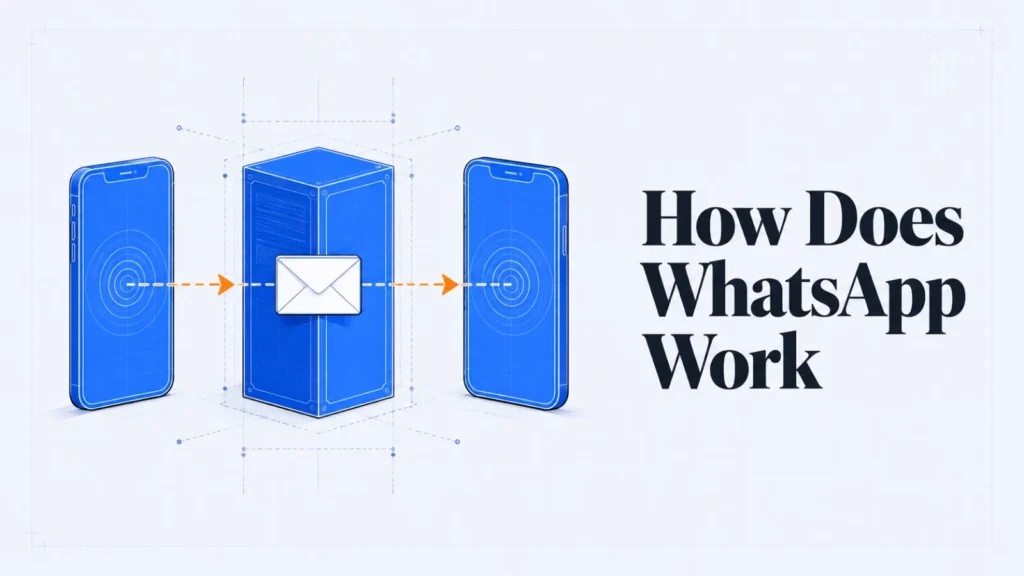
Ask this and half the answers start explaining protocols and server sockets.
That’s a different question. You want to know why it needs your number, whether it’s free, and who can read what you send.
The whole thing follows from one choice: your messages travel over the internet rather than the phone network. Understanding how does WhatsApp work starts there, because everything else is a consequence of it.
Key Takeaways
- Messages ride your data connection, so distance costs nothing.
- Your phone number is your account, which has consequences beyond convenience.
- Encryption protects messages in transit; a cloud backup can sit outside it.
The Short Version
It’s messaging that ignores the phone network entirely.
A text message travels through your mobile operator, which charges for it and charges more when it crosses a border. A WhatsApp message travels the same route as a web page, so the operator sees data rather than a message and bills you accordingly.
That’s the reason it spread. Sending a hundred messages to another country costs the same as loading a few web pages, which in most plans is nothing you’d notice.
How It Compares to a Text Message
The differences all trace back to which network carries the message.
| Text message | ||
|---|---|---|
| Carried by | Your mobile operator | Your internet connection |
| Cost abroad | Usually charged extra | The same as at home |
| Encryption | Readable by the operator | Readable only at both ends |
| Needs signal | Yes, a mobile signal | No, wifi is enough |
| Delivery proof | None by default | Ticks, including read receipts |
The encryption row is the one people underestimate. A text message passes through your operator’s systems in a form they can read and are often required to retain.
Why It Wants Your Phone Number
It uses your number as your identity, and that decision shapes the rest of the app.
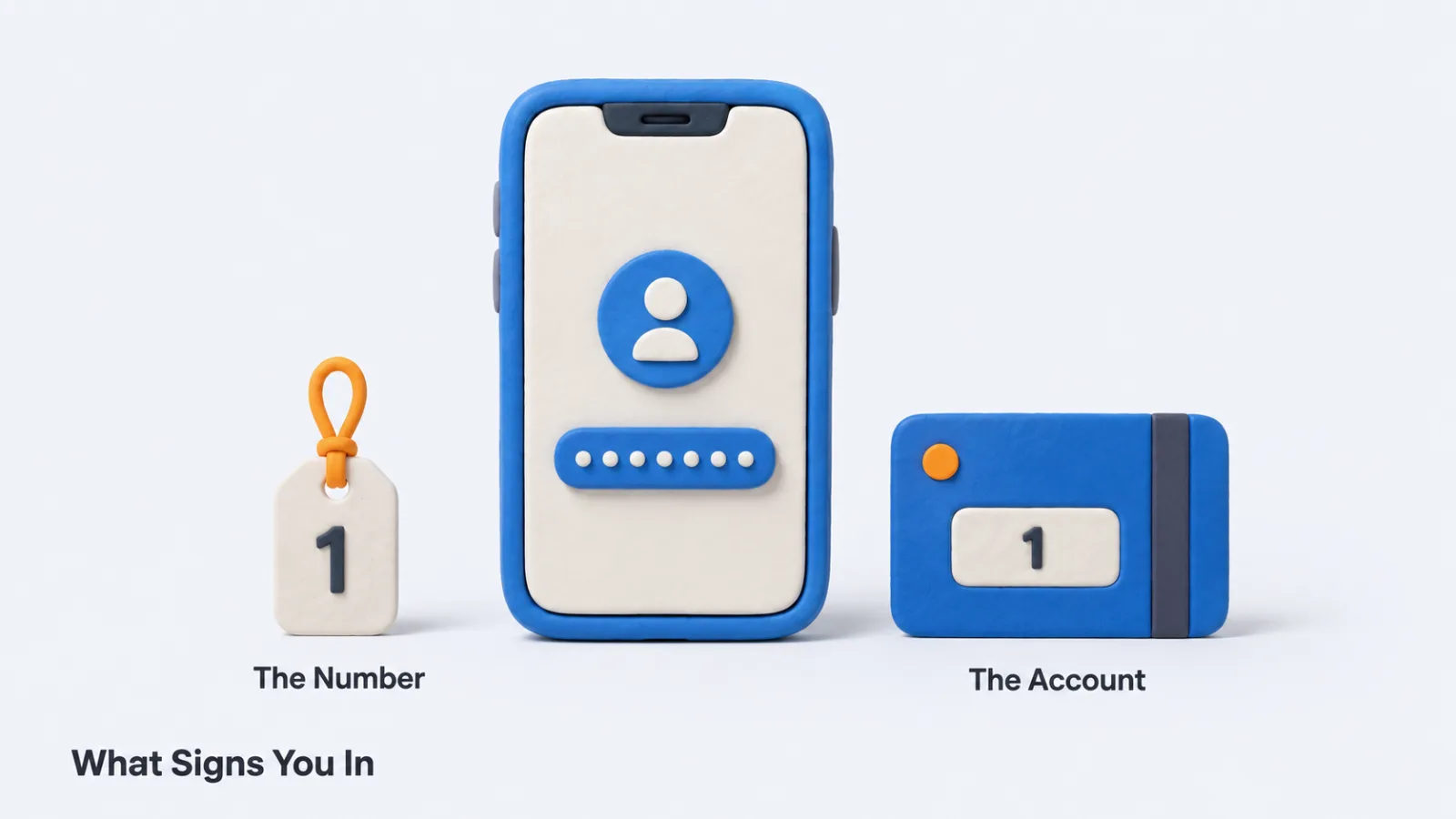
There’s no username to invent and no password to forget. You prove the number is yours once with a code, and the account is that number from then on.
What That Choice Costs You
Convenience on one side, three consequences on the other.
Your contact list fills itself by matching numbers against registered accounts, which is why the app knows who you know before you tell it. Anybody holding your number can message you, and that includes people you’d rather not hear from.
Changing numbers means migrating the account deliberately. Letting an old number lapse and be reissued hands your account to whoever receives it next, which is a genuine and under-appreciated risk.
What Happens When You Send a Message
Three steps, and the middle one is briefer than people assume.
Your phone scrambles the message so only the recipient’s device can unscramble it, then sends it to WhatsApp’s servers. The server holds it only long enough to deliver it, and undelivered messages are queued for a limited window rather than kept indefinitely.
The recipient’s phone unscrambles it and stores it there. That’s why your chat history lives on your handset instead of in an account you can sign into from anywhere.
Reading the Ticks
The marks beside a message report exactly three things.
One tick means the server has it. Two ticks mean the recipient’s device has it. Two blue ticks mean the app was opened to the chat, which is the only one that tells you a person was involved.
Who Can Read What You Send
Only the two devices at either end, for the message itself.
End-to-end encryption means the scrambling happens before the message leaves your phone and the unscrambling happens after it arrives. Everything in between, including WhatsApp’s own servers, carries something it cannot read.
This is on by default and it covers messages, calls, photos and files. You don’t switch it on and you can’t switch it off.
The Backup Is Where That Stops
Here’s the part almost nobody mentions.
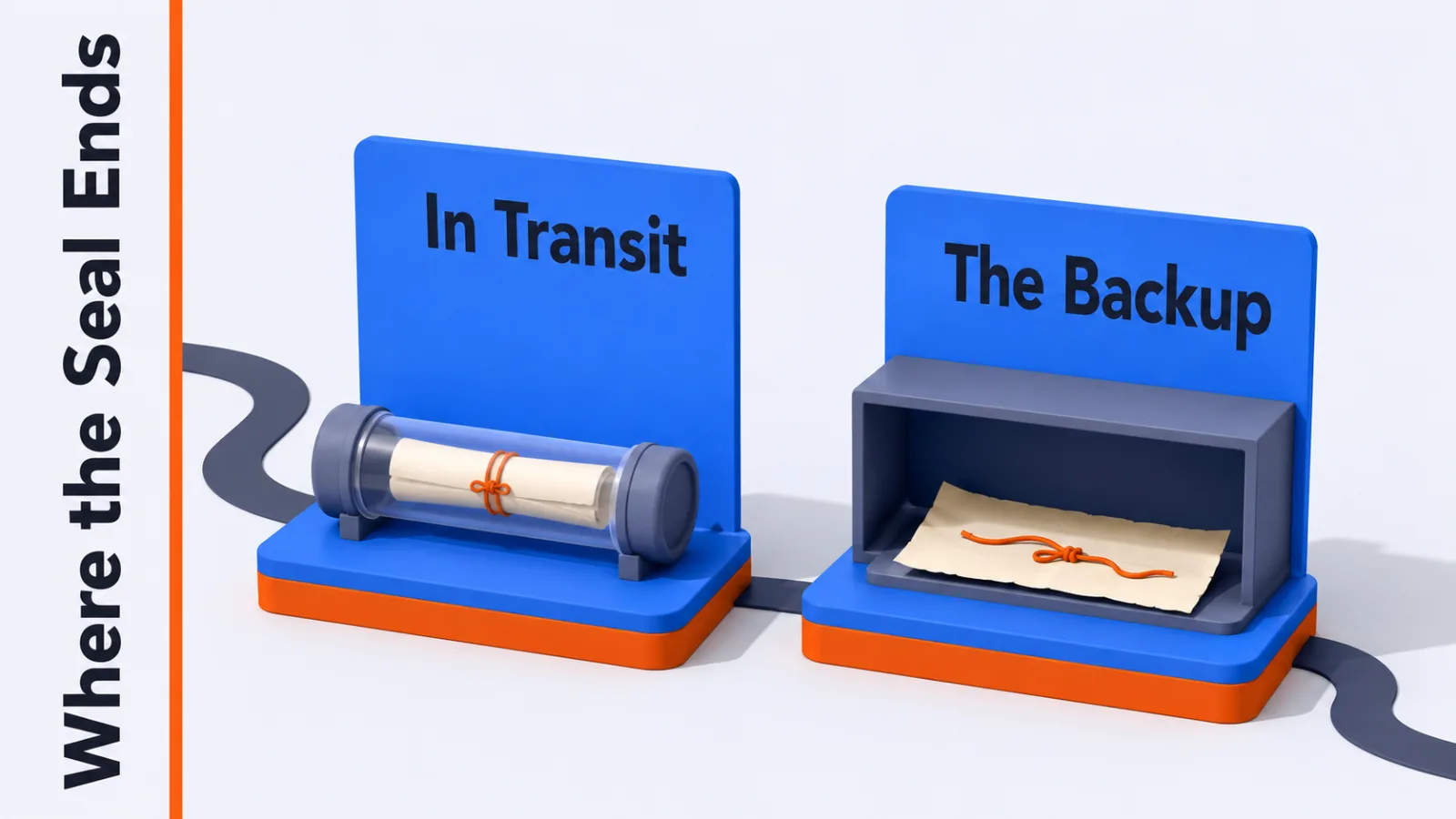
Your chat history is backed up to your phone maker’s cloud storage, and that backup is a separate copy governed by separate rules. Encryption protecting the message in transit says nothing about a copy sitting in cloud storage afterwards.
WhatsApp offers end-to-end encrypted backups, and they are not switched on by default. Until you turn that on, your backup is protected by your cloud account rather than by the app’s encryption.
It’s a two-minute change in the chat settings, and it closes the largest gap between what people assume about their messages and what is true.
Locking the Account Itself
Encryption protects your messages and does nothing to protect your account.
Because the account is a phone number, anyone who gains control of that number can register it elsewhere. That happens through a SIM swap, or simply through an abandoned number being reissued to a stranger months later.
Two-step verification is the answer, and it’s a PIN the app asks for when the number is registered on a new device. Without it, receiving one verification code is enough for somebody else to become you.
It takes a minute to set. That one change turns your number from a single point of failure into something that needs two things to break.
What Meta Can See Anyway
Not the contents, and more than nothing.
Records of who messaged whom, at what times, how often and for how long remain visible, because delivering a message requires knowing where to send it. So do your profile details, your device, and which groups you belong to.
That category is called metadata, and it describes the shape of your relationships without containing a single word you wrote. Whether that matters depends entirely on what you’re protecting against.
Calls, Groups and What Else It Carries
The same route handles everything else the app does.
Voice and video calls send audio and picture as data rather than through the phone network. That’s why call quality tracks your connection rather than your signal bars.
Group chats deliver a separate encrypted copy to every member, which is why the largest groups have limits.
Status posts, voice notes, documents and location sharing all travel the same protected path. The app has grown well past messaging without changing how any of it moves.
How It Makes Money
Not from ads in your chats, which is the assumption most people arrive with.
The revenue comes from businesses. Companies pay to send notifications, order updates and support conversations through the platform, and pay for the tools that manage those at volume.
That’s why the consumer app stays free and keeps getting business features. You are not the product being sold so much as the reason companies pay to be reachable.
What That Means for Businesses
Messaging has become a support channel with an expectation of speed attached.
A customer who messages a company expects a reply in minutes rather than the days an email allows, which is why automation carries most of the first response. Businesses handling volume route it through AI chatbot software and escalate what needs a person.
The wider shift is the same one behind social media customer support tools. People now ask for help wherever they already are, rather than visiting a contact page.
Using It on a Computer
The desktop version is a mirror rather than a separate account.
Your phone remains the account, and the browser or desktop app shows what it holds. That relationship, and the reason it sometimes needs your phone nearby, is covered in WhatsApp Web.
Questions People Ask About WhatsApp
Is WhatsApp free to use?
The app costs nothing and the messages cost nothing beyond the data they use. That data comes out of your mobile allowance or your wifi, which is why a message abroad costs the same as one sent next door.
Can WhatsApp read my messages?
Not the contents. End-to-end encryption means the message is scrambled on your device and unscrambled on the recipient’s, so the servers in between carry something unreadable. The exception is anything you back up without encrypted backup turned on.
Why does WhatsApp need my contacts?
It matches the numbers in your phone against numbers already registered, which is how your contact list fills itself in. That matching is also why somebody can see you joined without you telling them.
What happens to my chats when I change phones?
They move only if you restore from a backup, because the messages live on your device rather than on a server. Skipping the backup step is the most common way people lose years of conversation.
Does WhatsApp work without a SIM card?
It runs fine without one afterwards, but setting it up needs a working number to receive the verification code once. After that the account rides on your internet connection.
Two Settings Worth Changing Today
Turn on encrypted backups, then check which of your details are visible to people outside your contacts.
Both live in the app’s settings and both take a couple of minutes. Between them they close the distance between what most people assume about WhatsApp and what is true.
The rest of how it works is a consequence of one decision made years ago: send messages over the internet, and identify people by their phone number. Everything above follows from that.
Add SocialAtoZ as a preferred source
See us more often in your Google results.