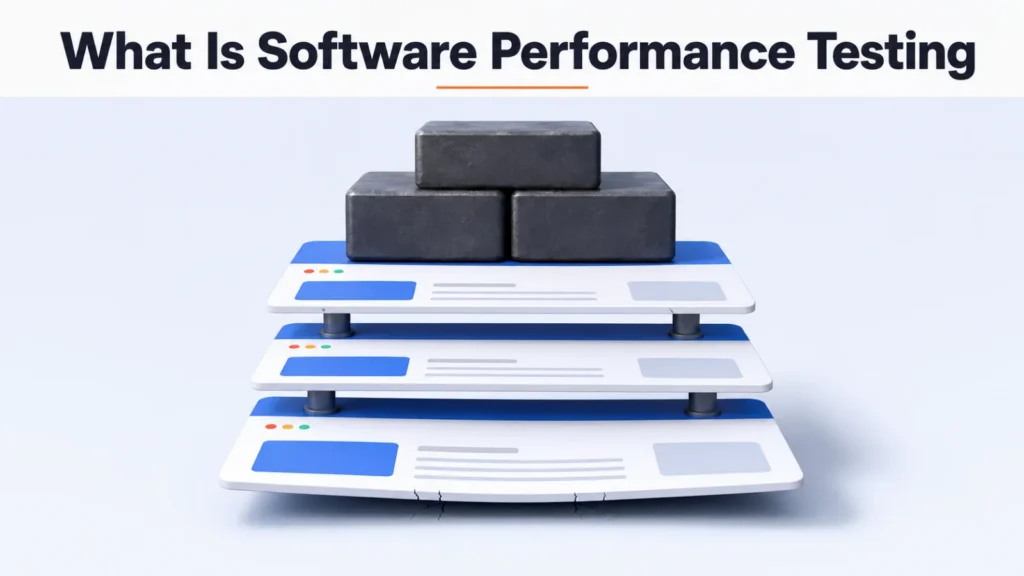
Load test, stress test, soak test. Three names, and teams pick between them like flavors.
They aren’t flavors. Each one describes the shape of the load you apply, which is a decision that comes second.
What comes first is the question you’re trying to answer, and the three tests answer three different ones. Understanding what software performance testing is starts there, because a test that answers a question nobody asked will pass and tell you nothing.
Key Takeaways
- The three test names describe the load, not the question you have.
- An average response time hides the failure the test exists to find.
- A test on an unrealistic environment produces a confident, useless number.
What Performance Testing Measures
Performance testing is the parent term, and the rest are types of it.
It measures how a system behaves under a given amount of work. Four things matter: how long responses take, how much work it gets through, what share of requests fail, and what the machine spends to do it.
Functional testing asks whether the software does the right thing. Performance testing assumes it does, and asks what happens when a thousand people ask at once.
The Three You’ll Be Asked About
Each applies load differently, and each exists to answer its own question.
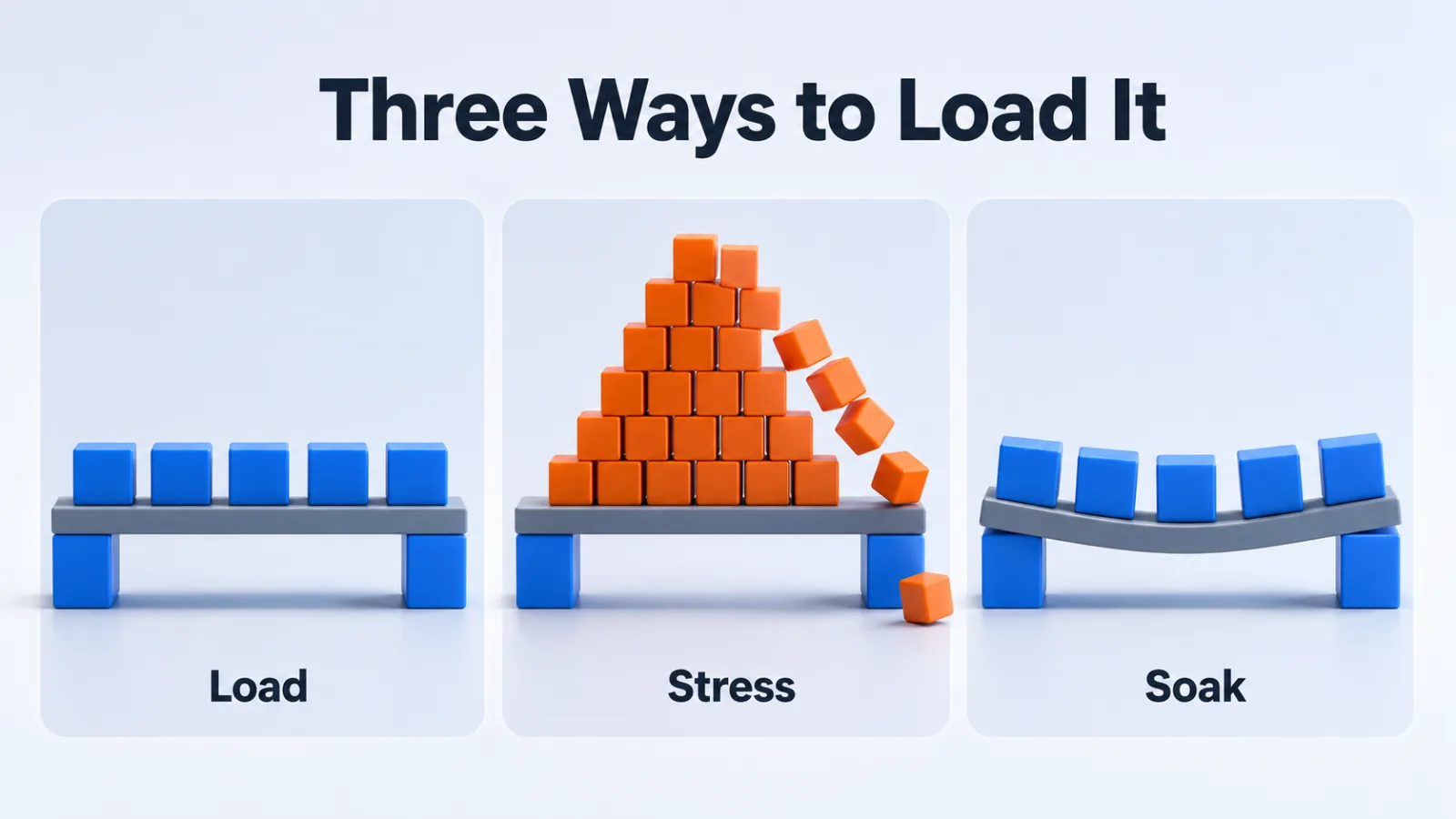
| Test | What it applies | The question it answers |
|---|---|---|
| Load | The traffic you expect at peak | Do we hold up on our busiest normal day? |
| Stress | More than you expect, rising until something gives | Where do we break, and how badly? |
| Soak | Ordinary traffic, for hours or days | Do we degrade when nothing changes? |
A soak test is the one teams skip and the one that catches memory leaks. Nothing about a ten-minute run reveals a system that slows down every hour it stays up.
Three More Worth Knowing
Both are variations on the same idea, aimed at questions the first three miss.
Spike Testing
A spike test applies a sudden jump rather than a gradual climb.
It exists because systems fail differently when traffic arrives all at once. A platform that handles ten thousand users after a slow ramp can fall over when the same ten thousand arrive in thirty seconds. A launch or a campaign is exactly that shape.
Scalability Testing
A scalability test asks what happens when you add resources.
You raise the load in steps, add capacity, and watch whether throughput rises with it. The useful answer is often that it stops rising, which locates a bottleneck no amount of hardware fixes.
Volume Testing
A volume test grows the data rather than the traffic.
Ten users querying a table of fifty million rows can be slower than a thousand users querying fifty thousand. When the worry is next year’s database rather than next month’s launch, this is the test that finds it.
Pick the Test by the Question
Start from what somebody is worried about, then choose the shape of the load.
When the worry is a known upcoming event, that’s a load test at the expected number. Follow it with a spike test at the same number arriving at once.
When the worry is unbounded, a mention that might go viral, that’s a stress test. You aren’t confirming a number, you’re finding the ceiling and learning what failing looks like.
When the worry is a slow decline nobody can pin down, that’s a soak test. Restarting the server every Sunday is a workaround for a result no ten-minute test will produce.
When the worry is cost, that’s a scalability test, because the question is whether more servers buy proportionally more capacity.
Three Moments Worth Testing
One of the three is cheaper than teams expect.
Before a known event is the obvious moment. A launch, a sale or a campaign hands you a date and a number, which is everything a load test needs to be worth running.
After an architecture change is the moment teams skip. A new database, a new cache or a move to a different host changes the shape of the system, and last quarter’s baseline stopped describing it.
The cheap one is a small test on every release. It won’t find your ceiling, but it will tell you the day a change made something twice as slow, while you still remember what the change was.
What a Test Needs to Mean Anything
Four conditions decide whether a result is worth acting on.
An Environment Shaped Like Production
Half the memory and none of the load balancing produces a number about the test environment.
The shape matters more than the scale. A single server standing in for a cluster changes which failure you find, and the one you find will be the wrong one.
Data at Realistic Volume
A query against a thousand rows and the same query against ten million are different queries.
Most performance problems are invisible at small data volumes, because the index that nobody added stops mattering when the table is small.
A Baseline to Compare Against
A number on its own means nothing. The same test on the previous release is what turns it into information, and it’s the difference between knowing and guessing.
One Variable at a Time
Change the code and the environment together and the result explains neither. This is the discipline that software quality assurance applies everywhere else, and it applies here too.
Set the Target Before You Run It
A test without a target produces a number rather than a verdict.
Agree the threshold in advance, written as a sentence anyone can check. The 95th percentile stays under two seconds at four hundred concurrent users, for instance.
Write it down before the run. Deciding afterwards whether a number is acceptable turns a measurement into a negotiation, and the negotiation always concludes that it was fine.
A target also tells you when to stop optimizing, which matters as much as knowing when to start.
Reading the Result Without Fooling Yourself
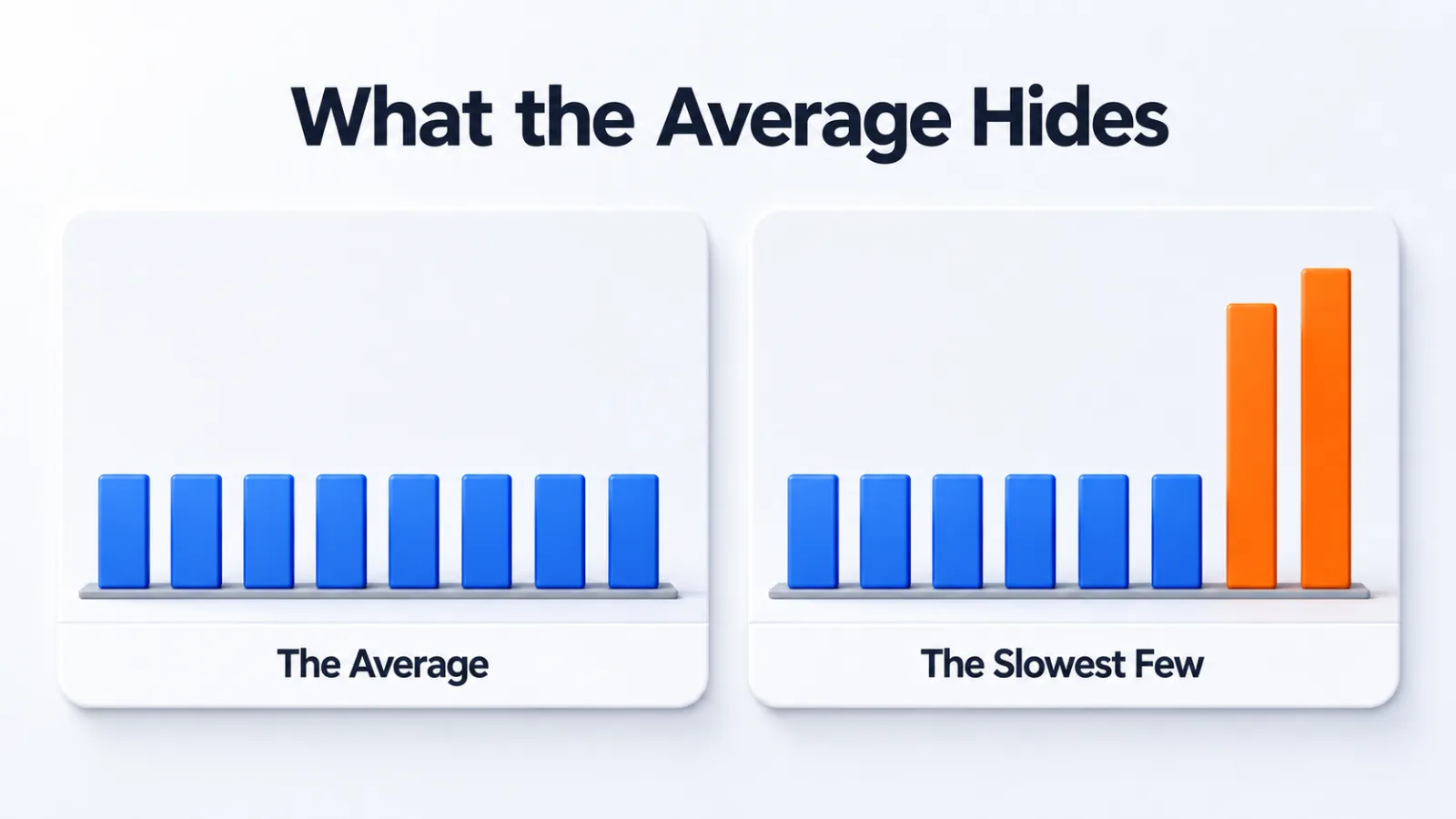
The average response time is the most quoted number and the least useful one.
An average of two hundred milliseconds is consistent with almost everybody getting a fast response, and with one user in twenty waiting nine seconds. Those are different systems, and only one of them has a problem worth fixing.
Use Percentiles Instead
The 95th percentile tells you what your slowest one in twenty experienced.
The 99th tells you about your slowest one in a hundred, which on a busy site is thousands of people a day. Watch those two rise while the average stays flat and you’re watching a problem arrive.
Watch the Error Rate Beside the Timing
Response times sometimes improve under heavy load, which sounds like good news.
It usually means requests started failing fast instead of succeeding slowly. A timing chart read without the error rate beside it will tell you a system got better at the moment it broke.
After You Find the Bottleneck
A finding is not a fix, and the gap between them is where results get wasted.
Fix the cause rather than the symptom. Raising a timeout stops the error and leaves the slow query exactly as slow, which moves the failure somewhere less visible.
Then run the same test the same way. A fix you can’t measure against the earlier baseline is a belief rather than a result.
What a Testing Tool Does for You
Its job is to be a crowd you don’t have.
It scripts a journey through the system, runs hundreds of copies at once, ramps that number on a schedule you set, and records how long every step took.
Then it reports the distribution rather than one number, and that’s the part worth paying for. A tool that hands you only an average has thrown the finding away.
One practical limit is worth knowing. Your own machine can’t generate serious load and measure it honestly at the same time, so load generated from more than one machine keeps the measurement clean.
Why Two Runs Disagree
They disagree because a first run is never a fair one.
Caches start cold and warm up. Shared infrastructure gives you a noisy neighbor on one run and not the next. Some runtimes get faster after a few minutes as they optimize the code they see running most.
Run each test at least three times and compare the middle result. A single run is an anecdote, and treating it as a measurement is how teams end up chasing a slowdown that was never there.
Discard the first run when caches were cold, and say so in the write-up. An excluded run you mention is data, while one you quietly drop is not.
Testing and Monitoring Do Different Jobs
A test asks what would happen. Monitoring reports what is happening.
You need both, and they fail in opposite directions. Testing catches problems before users meet them, but only under conditions you thought to apply. Website monitoring software catches the conditions you never imagined, after somebody has already met them.
Common Causes a Test Will Surface
The same handful of causes account for most of what tests find.
- A query running without an index.
- A call made inside a loop that should have run once.
- A connection pool too small for the concurrency.
- A cache that never gets hit.
- A third-party call with no timeout.
Each is a specific defect rather than a vague slowness. That’s why they belong among the types of software bugs a team triages.
Questions People Ask About Performance Testing
What is the difference between load and stress testing?
The difference is the goal rather than the method. A load test confirms the system holds up at the traffic you expect. A stress test pushes past that on purpose, to find where it breaks and how badly.
How long should a performance test run?
Long enough to answer the question you asked. A load test needs minutes at a steady rate. A soak test needs hours or days, because the problems it looks for accumulate rather than appearing at once.
Do you need production data to test performance?
You need data shaped like production, which is not the same as production’s actual records. A database with a thousand rows behaves nothing like one with ten million. That difference changes the result more than most settings do.
What does the 95th percentile tell you?
It reports the experience of your slowest twenty users in every four hundred. Averages hide those people, and they are the ones who complain, abandon carts and file tickets.
Can you run a performance test without specialist tools?
You can start one. Timing a handful of critical actions by hand establishes a baseline and often finds the obvious problem. Repeating it under real concurrency is where tooling stops being optional.
Ask the Question First
Before booking a test, write down the sentence that starts “we’re worried that”.
Finish it honestly, and the shape of the load picks itself. Worried about Friday’s launch, worried about the ceiling, worried about the slow drift nobody has explained: three different sentences and three different tests.
A test chosen that way answers something. A test chosen by name produces a green result and leaves the worry exactly where it was.
Add SocialAtoZ as a preferred source
See us more often in your Google results.