MongoDB
VerifiedThe document database, sold as a managed multi-cloud platform or run yourself
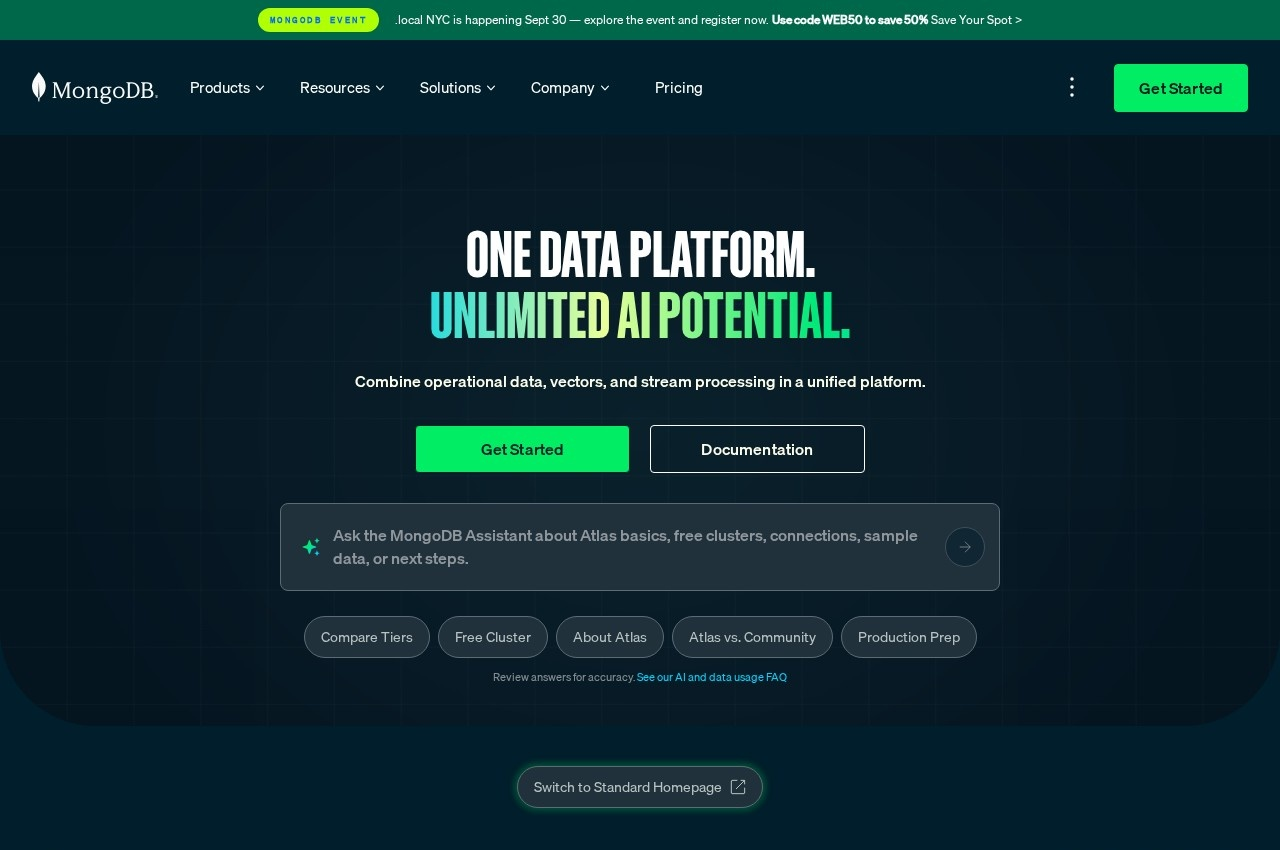 See all screenshots
 - Deployment Cloud Based, On Premise, SaaS
- Starting price Free
- Free trial Available
- Best for Freelancers, Small Business, Medium Business
What is MongoDB?
MongoDB is a document database available three ways: Atlas as a fully managed multi-cloud service on Amazon Web Services, Azure and Google Cloud, Enterprise Advanced for organisations running it themselves, and Community Edition as a free local build.
Offering the same database as a managed service, a supported self-managed product and a free download is the commercially important part, because it removes the decision that usually blocks adoption. A team can develop locally on Community Edition without a contract, move to Atlas when the application needs operating, and fall back to Enterprise Advanced if regulation forces the workload on premises, all without changing database. Few competitors offer all three credibly.
Atlas being genuinely multi-cloud rather than nominally so matters for the same reason. A managed database available on only one hyperscaler ties an application to that provider more firmly than most other services do, since data has gravity and migrating a live database is the hardest move in any cloud exit, which is the dependency MongoDB avoids.
The platform has grown well past storage, with full-text Search, Vector Search for generative AI applications, and Stream Processing integrating with Kafka, all on the same data rather than in bolt-on systems. Compass provides a graphical interface, Relational Migrator handles moving off a relational database, and version 8.0 is described as the fastest yet. Atlas Free costs nothing per hour with 512MB of storage on shared resources, Flex is 0.011 dollars an hour capped around 30 dollars a month with 5GB, and Dedicated starts at 0.08 dollars an hour or 56.94 dollars a month.
Key Features of MongoDB
- Document data model
- Atlas managed multi-cloud service
- AWS, Azure and Google Cloud deployment
- Enterprise Advanced self-managed
- Free Community Edition
- Atlas Search full-text
- Atlas Vector Search for generative AI
- Kafka stream processing
- Compass graphical interface
- Relational Migrator tooling
- MongoDB 8.0 performance release
- University courses and certifications
MongoDB Pricing
Atlas Free
Free
512MB of storage on shared RAM and shared vCPU, for learning and exploring MongoDB in a cloud environment.
Atlas Flex
$0.01
Charged at 0.011 dollars an hour up to about 30 dollars a month, with 5GB of storage on shared resources, for prototypes and unpredictable traffic.
Atlas Dedicated
$0.08
Charged hourly from 0.08 dollars, starting at 56.94 dollars a month, for production applications on dedicated resources.
MongoDB Specifications
- Deployment
- Cloud Based
- On Premise
- SaaS
- Desktop
- Web App
- Windows
- Mac
- Linux
- Built for
- Freelancers
- Small Business
- Medium Business
- Large Enterprise
- Support
- Knowledge Base
- Public API
- Yes
- Free trial
- Yes
- Free plan
- No
- Runs in browser
- No
- Customisable
- No
- Website
- mongodb.com
MongoDB Videos
MongoDB Screenshots
MongoDB Comparisons



MongoDB Reviews
No reviews yet
Used MongoDB? Share your experience and help other buyers decide.
MongoDB FAQs
Alternatives to MongoDB
Other NoSQL Database Platform recorded on the same fields.