LibreOffice
VerifiedFree and open source office suite with no forced AI, from The Document Foundation
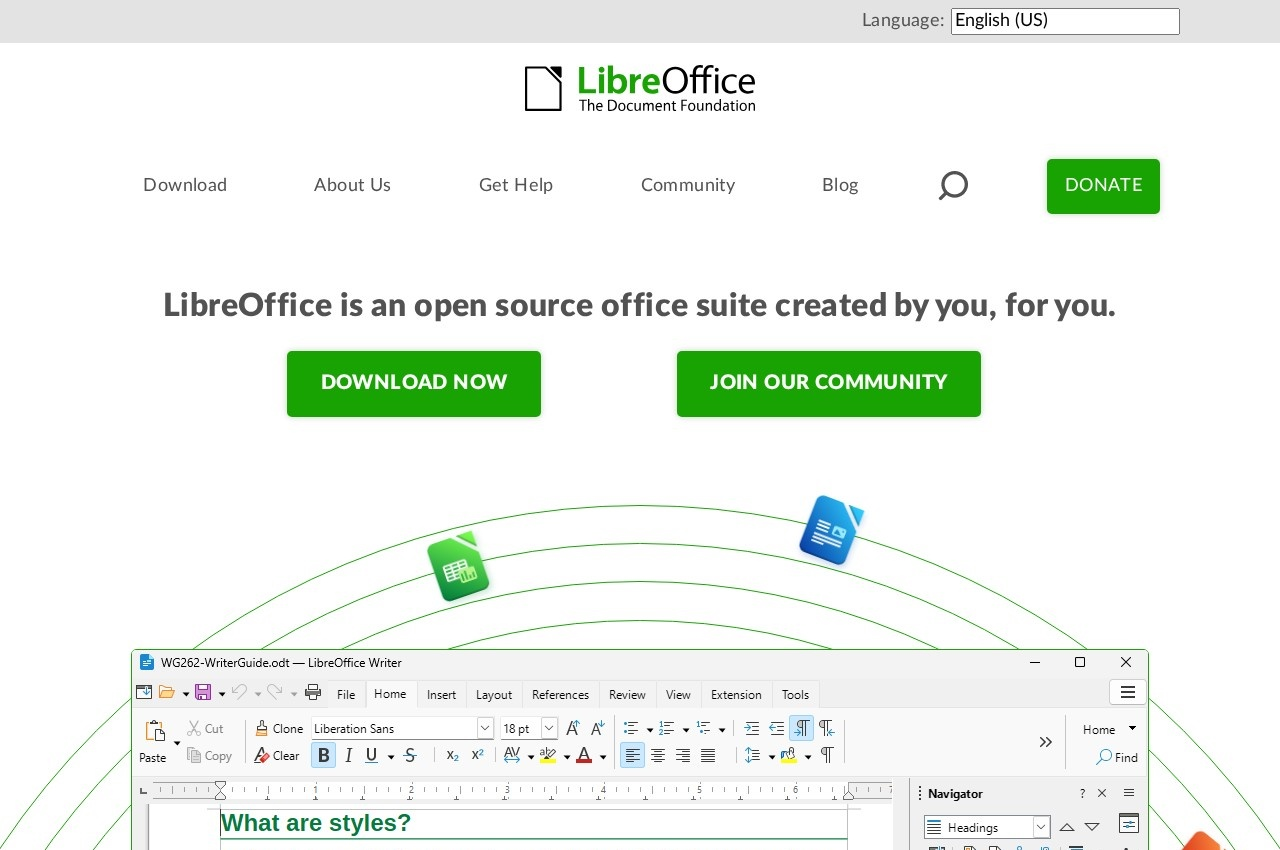 See all screenshots
 - Deployment On Premise
- Starting price Free and open source
- Free trial Available
- Best for Small Business, Medium Business, Large Enterprise
What is LibreOffice?
LibreOffice is a free and open source office suite from The Document Foundation, and its current positioning is unusually pointed: a free and private office suite with no forced AI.
That stance is a deliberate response to where the rest of the category has gone. Every major commercial suite now routes document content through cloud AI services by default, and for organisations handling confidential material the absence of that is a feature rather than a gap. It is also the only suite in this category where the claim can be verified rather than trusted, because the source is public.
The components cover the standard range. Writer handles everything from quick notes to full length books. Calc is a feature rich spreadsheet for analysing data and creating visuals. Base manages databases directly with tables, forms, queries and reports in one place. Math writes formulas through a visual editor or plain text, alongside Impress for presentations and Draw for diagrams.
The project is genuinely community built, with hundreds of contributors worldwide, and translation, documentation and maintenance encouraged in all of the world's languages, which is why LibreOffice reaches languages commercial vendors never localise for. Development is open to new contributors, with The Document Foundation offering an orienting interview before starting. The source is licensed under the Mozilla Public License version 2.0, and the software is free of charge with no licence to buy.
Key Features of LibreOffice
- Writer word processor
- Calc spreadsheet
- Impress presentations
- Draw diagrams and vector graphics
- Base database management
- Math formula editor
- No forced AI or cloud processing
- Open source under MPL 2.0
- Localised into a very wide range of languages
- Open contribution and mentoring
LibreOffice Pricing
Open source
Free and open source
No licence fee. Source licensed under the Mozilla Public License version 2.0. Paid support is available from ecosystem partners.
LibreOffice Specifications
- Deployment
- On Premise
- Desktop
- Windows
- Mac
- Linux
- Mobile
- Android
- Built for
- Small Business
- Medium Business
- Large Enterprise
- Support
- Knowledge Base
- Community
- Public API
- Yes
- Free trial
- Yes
- Free plan
- No
- Runs in browser
- No
- Customisable
- No
- Website
- libreoffice.org
LibreOffice Videos
LibreOffice Screenshots
LibreOffice Comparisons



LibreOffice Reviews
No reviews yet
Used LibreOffice? Share your experience and help other buyers decide.
LibreOffice FAQs
Alternatives to LibreOffice
Other Office Suites Software recorded on the same fields.