
SoftMaker Office
VerifiedMicrosoft Office alternative with DeepL translation and AI document summarisation
 See all screenshots
 - Deployment On Premise
- Starting price Published by SoftMaker
- Free trial Available
- Best for Small Business, Medium Business
What is SoftMaker Office?
SoftMaker Office is a commercial alternative to Microsoft Office, sold alongside FlexiPDF as an alternative to Acrobat, and the current release is SoftMaker Office Professional 2026.
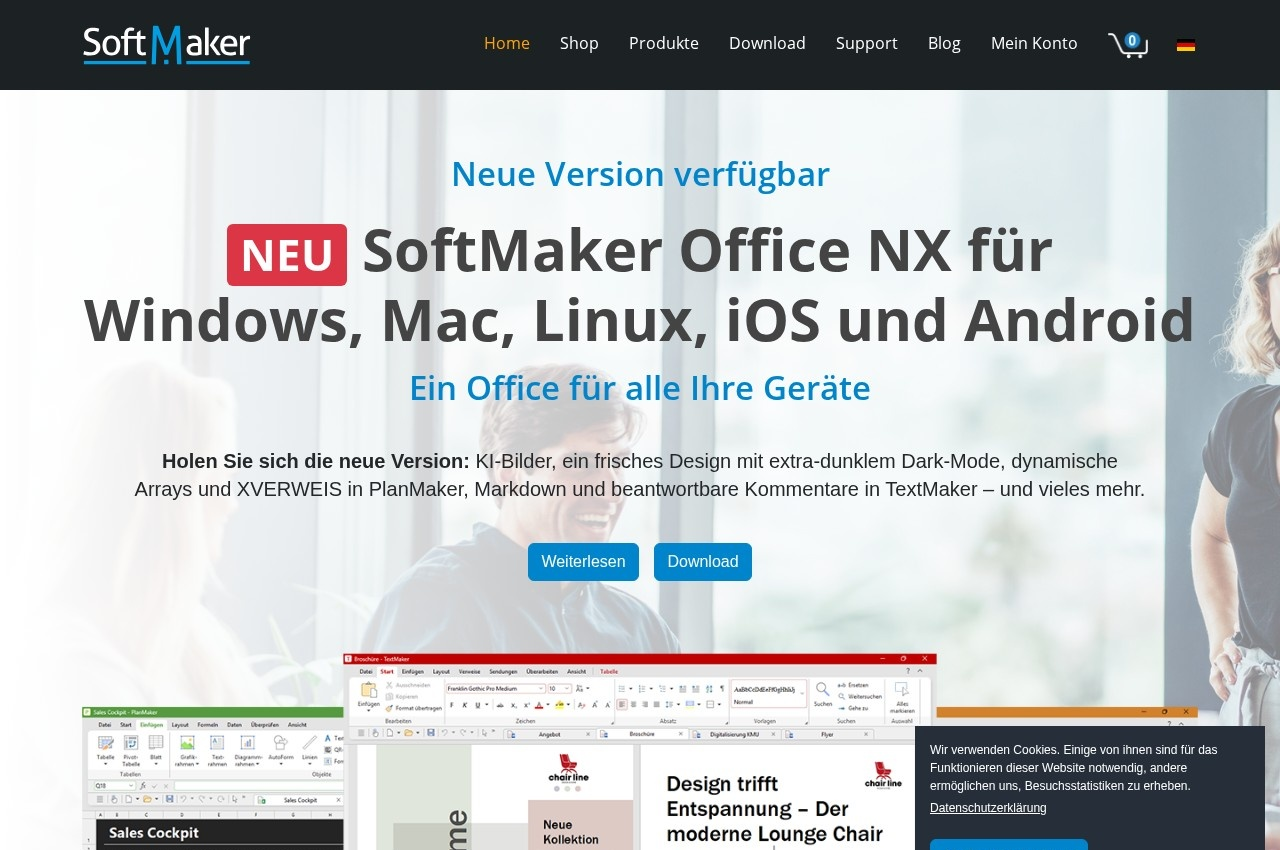
Its differentiation is achieved by shipping the specific features power users notice are missing elsewhere rather than by matching feature lists. PlanMaker, the spreadsheet, now supports dynamic arrays and XLOOKUP, which are exactly the modern Excel capabilities that make a migration fail when they are absent, since a single unsupported formula breaks an entire workbook.
TextMaker, the word processor, gains the ability to reply to comments, which sounds minor and is not: threaded comment replies are how document review actually works in practice, and a suite without them turns collaborative editing into a chain of disconnected notes. An extra dark variant of dark mode and Markdown support round out the release.
The AI and language tooling is notably practical rather than generative for its own sake. Automatic DeepL translation is built in, which matters because DeepL's output quality is meaningfully better than generic machine translation for European languages, alongside AI based document summarisation and language tools SoftMaker describes as excellent. The company also maintains a font library and offers new free fonts monthly. It is licensed software with prices published on SoftMaker's own price page.
Key Features of SoftMaker Office
- TextMaker word processor
- PlanMaker spreadsheet with XLOOKUP and dynamic arrays
- Presentations application
- FlexiPDF as an Acrobat alternative
- Threaded comment replies
- Automatic DeepL translation
- AI document summarisation
- Markdown support
- Extra dark mode variant
- Bundled professional font library
SoftMaker Office Pricing
Licence
Published by SoftMaker
Sold by edition on SoftMaker’s own price page, as a licence rather than a per user cloud subscription.
SoftMaker Office Specifications
- Deployment
- On Premise
- Desktop
- Windows
- Mac
- Linux
- Mobile
- Android
- Built for
- Small Business
- Medium Business
- Support
- Knowledge Base
- Public API
- No
- Free trial
- Yes
- Free plan
- No
- Runs in browser
- No
- Customisable
- No
- Website
- softmaker.com
SoftMaker Office Screenshots
SoftMaker Office Comparisons



SoftMaker Office Reviews
No reviews yet
Used SoftMaker Office? Share your experience and help other buyers decide.
SoftMaker Office FAQs
Alternatives to SoftMaker Office
Other Office Suites Software recorded on the same fields.