
ONLYOFFICE
VerifiedSelf hostable open source office suite that can run entirely local AI models
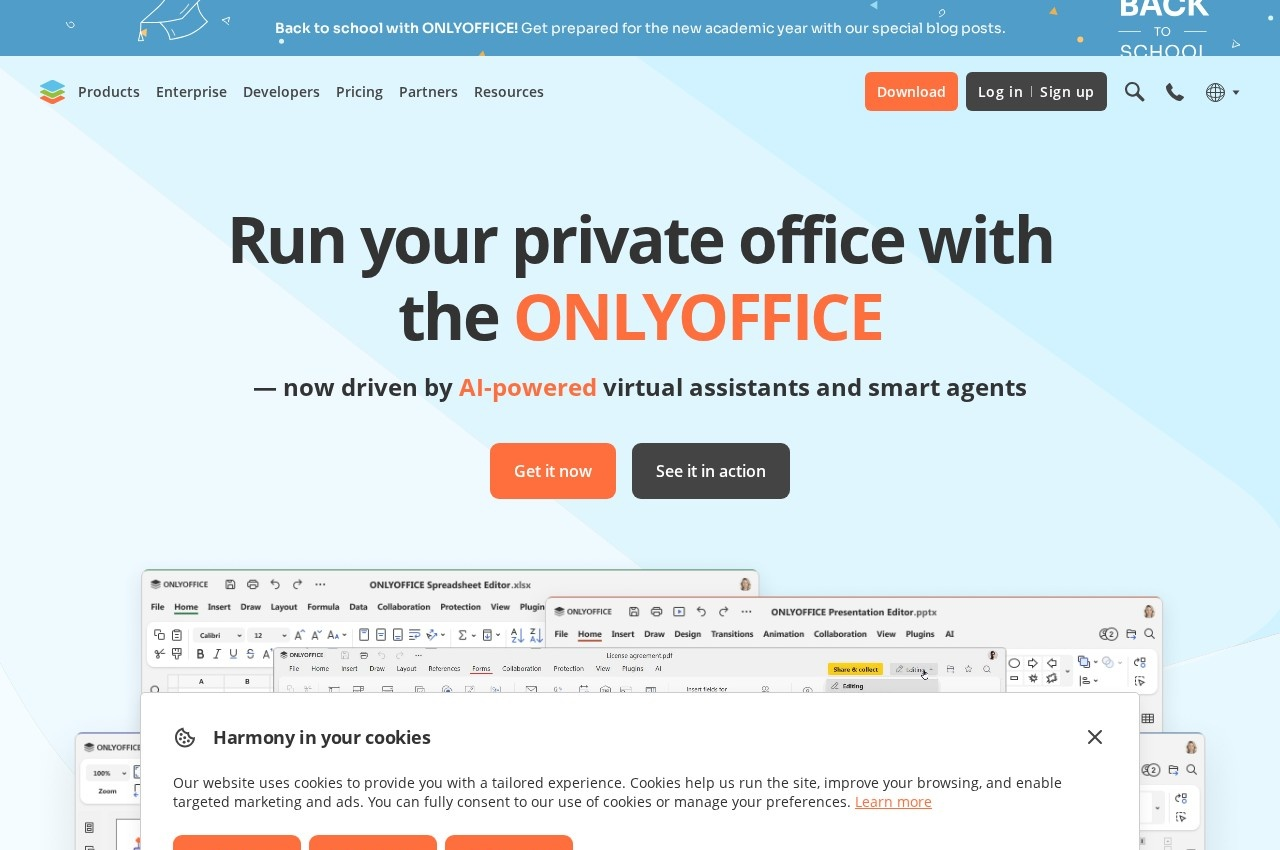 See all screenshots
 - Deployment Cloud Based, On Premise
- Starting price Free tier available
- Free trial Available
- Best for Small Business, Medium Business, Large Enterprise
What is ONLYOFFICE?
ONLYOFFICE is an office suite built for organisations that want to run their own office environment, combining document editing, collaboration and AI with open source code available on GitHub.
Its most distinctive capability sits in the AI layer. ONLYOFFICE lets you connect any AI model, including a fully local one, and assign different models to different tasks. That is a materially different proposition from every cloud suite, where the AI provider is fixed and document content necessarily leaves your control. A firm that cannot send client material to a third party can still have AI drafting and summarisation.
ONLYOFFICE Docs covers viewing, editing and collaborating on documents, spreadsheets and slides, building and filling PDF forms, reading and editing PDFs with import and export, converting documents to Markdown and HTML, turning textbooks into e-books and navigating diagrams.
Collaboration is granular, with character and paragraph level co-editing modes, document comparison and review, tracked changes, comments and mentions, built in chat or Telegram, and audio and video calls through Jitsi or Rainbow. Security covers three levels of encryption at rest, in transit and end to end, plus secure access and monitoring tools, extra document permissions and support for local AI models, with compliance to international standards. DocSpace organises work into secure rooms. A free tier exists with paid plans quoted per user.
Key Features of ONLYOFFICE
- Document, spreadsheet and slide editing
- Fillable PDF form creation
- Markdown and HTML conversion
- Character and paragraph level co-editing
- Track changes, comments and mentions
- Built in chat plus Jitsi and Rainbow calls
- Connect any AI model including fully local
- Per task AI model assignment
- Encryption at rest, in transit and end to end
- Open source code on GitHub
ONLYOFFICE Pricing
Paid
Quoted on request
Quoted per user for cloud or per server for self hosted deployment, with enterprise and developer editions available.
ONLYOFFICE Specifications
- Deployment
- Cloud Based
- On Premise
- Desktop
- Windows
- Mac
- Linux
- Web App
- Mobile
- Android
- iOS
- Built for
- Small Business
- Medium Business
- Large Enterprise
- Support
- Phone
- Knowledge Base
- Public API
- Yes
- Free trial
- Yes
- Free plan
- No
- Runs in browser
- No
- Customisable
- No
- Website
- onlyoffice.com
ONLYOFFICE Videos
ONLYOFFICE Screenshots
ONLYOFFICE Comparisons



ONLYOFFICE Reviews
No reviews yet
Used ONLYOFFICE? Share your experience and help other buyers decide.
ONLYOFFICE FAQs
Alternatives to ONLYOFFICE
Other Office Suites Software recorded on the same fields.