Tasa
VerifiedPicture based task management where staff send photo proof back for approval
 See all screenshots
 - Deployment Cloud Based
- Starting price Free tier
- Free trial Available
- Best for Small Business, Medium Business
What is Tasa?
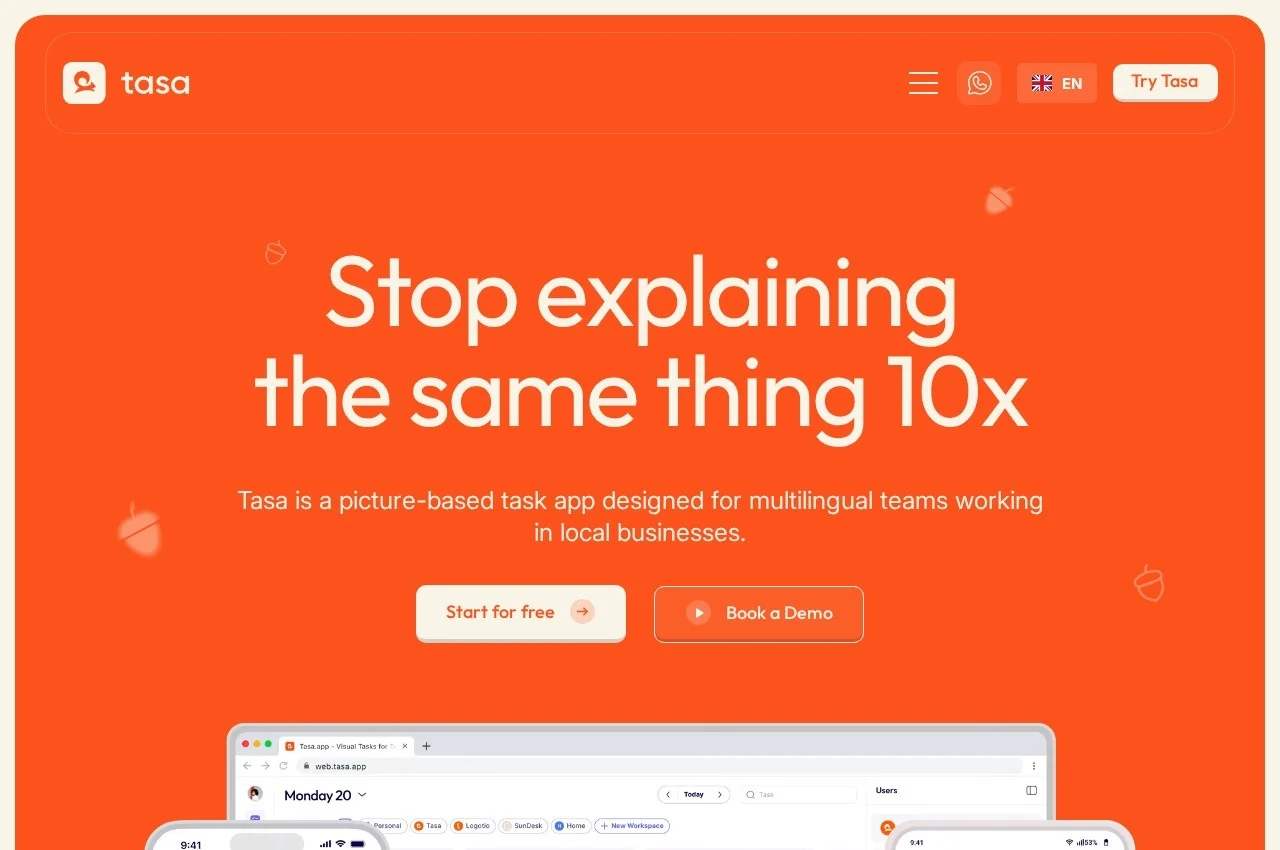
Tasa builds task management around pictures rather than text. Instructions are given as images, and staff send photographs back so the finished work can be approved.
That choice solves two problems at once. A photograph of how a display should look removes the ambiguity that written instructions always carry, and it crosses language barriers in workforces where a shared written language cannot be assumed, which is common in hospitality and retail. The returned picture provides concrete evidence of completion while also letting a manager give constructive feedback and corrections for next time.
A simplified user view is offered for staff, laid out so people with different levels of technical confidence can understand tasks quickly and resolve them, while managers and hosts keep the detailed view for oversight. Splitting the interface by role rather than showing everyone the same screen is a sensible response to the reality that the person doing the work and the person tracking it need different things.
Picture based subtasks act as multistep checklists for repetitive processes. Multi team collaboration covers several teams, businesses or even family from one application, and advanced repeating patterns let it work as a personal accountability tool too. It runs on iOS, Android and web with REST API and webhook automation, so tasks can be created from a reservation or synced from an existing workflow. The first 100 tasks are free, with paid use at 8.00 dollars per user per month or 6.40 dollars annually.
Key Features of Tasa
- Picture based task instructions
- Photo proof returned for approval
- Picture based subtask checklists
- Simplified staff view
- Detailed manager view
- Multi team collaboration
- Advanced repeating patterns
- REST API and webhooks
- iOS, Android and web apps
- Reminders and scheduling
Tasa Pricing
Free
Free tier
The first one hundred tasks are free, including categories, repeats and reminders.
Team Work monthly
$8
Per user per month on monthly billing, with the full team task application.
Team Work annual
$6.40
Per user per month on annual billing, a 20 percent discount on the monthly rate.
Tasa Specifications
- Deployment
- Cloud Based
- Desktop
- Web App
- Mobile
- Android
- iOS
- Built for
- Small Business
- Medium Business
- Support
- Knowledge Base
- Public API
- Yes
- Free trial
- Yes
- Free plan
- No
- Runs in browser
- No
- Customisable
- No
- Website
- tasa.app
Tasa Screenshots
Tasa Comparisons



Used Tasa? Write the first review.