
CourseStorm
VerifiedClass and camp registration for arts and community education, with four published tiers from $99
 See all screenshots
 - Deployment Cloud Based
- Starting price $99
- Free trial Not offered
- Best for Small Business, Medium Business
What is CourseStorm?
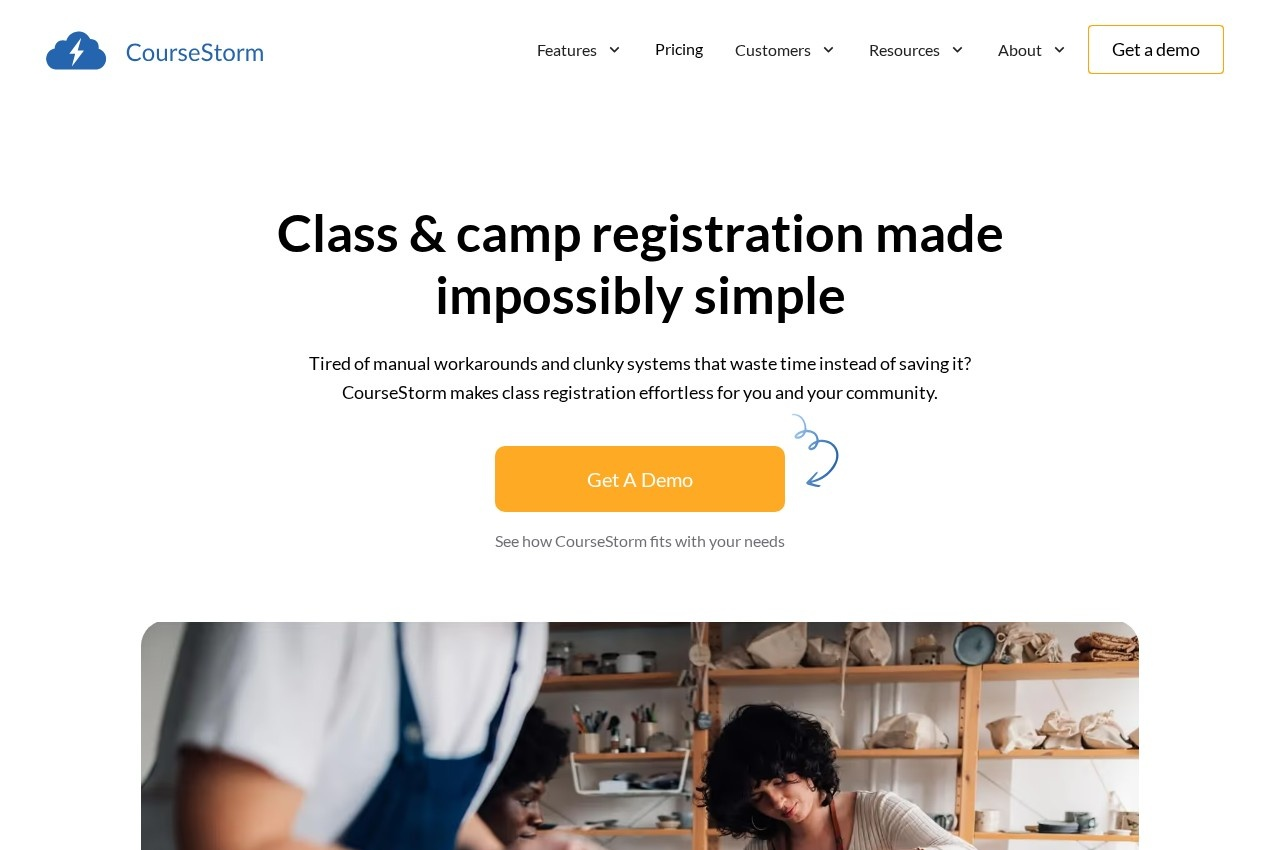
CourseStorm is class and camp registration software aimed specifically at arts organisations and community education programmes, with published customer segments covering arts and culture, community education, continuing education, workforce training, kids activities and camps. The vendor positions the product against manual workarounds and clunky systems rather than against a named competitor, which is an accurate reading of what these organisations are actually replacing: a spreadsheet, a paper form and a phone.
Serving community and continuing education specifically matters because those organisations differ from commercial activity businesses in ways that affect software fit. They run a large catalogue of short, varied, low-priced courses rather than a small number of ongoing programmes, the catalogue changes completely each term, and administration is frequently handled by one part-time person alongside other duties. Software requiring configuration effort proportional to catalogue size fails immediately in that setting.
Four tiers are published, with a 20 percent discount for annual payment. The entry tier is $99 per month covering basic reporting, on-demand onboarding and help library access. The second is $169 adding marketing emails, on-demand video onboarding and standard support. The third is $269, and the fourth is $399 adding advanced waitlists and live group onboarding.
Advanced waitlists appearing on the top tier is worth noting for community education specifically, where popular courses fill quickly and the waitlist is the mechanism for deciding whether to open a second section. Managing that by hand across a catalogue of a hundred courses is where administrators lose their week.
Support and onboarding differentiate the tiers as much as features do, moving from help library to video onboarding to live group sessions. An ROI calculator, guides and a blog are published.
Key Features of CourseStorm
- Class and camp registration
- Course catalogue management
- Online payment collection
- Marketing email campaigns
- Advanced waitlist management
- Basic and advanced reporting
- On-demand and live onboarding options
- Integrations with other systems
- Configurations for arts, community and continuing education
- Workforce training programme support
- Published ROI calculator
CourseStorm Pricing
Starter
$99
Includes basic reporting, on-demand onboarding and help library access. Paying yearly saves 20 percent.
Second tier
$169
Adds marketing emails, on-demand video onboarding and standard support.
CourseStorm Specifications
- Deployment
- Cloud Based
- Desktop
- Web App
- Built for
- Small Business
- Medium Business
- Support
- Phone
- Public API
- Yes
- Free trial
- No
- Free plan
- No
- Runs in browser
- No
- Customisable
- No
- Website
- coursestorm.com
CourseStorm Screenshots
CourseStorm Comparisons



CourseStorm Reviews
No reviews yet
Used CourseStorm? Share your experience and help other buyers decide.
CourseStorm FAQs
Alternatives to CourseStorm
Other Class Registration Software recorded on the same fields.