
Pixlr
VerifiedBrowser photo editor with generative image, video and audio tools
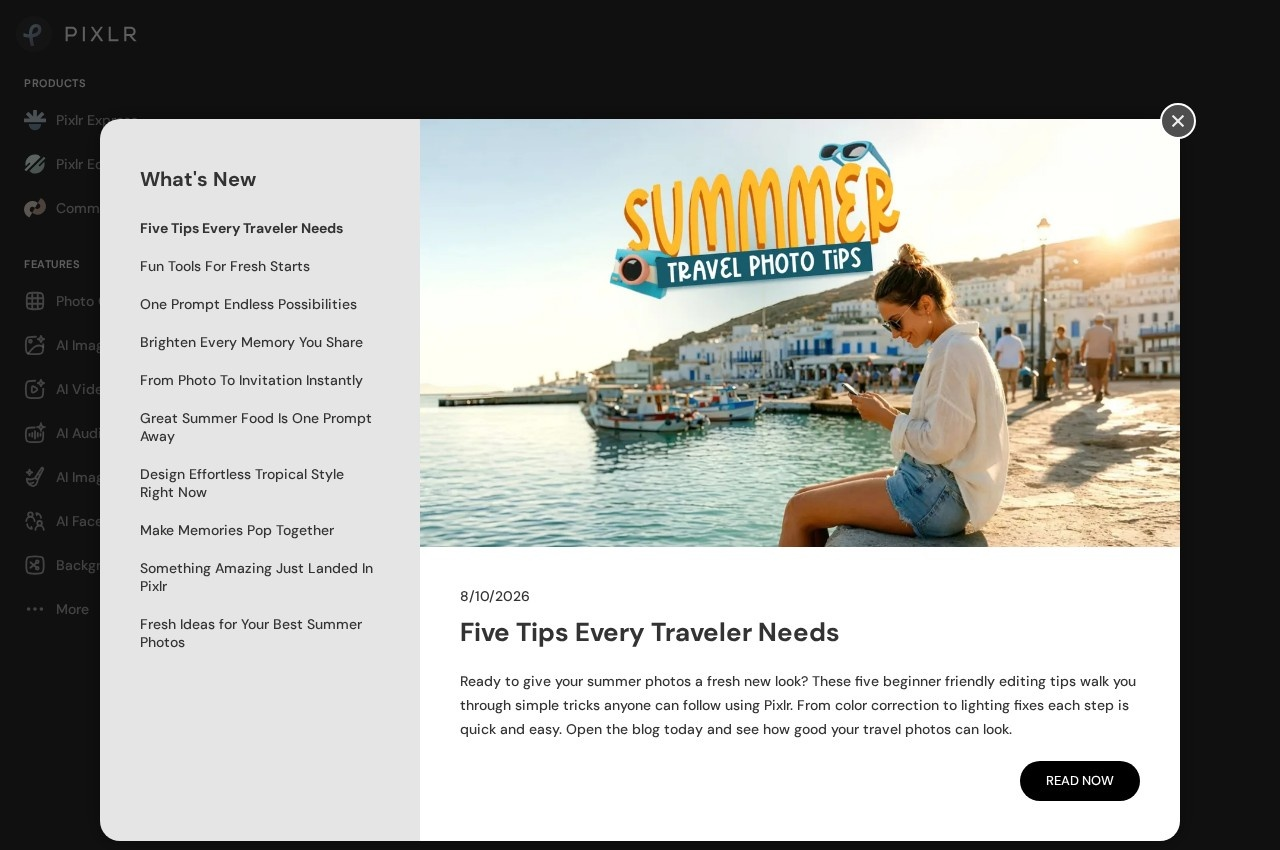 See all screenshots
 - Deployment Cloud Based
- Starting price $2.49
- Free trial Available
- Best for Individuals, Freelancers, Small Business
What is Pixlr?
Pixlr is a browser-based photo editor that has grown a generative layer on top of a conventional editing toolset. Nothing installs, and the vendor keeps a free tier that covers the editor and a set of quick actions. The traditional side handles the work most people arrive for: removing backgrounds, deleting unwanted objects, upscaling with Super Scale, collage building and the usual adjustment tools. Around 20 editing tools sit alongside the generative ones in the same interface.
The generative side is unusual in that Pixlr does not run its own model. It aggregates models from other providers and exposes them through one editor, naming them openly: Flux and Flux Pro, Kling AI, Recraft V4, Google Veo, Qwen, Stable Diffusion and SDXL, Seedance, Seedream, Grok Imagine, PixVerse, LTX Video, Vidu, ImagineArt, Wan AI, ElevenLabs, ACE-Step and MiniMax. That means image generation, video generation and audio or speech work all happen without moving between separate subscriptions.
Generative editing features are the bridge between the two halves. Generative fill, generative expand and generative transform apply model output inside an existing image rather than producing a fresh one, and an AI assistant plus a face swap tool round out the quick actions. Paid tiers are priced by AI credits rather than by feature access, so the practical question when choosing a plan is how many generations per month you expect rather than which tools you unlock.
Key Features of Pixlr
- Browser-based photo editor requiring no installation
- Free tier covering the editor and the most popular quick actions
- Background removal and object removal
- Generative fill for adding content inside an existing image
- Generative expand for extending an image beyond its original frame
- Generative transform for altering existing image content
- Super Scale upscaling for enlarging images
- AI image generation through third-party models including Flux, Recraft and Stable Diffusion
- AI video generation through models including Kling, Google Veo and LTX Video
- Audio and speech generation including ElevenLabs and ACE-Step
- Face swap and collage maker among the quick actions
- Around 20 conventional editing tools alongside the generative ones
- AI assistant for driving edits without hunting for the right tool
Pixlr Pricing
Plus
$2.49
The basics tier. 1.99 dollars per month billed yearly, saving 20 percent.
Premium
$9.99
Access to all premium features across all platforms with an allowance of AI credits. 7.99 dollars per month billed yearly.
Ultra
$24.99
Maximum AI power for professionals, from this price. 19.99 dollars per month billed yearly.
Ultra MAX
$49.99
Doubles the Ultra allowance. 39.99 dollars per month billed yearly.
Pixlr Specifications
- Deployment
- Cloud Based
- Desktop
- Web App
- Mobile
- Android
- iOS
- Built for
- Individuals
- Freelancers
- Small Business
- Support
- Public API
- No
- Free trial
- Yes
- Free plan
- Yes
- Runs in browser
- No
- Customisable
- No
Pixlr Screenshots
Pixlr Reviews
No reviews yet
Used Pixlr? Share your experience and help other buyers decide.
Alternatives to Pixlr
Other AI Photo Editor Tools recorded on the same fields.