
Affinity Photo
VerifiedProfessional photo editing, now free as part of Canva's unified Affinity app
 See all screenshots
 - Deployment Hybrid
- Starting price Free
- Free trial Not offered
- Best for Freelancers, SMEs, Agencies
What is Affinity Photo?
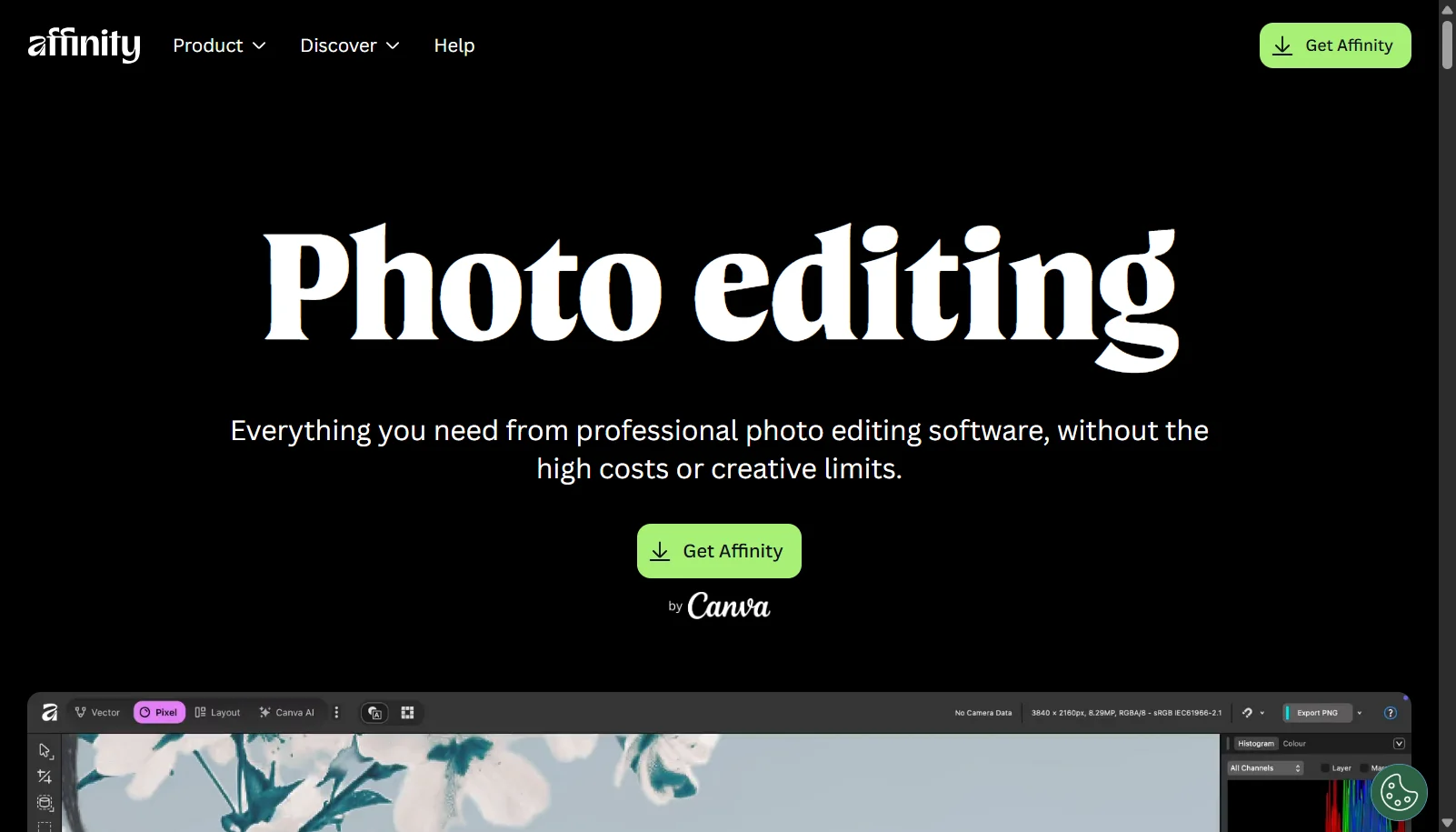
Affinity Photo was originally a paid, one-time-purchase photo editor from Serif. Following Canva's acquisition of Serif, Canva relaunched the product in late 2025 as a single unified application simply called Affinity, merging what used to be separate Photo, Designer and Publisher apps into one program with Pixel, Vector and Layout personas. The core professional toolset, including RAW development, layers, HDR merge, focus stacking and non-destructive editing, is now free to use with no watermarks, requiring only a free Canva account to download and activate.
Cloud-based AI features such as generative fill, AI background removal and AI upscaling are not included in the free tier and require a paid Canva Pro subscription. The core local editing tools remain free indefinitely according to Canva.
Key Features of Affinity Photo
Affinity Photo lists 8 documented features, including Non-destructive RAW development and photo editing, Layers, masks and blend modes and HDR merge and focus stacking. The list below covers what the product does rather than how it is marketed.
- Non-destructive RAW development and photo editing
- Layers, masks and blend modes
- HDR merge and focus stacking
- Frequency separation retouching
- Panorama stitching
- GPU-accelerated performance for large files
- Live filters and liquify tools
- PSD, TIFF and other common file format support
Affinity Photo Pricing
Affinity Photo lists 3 plans, starting free and running to $119.99.
Affinity (core app)
Free
Requires a free Canva account
Full local Pixel/Photo editing toolset with no watermarks or time limits
Canva Pro (optional AI add-on)
$14.99/month
Per user
Unlocks cloud AI features like generative fill and background removal inside Affinity
Canva Pro Annual
$119.99/year
Per user
Annual billing option for the same AI features
Affinity Photo Specifications
Affinity Photo is available on Windows and macOS and has iOS apps. It has a free plan.
- Deployment
- Hybrid
- Billing cycle
- Monthly
- Desktop
- Windows
- macOS
- Mobile
- iOS
- Languages
- English
- Built for
- Freelancers
- SMEs
- Agencies
- Support
- Tickets
- Integrations
- Canva account sync, PSD/PDF/AI file import-export, cloud AI tools via Canva
- Public API
- No
- Free trial
- No
- Free plan
- Yes
- Runs in browser
- No
- Customisable
- Yes
- Website
- affinity.serif.com
Affinity Photo Videos
Affinity Photo Screenshots
Affinity Photo Comparisons



Used Affinity Photo? Write the first review.
Affinity Photo FAQs
Alternatives to Affinity Photo
Other Digital Art Software recorded on the same fields.