
Hubstaff
VerifiedTime tracking and productivity monitoring platform that turns work hours into insights and automated payments.
 See all screenshots
 - Deployment Cloud Based
- Starting price Free
- Free trial Available
- Best for Freelancers, Startups, SMEs
What is Hubstaff?
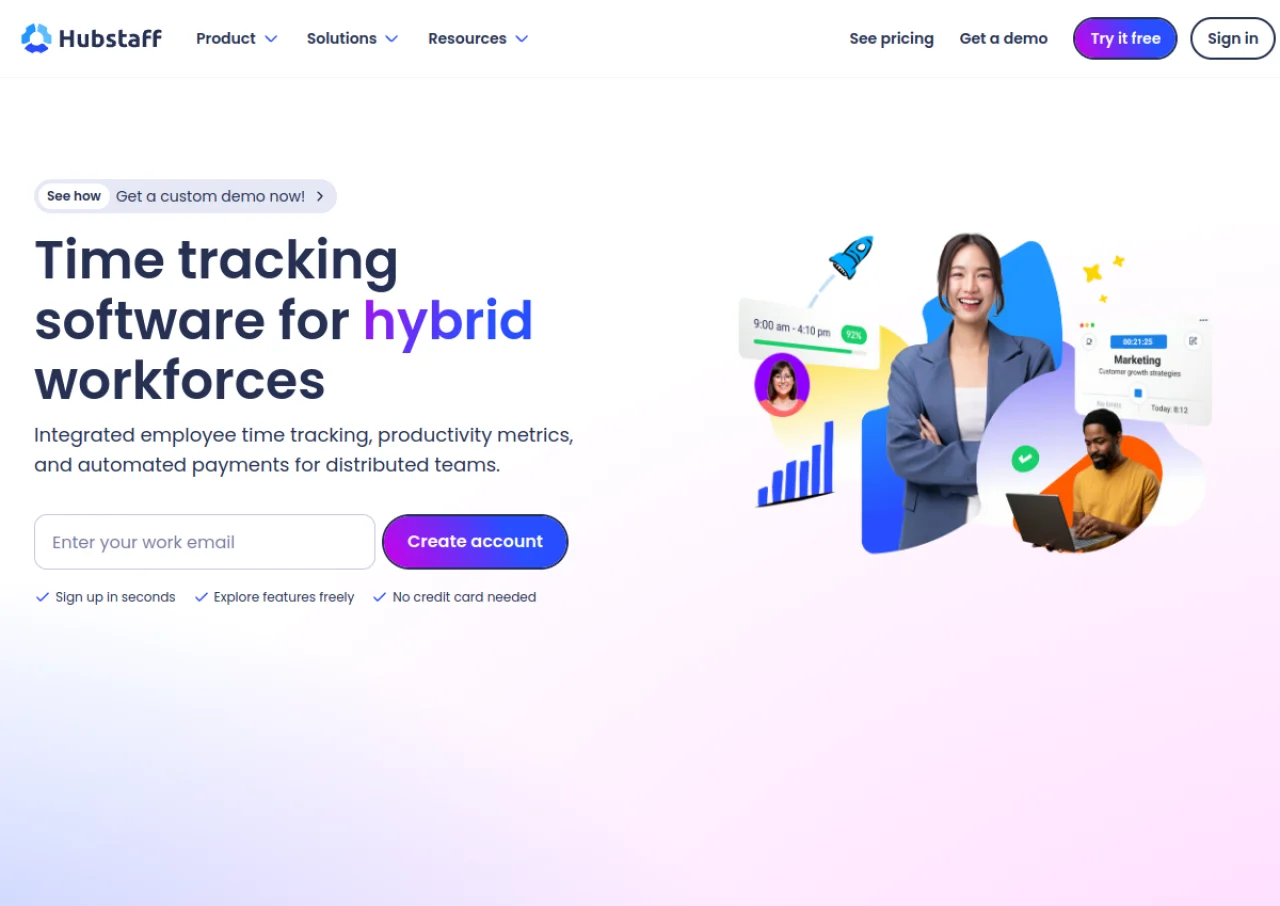
Hubstaff is a workforce management platform built around automated time tracking. It lets teams log hours via a start/stop timer or GPS tracking across desktop, web, mobile, and a Chrome extension, then layers on productivity monitoring: optional screenshots, activity levels, and app and URL tracking. Field-based teams can use geofencing to automatically clock workers in and out at job sites. Managers get 20+ customizable reports covering utilization, project budgets, and costs, with role-based permissions to control what monitoring data is visible or blurred.
Beyond tracking, Hubstaff includes scheduling and attendance, time off management, overtime calculation, client invoicing, and payments/payroll processing, plus a built-in Kanban-style task manager (Hubstaff Tasks) and integrations with tools like Asana and Jira. Pricing is per-seat with a 2-seat minimum on paid tiers, a free plan for solo users, and add-ons such as Insights (productivity analytics), Locations (geofencing/GPS), and extended data retention sold separately on lower tiers. Hubstaff serves remote, hybrid, and field teams and reports over 140,000 users worldwide.
Key Features of Hubstaff
Hubstaff lists 10 documented features, including Cross-platform time tracking (desktop, web, mobile, Chrome extension) with start/stop and GPS timers, Optional screenshots as visual proof of work, with blur and frequency controls and Activity levels via keyboard/mouse monitoring. The list below covers what the product does rather than how it is marketed.
- Cross-platform time tracking (desktop, web, mobile, Chrome extension) with start/stop and GPS timers
- Optional screenshots as visual proof of work, with blur and frequency controls
- Activity levels via keyboard/mouse monitoring
- App and URL tracking to see software and website usage during work time
- Geofencing and GPS location tracking for field teams with automatic clock in/out
- Scheduling, attendance, time off, and overtime management
- Project and client budgets with 20+ customizable reports
- Payments and payroll processing, plus client and team invoicing
- Built-in task management (Hubstaff Tasks) with Kanban boards and templates
- Integrations with tools like Asana, Jira, QuickBooks, and Deel
Hubstaff Pricing
Hubstaff lists 5 plans, starting free and running to $25.
Free
Free
1 seat (solo users)
Time tracking, timesheets, activity levels, 100 screenshots/user/month, limited reports, clients, invoices, payments, and data retention.
Starter
$4.99/seat/month
2 seat minimum
Basic time tracking and productivity tools: multi-platform timer, timesheets, 500 screenshots/seat/mo, 500 app & URL records/seat/mo, up to 5 clients. Billed annually; monthly billing also available at a higher rate.
Grow
$7.50/seat/month
2 seat minimum
Adds scheduled reports, 1 integration, unlimited clients, idle timeout, project budgets, work breaks, expenses, 1,500 screenshots/seat/mo, 1,500 app & URL records/seat/mo.
Team
$10/seat/month
2 seat minimum
Unlimited screenshots and app/URL tracking, unlimited integrations, scheduling & attendance, payments & payroll, unlimited tasks/to-dos, 3-month free trial of Insights add-on.
Enterprise
$25/seat/month
Billed annually
Custom setup, account provisioning, SSO, SCIM provisioning, SOC-2 Type II and HIPAA compliance options, dedicated support, Insights and Locations included.
Hubstaff Specifications
Hubstaff is available on web app, Windows and macOS and has iOS and Android apps. It offers an API, has a free trial and has a free plan.
- Deployment
- Cloud Based
- Billing cycle
- Monthly
- Desktop
- Web App
- Windows
- macOS
- Mobile
- iOS
- Android
- Languages
- English
- Built for
- Freelancers
- Startups
- SMEs
- Agencies
- Enterprises
- Support
- Live Support
- Integrations
- Integrates with Asana, Jira, Trello, Basecamp, QuickBooks, PayPal, Deel, Slack, GitHub, and other project management, accounting, and payment tools via its public API and native integrations.
- Public API
- Yes
- Free trial
- Yes
- Free plan
- Yes
- Runs in browser
- Yes
- Customisable
- Yes
- Website
- hubstaff.com
Hubstaff Videos
Hubstaff Screenshots
Hubstaff Comparisons
Side by side comparisons of Hubstaff against 3 other Time Tracking Software options listed here.



Used Hubstaff? Write the first review.
Hubstaff FAQs
Alternatives to Hubstaff
Other Productivity Management Software recorded on the same fields.