
Smart Upscaler (Icons8)
VerifiedAI-powered online tool that upscales images up to 8x while enhancing detail, sharpness, and clarity
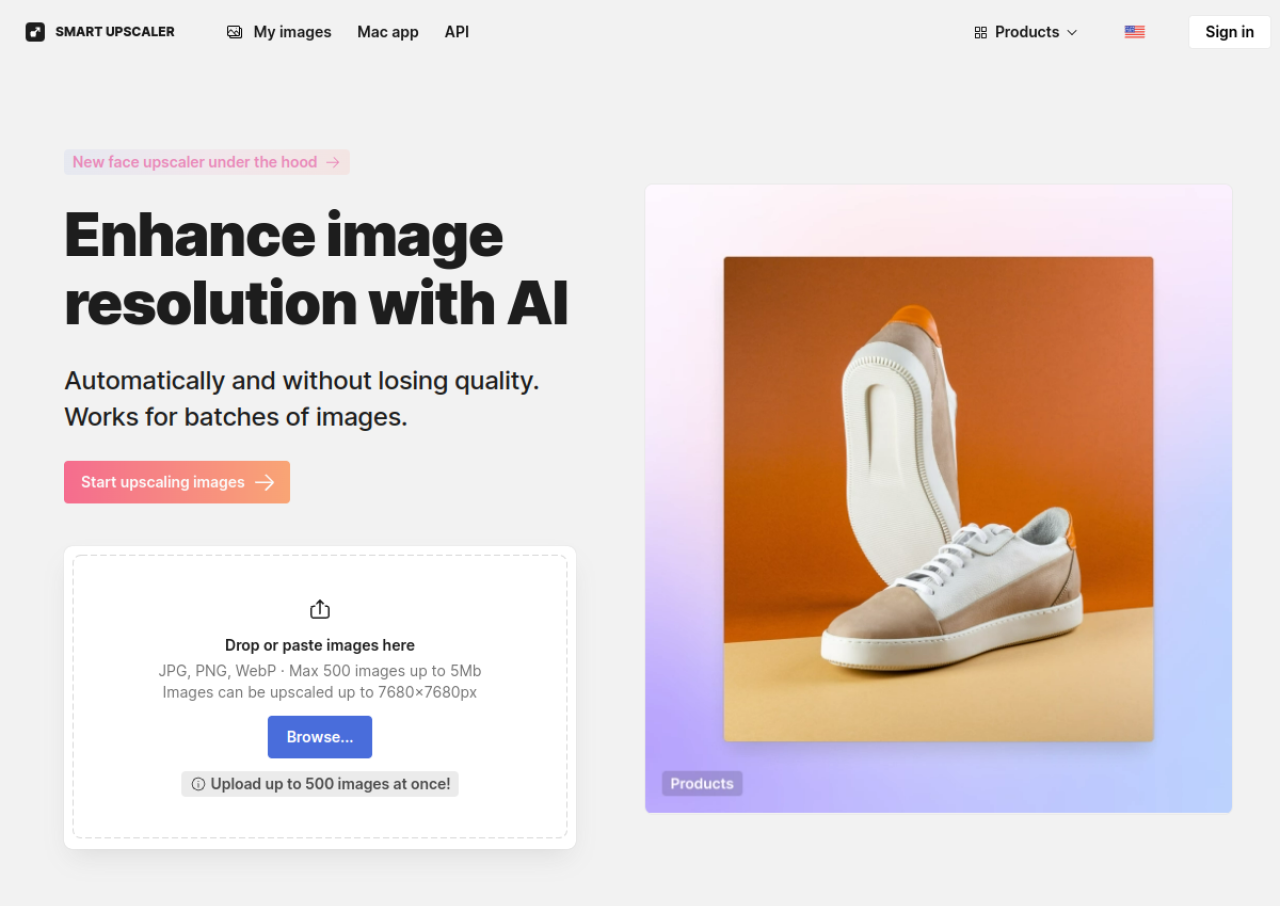 See all screenshots
 - Deployment Cloud Based
- Starting price Free
- Free trial Not offered
- Best for Freelancers, Startups, SMEs
What is Smart Upscaler (Icons8)?
Smart Upscaler by Icons8 is an AI image upscaling tool that increases image resolution using deep learning trained on millions of images. It automatically performs sharpening, noise reduction, and color correction alongside resolution enhancement, and includes a dedicated face enhancement mode designed to produce natural-looking portrait results. Images can be upscaled up to 7680x7680 pixels, and the tool supports JPG, PNG, and WebP files up to 5MB each.
The tool is available as a web app with batch processing for up to 500 images at once, and an API for developers who want to integrate upscaling into their own applications or workflows. Free users can upscale a limited number of images with a watermark applied to results. Paid prepaid packs and subscription plans remove the watermark and increase or remove monthly image limits.
Key Features of Smart Upscaler (Icons8)
Smart Upscaler (Icons8) lists 8 documented features, including AI-based image super-resolution upscaling up to 8x, Maximum output resolution of 7680x7680 pixels and Automatic sharpening, noise reduction, and color correction. The list below covers what the product does rather than how it is marketed.
- AI-based image super-resolution upscaling up to 8x
- Maximum output resolution of 7680x7680 pixels
- Automatic sharpening, noise reduction, and color correction
- Dedicated face enhancement mode for portraits
- Batch processing of up to 500 images at once
- Supports JPG, PNG, and WebP input formats (up to 5MB per file)
- Developer API for integrating upscaling into apps and workflows
- Image history storage for re-downloading processed images
Smart Upscaler (Icons8) Pricing
Smart Upscaler (Icons8) lists 4 plans. Three carry a published figure, from Free to $99; the rest are quoted on request.
Prepaid Package
From $10
50 images
One-time purchase, credits usable anytime, no watermark
Limited Subscription
$9/month
100 images/month
Monthly subscription with rollover credits, no watermark
Unlimited Subscription
$99/month
Unlimited images
Unlimited monthly upscales, no watermark
Smart Upscaler (Icons8) Specifications
Smart Upscaler (Icons8) is available on web app. It offers an API and has a free plan.
- Deployment
- Cloud Based
- Billing cycle
- Monthly
- Desktop
- Web App
- Languages
- English
- Built for
- Freelancers
- Startups
- SMEs
- Agencies
- Support
- Integrations
- API access for developers to integrate upscaling into third-party apps and workflows; part of the broader Icons8 AI Tools suite
- Public API
- Yes
- Free trial
- No
- Free plan
- Yes
- Runs in browser
- Yes
- Customisable
- No
- Website
- icons8.com
Smart Upscaler (Icons8) Videos
Smart Upscaler (Icons8) Screenshots
Smart Upscaler (Icons8) Comparisons
Side by side comparisons of Smart Upscaler (Icons8) against 3 other AI Image Upscaler Tools options listed here.



Smart Upscaler (Icons8) Reviews
No reviews yet
Used Smart Upscaler (Icons8)? Share your experience and help other buyers decide.
Smart Upscaler (Icons8) FAQs
Alternatives to Smart Upscaler (Icons8)
Other AI Image Upscaler Tools recorded on the same fields.