Vmaker AI
VerifiedAI That Creates and Edits Videos for You!
 See all screenshots
 - Deployment Cloud Based
- Starting price Free
- Free trial Available
- Best for Freelancers, Startups, SMEs
What is Vmaker AI?
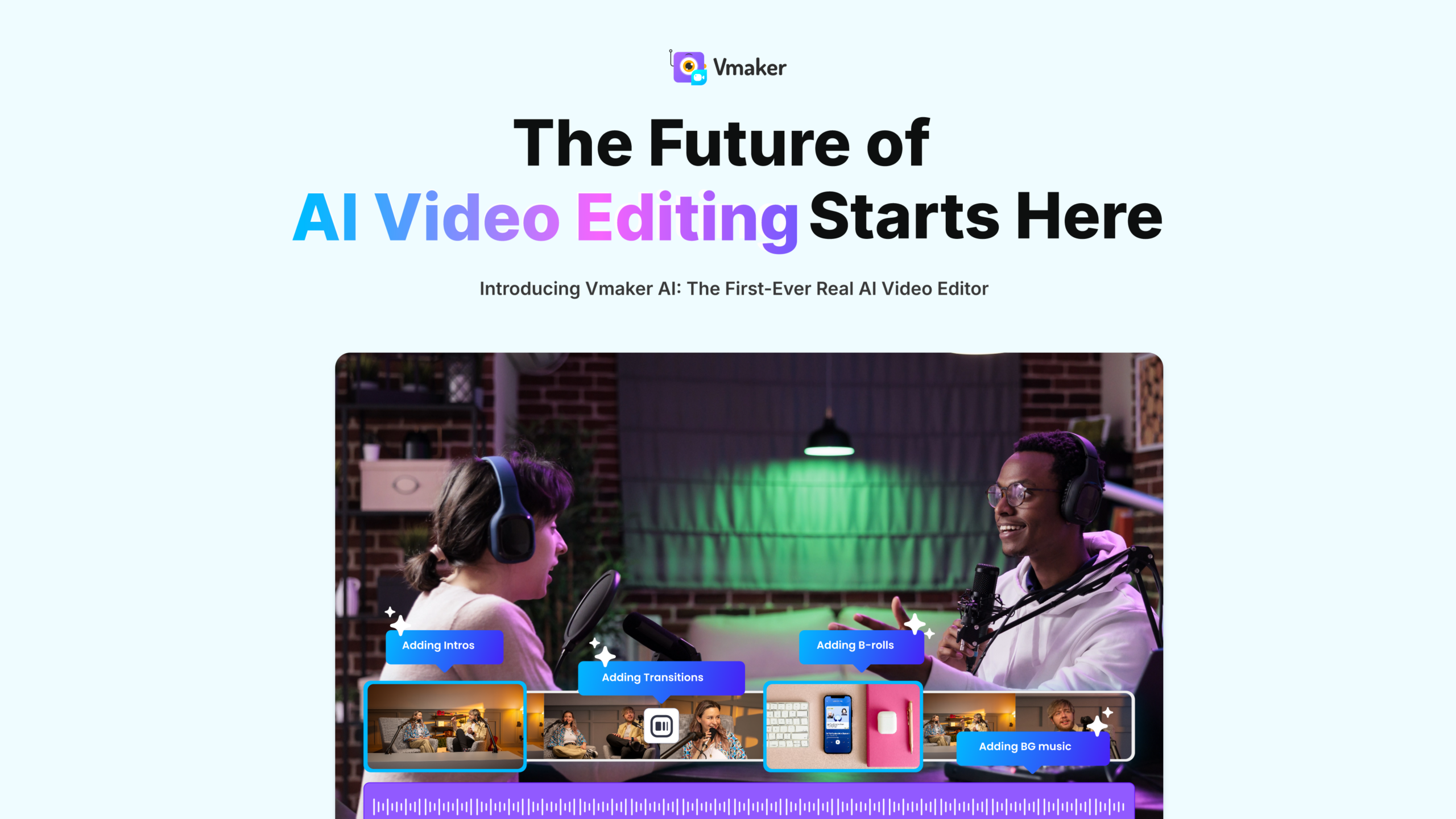
Vmaker is an all-in-one video creation platform that uses AI to turn text, voice, documents, or raw footage into professional videos in minutes. Vmaker is an advanced AI-powered video creation platform that helps you produce professional-quality videos in minutes. Create talking-head videos from text using realistic AI avatars, record your screen and webcam in 4K, and edit your videos with automated tools like subtitles, transitions, B-roll, and background removal. With support for 35+ languages, smart highlights, long-to-short video conversion, and text/audio/document-to-video generation, Vmaker simplifies everything from content creation to post-production. It’s ideal for YouTubers, marketers, educators, trainers, and businesses that want fast, polished, and engaging video content without needing expert editing skills.
Key Features of Vmaker AI
Vmaker AI lists 5 documented features, including 100+ AI avatars across 15+ ethnicities, 120+ language support and 4K screen and webcam recording. The list below covers what the product does rather than how it is marketed.
- 100+ AI avatars across 15+ ethnicities
- 120+ language support
- 4K screen and webcam recording
- Long-video-to-shorts repurposing
- Automatic subtitle generation
Vmaker AI Pricing
Vmaker AI publishes 3 plans, starting at $0 on the Free Lite tier. Figures are taken from the vendor's own pricing page.
Starter
$18
per month, billed yearly
$216 billed yearly; 10 video downloads and 10 social publishes per month. The monthly billing option is higher.
Teams
$25
per month, billed yearly
30 video downloads and 30 social publishes per month. The monthly billing option is higher.
Vmaker AI Specifications
Vmaker AI is available on web app. It has a free trial.
- Deployment
- Cloud Based
- Desktop
- Web App
- Languages
- English
- Built for
- Freelancers
- Startups
- SMEs
- Agencies
- Enterprises
- Support
- Live Support
- Tickets
- Integrations
- Slack, Google Drive, Dropbox, Trello, Asana, Jira, Zoom, Microsoft Teams, YouTube, Vimeo
- Public API
- No
- Free trial
- Yes
- Free plan
- No
- Runs in browser
- Yes
- Customisable
- Yes
- Website
- vmaker.com
Vmaker AI Videos
Vmaker AI Screenshots
Vmaker AI Comparisons
Side by side comparisons of Vmaker AI against 1 other AI Video Background Remover option listed here.

Vmaker AI Reviews
No reviews yet
Used Vmaker AI? Share your experience and help other buyers decide.
Vmaker AI FAQs
Alternatives to Vmaker AI
Other AI Video Background Remover recorded on the same fields.