Recuva
VerifiedFree Windows file recovery tool from CCleaner's makers, with a paid Professional tier for extra support.
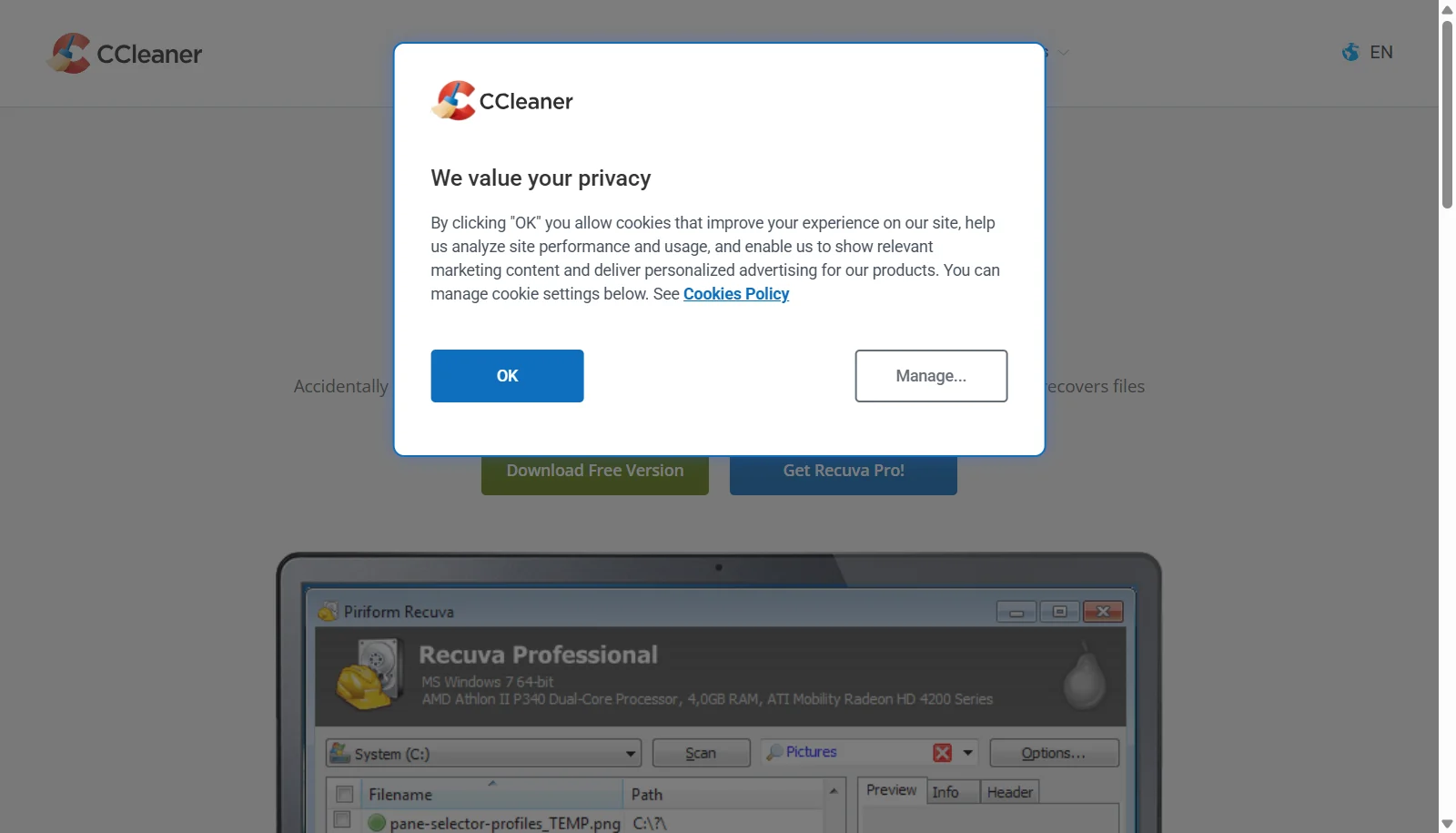 See all screenshots
 - Deployment On Premises
- Starting price Free
- Free trial Not offered
- Best for Freelancers, SMEs
What is Recuva?
Recuva is a Windows file recovery utility originally developed by Piriform and now distributed under the CCleaner brand by Gen Digital. It scans hard drives, USB sticks, memory cards and other media to find and restore deleted photos, documents, videos, music and emails, using either a fast Quick Scan or a more thorough Deep Scan.
The free edition offers unlimited recovery attempts with a moderate success rate, while Recuva Professional adds virtual hard drive support, automatic updates and priority support for a small annual fee. Recuva also includes a secure file deletion tool and works with FAT, exFAT, NTFS and several Linux file systems.
Key Features of Recuva
Recuva lists 8 documented features, including Quick Scan and Deep Scan modes, Recovers photos, documents, videos, music and emails and Works with internal drives, USB sticks, memory cards and MP3 players. The list below covers what the product does rather than how it is marketed.
- Quick Scan and Deep Scan modes
- Recovers photos, documents, videos, music and emails
- Works with internal drives, USB sticks, memory cards and MP3 players
- Recovers lost directory structure and renames duplicate files
- Content search inside deleted documents
- Secure overwrite for permanent deletion
- Supports FAT, exFAT, NTFS and Ext2/Ext3/Ext4 file systems
- Recovers files from damaged or newly formatted drives
Recuva Pricing
Recuva lists 2 plans, starting free and running to ₹990.
Professional
INR 990/year
1 PC
Adds virtual hard drive support, automatic updates and priority support
Recuva Specifications
Recuva is available on Windows. It has a free plan.
- Deployment
- On Premises
- Billing cycle
- Yearly
- Desktop
- Windows
- Languages
- English
- Built for
- Freelancers
- SMEs
- Support
- Tickets
- Public API
- No
- Free trial
- No
- Free plan
- Yes
- Runs in browser
- No
- Customisable
- No
- Website
- ccleaner.com
Recuva Videos
Recuva Screenshots
Recuva Comparisons


Used Recuva? Write the first review.
Recuva FAQs
Alternatives to Recuva
Other Photo Recovery Software recorded on the same fields.