
Planera
VerifiedWhiteboard-style collaborative scheduling with a DCMA quality check built in
 See all screenshots
 - Deployment Cloud Based, SaaS
- Starting price Quoted on request
- Free trial Available
- Best for Small Business, Medium Business, Large Enterprise
What is Planera?
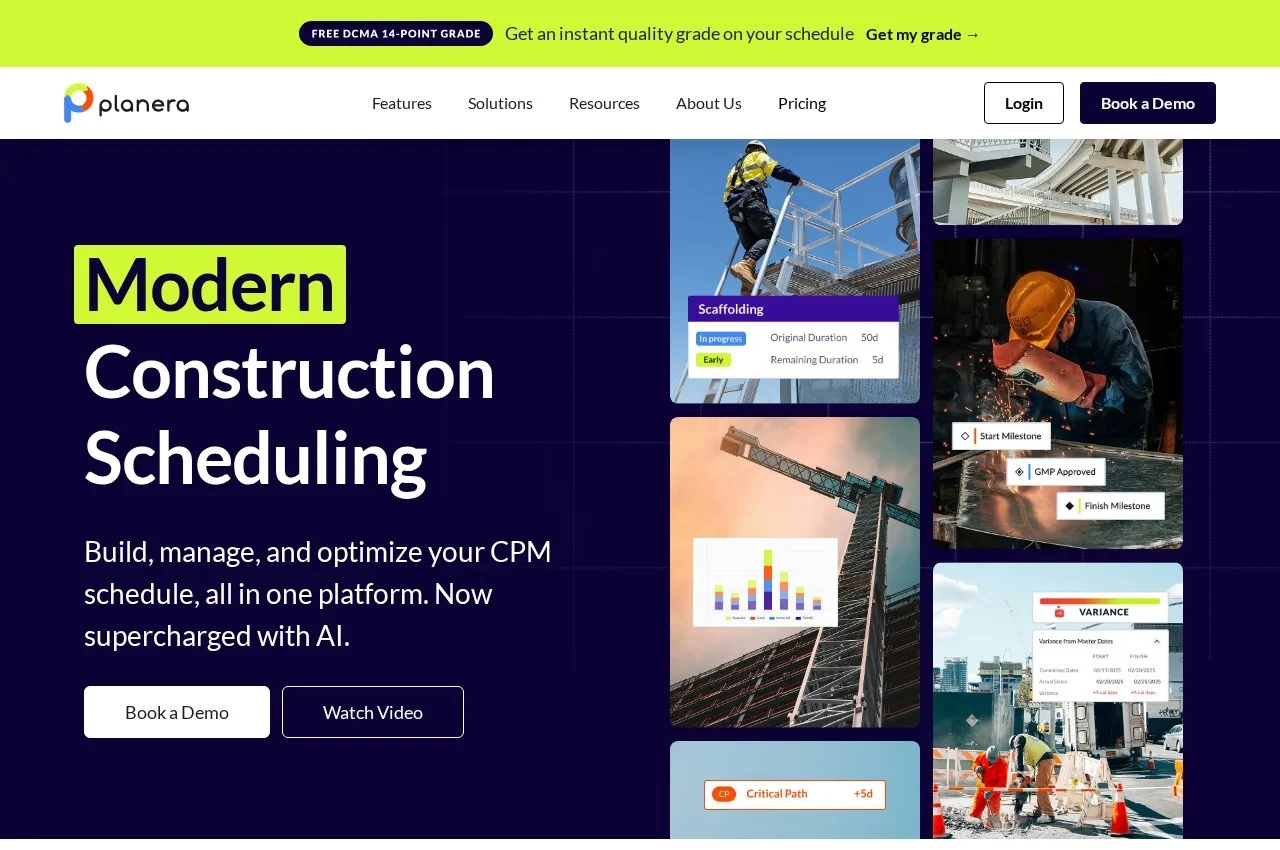
Planera is construction scheduling software built for collaborative planning, combining a real-time whiteboard for building schedules together with risk simulation, resource loading, DCMA quality checking and an AI scheduling assistant.
The whiteboard approach is the design decision that distinguishes it. Construction schedules are genuinely built collaboratively, in a room with a superintendent, trade partners and a planner arguing about sequence, and traditional scheduling software forces one person to operate it while everyone else watches. Building together in real time on a shared canvas matches the actual working method rather than fighting it. Planera offers an instant quality grade on an uploaded schedule before any commitment, which is an unusually confident way to open a sales conversation.
The DCMA quality check applies the Defense Contract Management Agency's 14-point schedule assessment, a recognised industry standard testing for problems such as excessive lags, open-ended activities, hard constraints and unrealistic float. Owners increasingly require schedules to pass it, so having the check built in rather than run separately by a consultant changes when problems get found.
Risk simulation models schedule outcomes probabilistically rather than assuming the planned dates hold, and version compare puts two schedules side by side, which is how anyone actually assesses what changed in a monthly update. Field schedules produce detailed short-interval plans, progress updates keep teams aligned, resource loading balances allocation, and Planera for iPad allows updating on site. Manny is the AI scheduling assistant. Pricing is not published.
Key Features of Planera
- Real-time collaborative whiteboard
- DCMA 14-point quality check
- Instant schedule quality grade
- Risk simulation
- Resource loading and balancing
- Short-interval field schedules
- Version comparison side by side
- Progress update workflow
- Project dashboard of key metrics
- Powerful filtering and grouping
- Manny AI scheduling assistant
- Planera for iPad
Planera Pricing
Quoted
Quoted on request
No published rates. Construction scheduling platforms are quoted on project value, user count and the modules licensed.
Planera Specifications
- Deployment
- Cloud Based
- SaaS
- Desktop
- Web App
- Mobile
- iOS
- Built for
- Small Business
- Medium Business
- Large Enterprise
- Support
- Knowledge Base
- Public API
- Yes
- Free trial
- Yes
- Free plan
- No
- Runs in browser
- No
- Customisable
- No
- Website
- planera.io
Planera Screenshots
Planera Comparisons


Used Planera? Write the first review.
Planera FAQs
Alternatives to Planera
Other Construction Scheduling Software recorded on the same fields.