Microsoft OneNote
VerifiedFree digital notebook for typed and handwritten notes, included with Microsoft 365.
 See all screenshots
 - Deployment Cloud Based
- Starting price Free
- Free trial Available
- Best for Freelancers, SMEs, Enterprises
What is Microsoft OneNote?
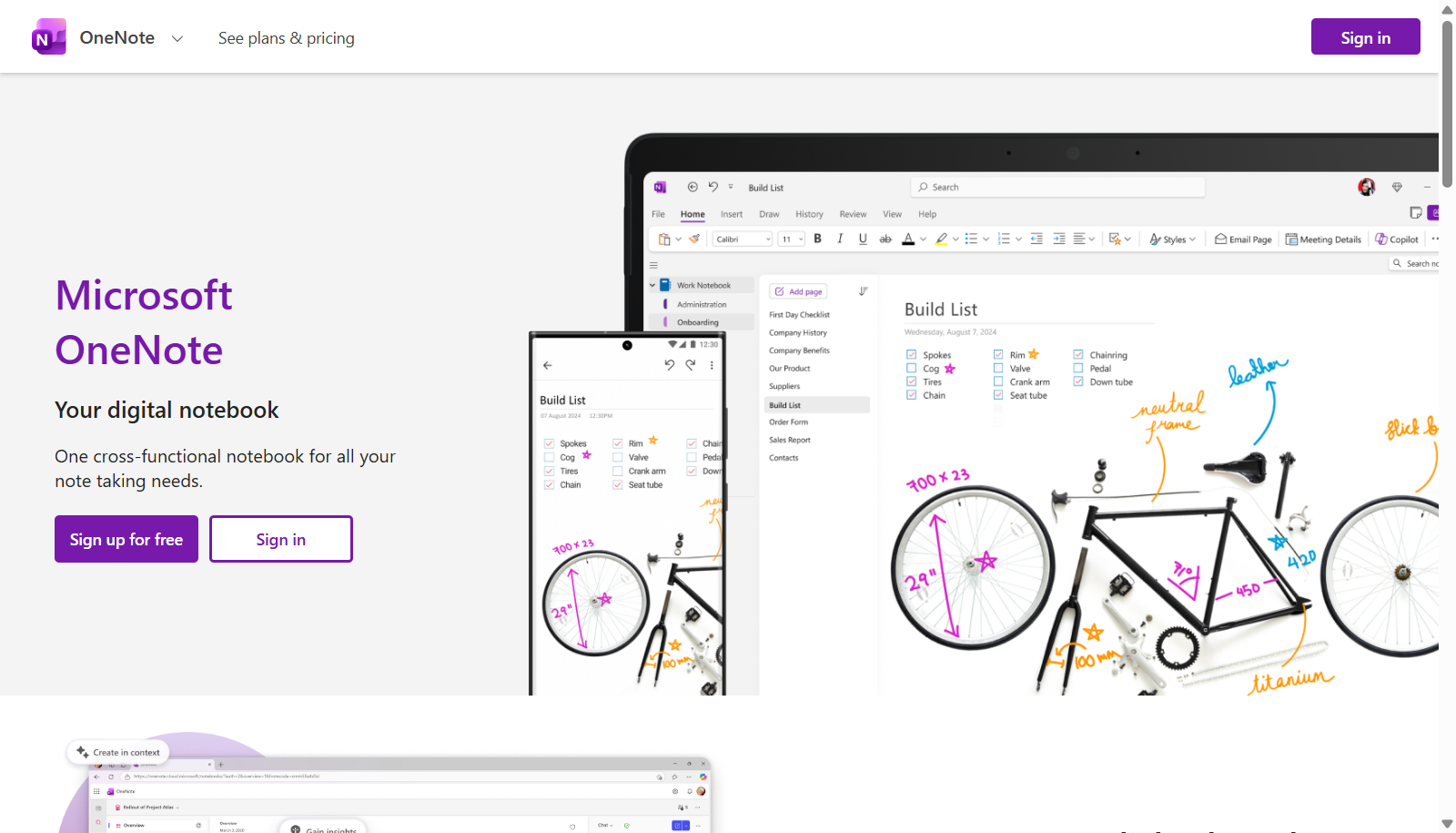
Microsoft OneNote is a digital note-taking app organized like a physical notebook, with notebooks divided into sections and pages. Every page acts as a free-form canvas where users can type, write with a stylus, insert images, attach files, and record audio anywhere on the page. Notes sync across devices through a Microsoft account, and shared notebooks let multiple people add text, images, and files to the same space for collaboration on projects, classes, or households.
OneNote itself is free to use on web and mobile, and Copilot in OneNote adds AI-assisted drafting, idea generation, and organization for subscribers. The full desktop application and expanded storage come bundled with Microsoft 365 Personal, Family, or Premium subscriptions, which also include Word, Excel, PowerPoint, and OneDrive storage. OneNote is deeply integrated with Microsoft Teams for meeting notes and classroom use.
Key Features of Microsoft OneNote
Microsoft OneNote lists 8 documented features, including Free-form pages for typing, handwriting, and drawing anywhere, Notebook, section, and page organization and Shared notebooks with real-time collaboration. The list below covers what the product does rather than how it is marketed.
- Free-form pages for typing, handwriting, and drawing anywhere
- Notebook, section, and page organization
- Shared notebooks with real-time collaboration
- Voice recording and audio search
- Web clipper for saving pages and articles
- Copilot AI for drafting and organizing notes
- Handwriting-to-text conversion with stylus support
- Deep integration with Microsoft Teams and Outlook
Microsoft OneNote Pricing
Microsoft OneNote lists 4 plans, starting free and running to $19.99.
Free
Free
Web and mobile only, 5GB OneDrive storage
Standalone free note-taking, no Microsoft 365 subscription needed
Microsoft 365 Personal
$9.99/month or $99.99/year
1 person, 1TB OneDrive storage
Includes OneNote desktop app plus Word, Excel, PowerPoint, and Copilot
Microsoft 365 Family
$12.99/month or $129.99/year
Up to 6 people, 6TB total storage
Shared Office apps and OneDrive storage for the household
Microsoft 365 Premium
$19.99/month or $199.99/year
Up to 6 people, 6TB total storage
Highest Copilot usage limits included
Microsoft OneNote Specifications
Microsoft OneNote is available on web app, Windows and macOS and has iOS and Android apps. It offers an API, has a free trial and has a free plan.
- Deployment
- Cloud Based
- Billing cycle
- Monthly
- Desktop
- Web App
- Windows
- macOS
- Mobile
- iOS
- Android
- Languages
- English
- Built for
- Freelancers
- SMEs
- Enterprises
- Support
- Phone
- Live Support
- Integrations
- Microsoft Teams, Outlook, Microsoft 365 apps, OneDrive
- Public API
- Yes
- Free trial
- Yes
- Free plan
- Yes
- Runs in browser
- Yes
- Customisable
- Yes
- Website
- onenote.com
Microsoft OneNote Videos
Microsoft OneNote Screenshots
Microsoft OneNote Comparisons



Microsoft OneNote Reviews
No reviews yet
Used Microsoft OneNote? Share your experience and help other buyers decide.
Microsoft OneNote FAQs
Alternatives to Microsoft OneNote
Other Note Taking Software recorded on the same fields.