Google Docs
VerifiedCollaborative document editing with eSignature, building blocks and Gemini built in
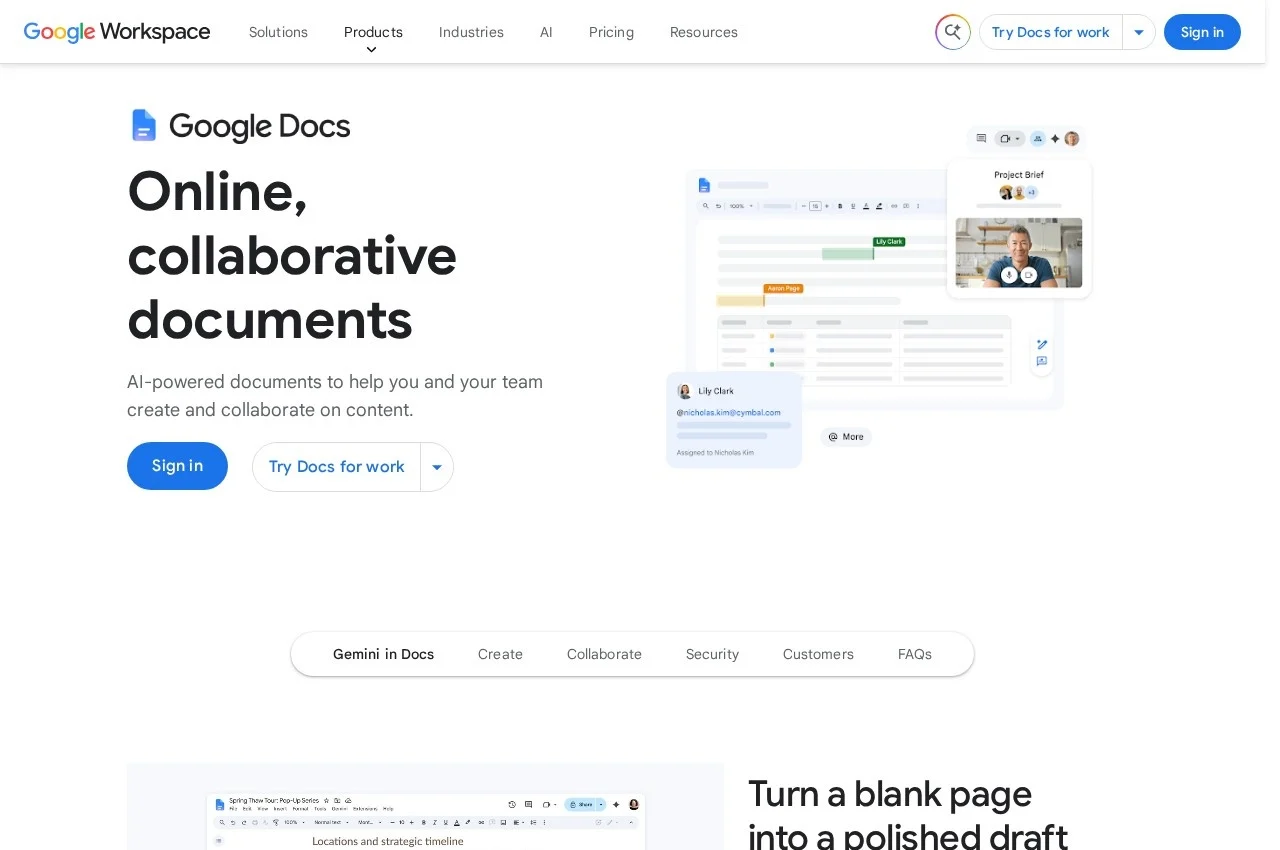 See all screenshots
 - Deployment Cloud Based, SaaS
- Starting price Not published
- Free trial Available
- Best for Freelancers, Small Business, Medium Business
What is Google Docs?
Google Docs is the document editor in Google Workspace, built around real time collaboration with granular permissions controlling who can edit, comment, download, share or view. It adds eSignature for drafting agreements and managing contract templates, building blocks for meeting notes drawn from Calendar events and for reusable text, version history, and import and editing of Word documents and PDFs.
Permission granularity is the feature that makes the collaboration usable in an organisation rather than merely possible. Sharing a document is easy anywhere; controlling that a reviewer can comment but not download, or view but not share onward, is what allows a contract or a salary review to live in the same system as everything else.
eSignature inside the editor is a more significant addition than it appears. Agreements are drafted in a document and then signed somewhere else, and that handoff is where version confusion begins, because the signed artefact stops being the document people keep editing.
Editing Word files and PDFs directly matters because most organisations do not get to choose what they receive. A tool that requires conversion before collaboration puts the friction exactly where the work arrives, which is the point at which people give up and reply with an attachment instead.
Key Features of Google Docs
- Real time collaborative editing
- Granular permissions for edit, comment, download, share and view
- Comments, emoji reactions and task assignment
- Version history with restore
- eSignature and contract template management
- Meeting notes building block from Calendar events
- Custom building blocks for reusable content
- Import and editing of Word documents and PDFs
- Encryption by default with client side encryption available
- Offline editing
- Gemini AI assistance
- Part of Google Workspace
Google Docs Pricing
Included with Google Workspace
Not published
Docs is not sold separately. It is included with Google Workspace plans and available free to personal Google accounts. Workspace rates were not captured here.
Google Docs Specifications
- Deployment
- Cloud Based
- SaaS
- Desktop
- Web App
- Mobile
- iOS
- Android
- Built for
- Freelancers
- Small Business
- Medium Business
- Large Enterprise
- Support
- Knowledge Base
- Public API
- Yes
- Free trial
- Yes
- Free plan
- No
- Runs in browser
- No
- Customisable
- No
- Website
- workspace.google.com
Google Docs Screenshots
Google Docs Comparisons


Used Google Docs? Write the first review.
Google Docs FAQs
Alternatives to Google Docs
Other Google Workspace Office Tools recorded on the same fields.