FloorPlanMapper
VerifiedInteractive office floor plans synced with Office 365, with SCIM support and asset mapping
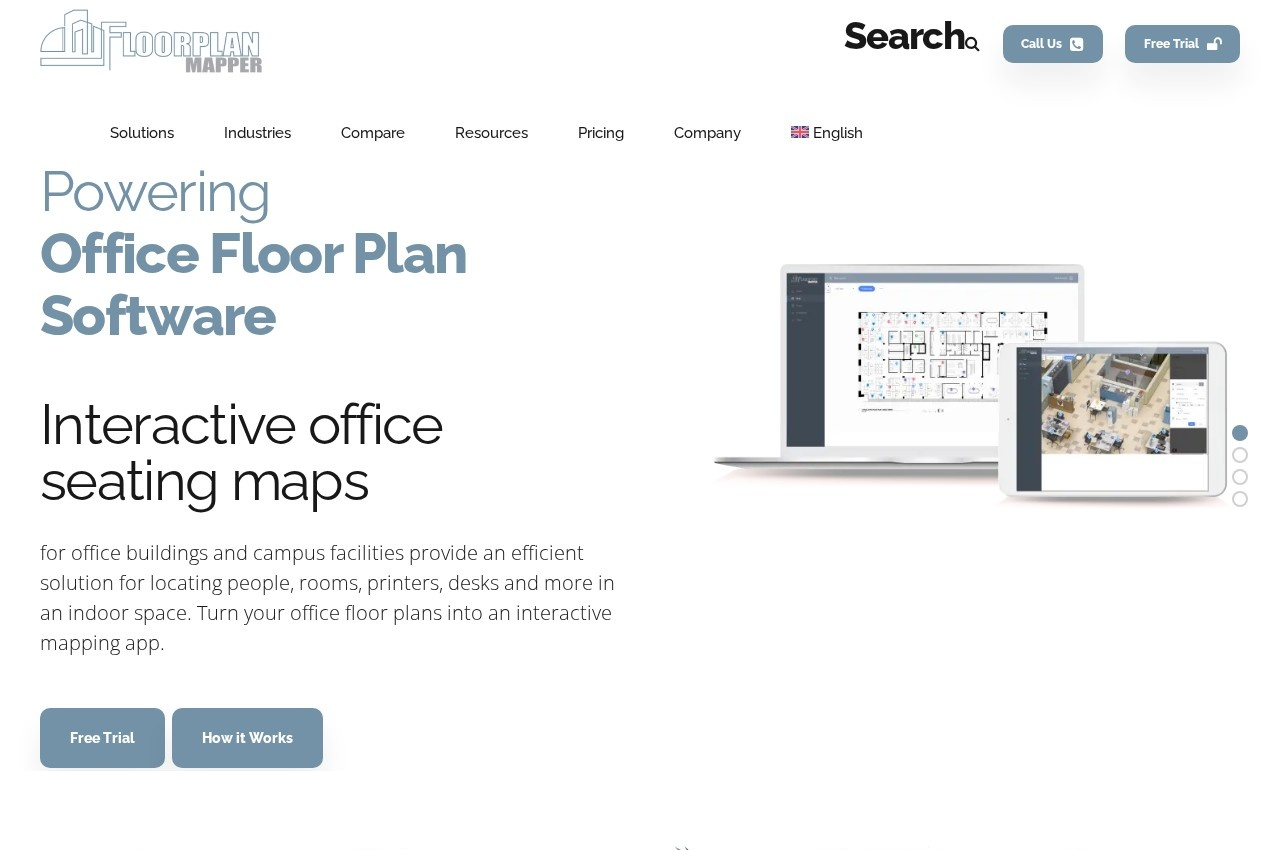 See all screenshots
 - Deployment Cloud Based
- Starting price Quoted on request
- Free trial Available
- Best for Small Business, Medium Business, Large Enterprise
What is FloorPlanMapper?
FloorPlanMapper produces interactive office seating plans with mobile access, asset management and SCIM support, staying in sync with Office 365, published with material on law firm seating plans and interactive floor plans.
Directory synchronisation is the capability that determines whether a seating plan is useful or misleading, and it is the reason most office floor plans fail.
A seating plan drawn in a diagramming tool is accurate on the day it is made. People then join, leave and move desks, and the plan is not updated because updating it is somebody's occasional task rather than an automatic consequence of the change.
Within a few months the plan shows people who have left and omits people who joined, at which point it is worse than nothing, because someone looking for a colleague walks to the wrong desk and concludes the system cannot be trusted.
Syncing with Office 365 means the plan reflects the actual directory, so joiners and leavers appear and disappear without anybody maintaining it. SCIM support extends that to automated provisioning, which is how larger organisations manage identity.
The law firm focus in published material is telling, because professional services firms have a specific version of this problem. They are organised around who works with whom on which matter, they reorganise frequently, they host clients who must be escorted to the right place, and a partner unable to find an associate is an expensive kind of friction.
Asset management on the same plan is a sensible pairing, since knowing which monitor, docking station or printer is where is the other half of what facilities teams get asked.
Pricing is not published on the captured page.
Key Features of FloorPlanMapper
- Interactive office floor plans
- Office 365 directory synchronisation
- Automatic joiner and leaver updates
- SCIM provisioning support
- Mobile access to plans
- Colleague location search
- Asset mapping to locations
- Multi-floor and multi-site plans
- Law firm seating configurations
- Visitor wayfinding
FloorPlanMapper Pricing
Quoted
Quoted on request
No pricing is published on the captured page. Normally quoted on the number of seats or floors mapped.
FloorPlanMapper Specifications
- Deployment
- Cloud Based
- Desktop
- Web App
- Mobile
- Android
- iOS
- Built for
- Small Business
- Medium Business
- Large Enterprise
- Support
- Public API
- Yes
- Free trial
- Yes
- Free plan
- No
- Runs in browser
- No
- Customisable
- No
- Website
- floorplanmapper.com
FloorPlanMapper Videos
FloorPlanMapper Screenshots
FloorPlanMapper Comparisons



FloorPlanMapper Reviews
No reviews yet
Used FloorPlanMapper? Share your experience and help other buyers decide.