Buffer
VerifiedSocial media management software to plan, schedule, and analyze posts across all your channels.
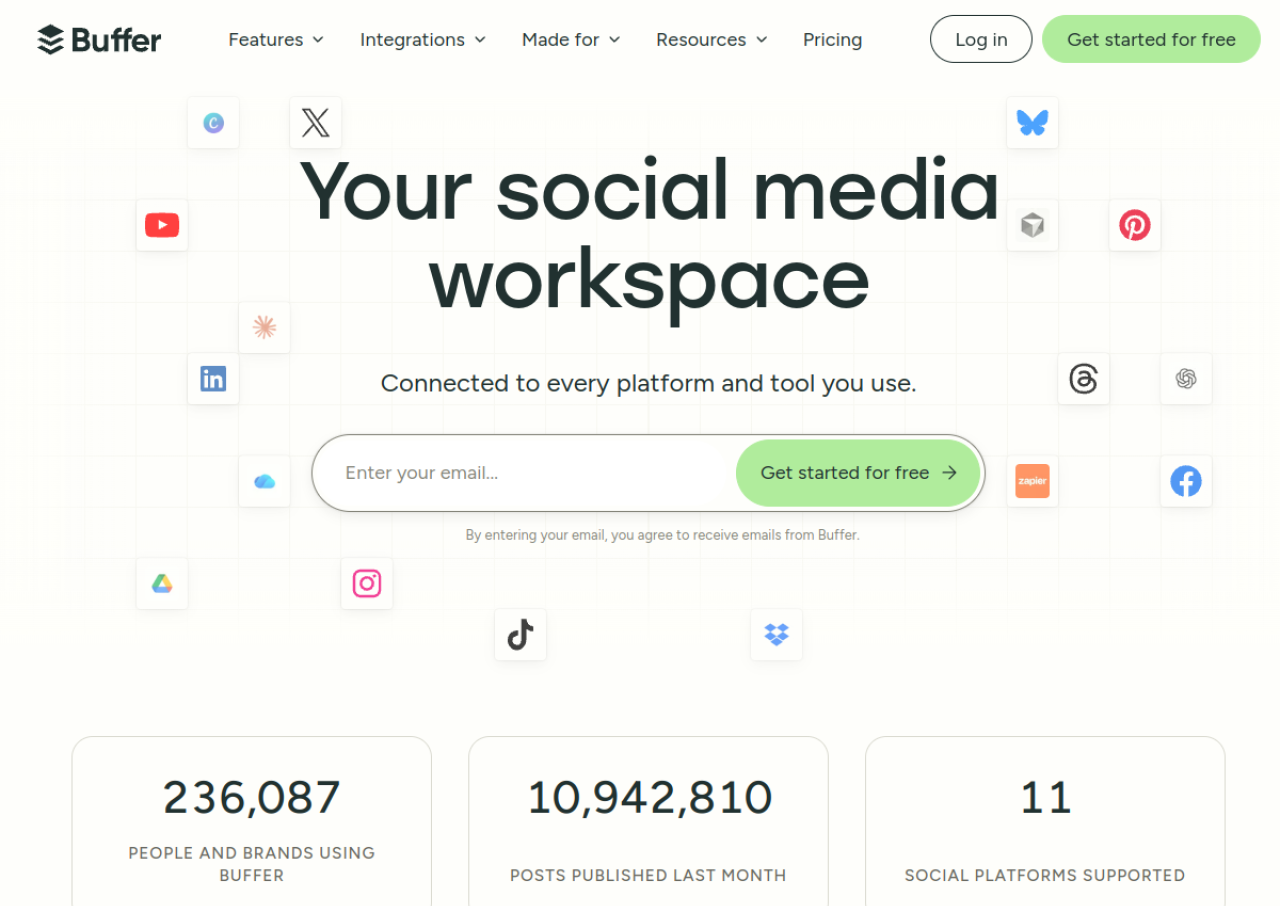 See all screenshots
 - Deployment Cloud Based
- Starting price $5
- Free trial Available
- Best for Freelancers, Startups, SMEs
What is Buffer?
Buffer is a social media management platform that helps individuals, small businesses, and agencies plan, schedule, and publish content across platforms like Instagram, TikTok, Facebook, X, LinkedIn, Pinterest, YouTube Shorts, Threads, Bluesky, Mastodon, and Google Business Profiles. It offers a visual content calendar, an AI writing assistant, and a community inbox for managing comments and engagement from one place.
Beyond publishing, Buffer provides analytics to track engagement and reach, along with team collaboration tools like approval workflows, notes, and custom permissions. Founded in 2010 and run as a fully remote company, Buffer is known for its clean interface and straightforward pricing, making it a popular choice for creators and growing teams who want an easy to use alternative to more complex enterprise tools.
Key Features of Buffer
Buffer lists 10 documented features, including Visual drag-and-drop content calendar for scheduling posts across multiple channels, AI Assistant for brainstorming ideas and drafting platform-specific post copy and Community inbox to manage and reply to comments across Facebook, Instagram, LinkedIn, Threads, and Bluesky. The list below covers what the product does rather than how it is marketed.
- Visual drag-and-drop content calendar for scheduling posts across multiple channels
- AI Assistant for brainstorming ideas and drafting platform-specific post copy
- Community inbox to manage and reply to comments across Facebook, Instagram, LinkedIn, Threads, and Bluesky
- Analytics and custom reports to track engagement, reach, and top-performing content
- Team collaboration with content approval workflows and custom access permissions
- Hashtag manager and first-comment scheduling for Instagram
- Idea/content organization hub for saving and repurposing content
- Mobile apps for iOS and Android to schedule and manage posts on the go
- API access for building custom integrations and automations
- Browser extension for sharing content directly from the web
Buffer Pricing
Buffer lists 2 plans, from $5 to $10.
Essentials
$5
per channel/month
The recommended plan at $5 a month for 1 channel, or $60 billed yearly which saves 2 months.
Team
$10
per channel/month
$10 a month for 1 channel, or $120 billed yearly which saves 2 months.
Buffer Specifications
Buffer is available on web app and has iOS and Android apps. It offers an API, has a free trial and has a free plan.
- Deployment
- Cloud Based
- Billing cycle
- Monthly
- Desktop
- Web App
- Mobile
- iOS
- Android
- Languages
- English
- Built for
- Freelancers
- Startups
- SMEs
- Agencies
- Support
- Live Support
- Integrations
- Canva, Google Drive, Dropbox, OneDrive, Unsplash, Zapier, IFTTT, Bitly, Feedly, Pocket, WordPress, Claude, ChatGPT, Cursor, and native support for Instagram, TikTok, Facebook, X (Twitter), Pinterest, LinkedIn, YouTube Shorts, Google Business Profile, Bluesky, Mastodon, and Threads
- Public API
- Yes
- Free trial
- Yes
- Free plan
- Yes
- Runs in browser
- Yes
- Customisable
- Yes
- Website
- buffer.com
Buffer Videos
Buffer Screenshots
Buffer Comparisons
Side by side comparisons of Buffer against 3 other Social Media Management Tools options listed here.



Buffer Reviews
No reviews yet
Used Buffer? Share your experience and help other buyers decide.
Buffer FAQs
Alternatives to Buffer
Other Social Media Management Tools recorded on the same fields.