


Plans and Pricing
Compare pricing of Remo Recover vs Compare with the following detailed pricing plan info. Remo Recover comes in 2 packages: Foundation, Strength. On the other hand, Compare has not provided information about its pricing.
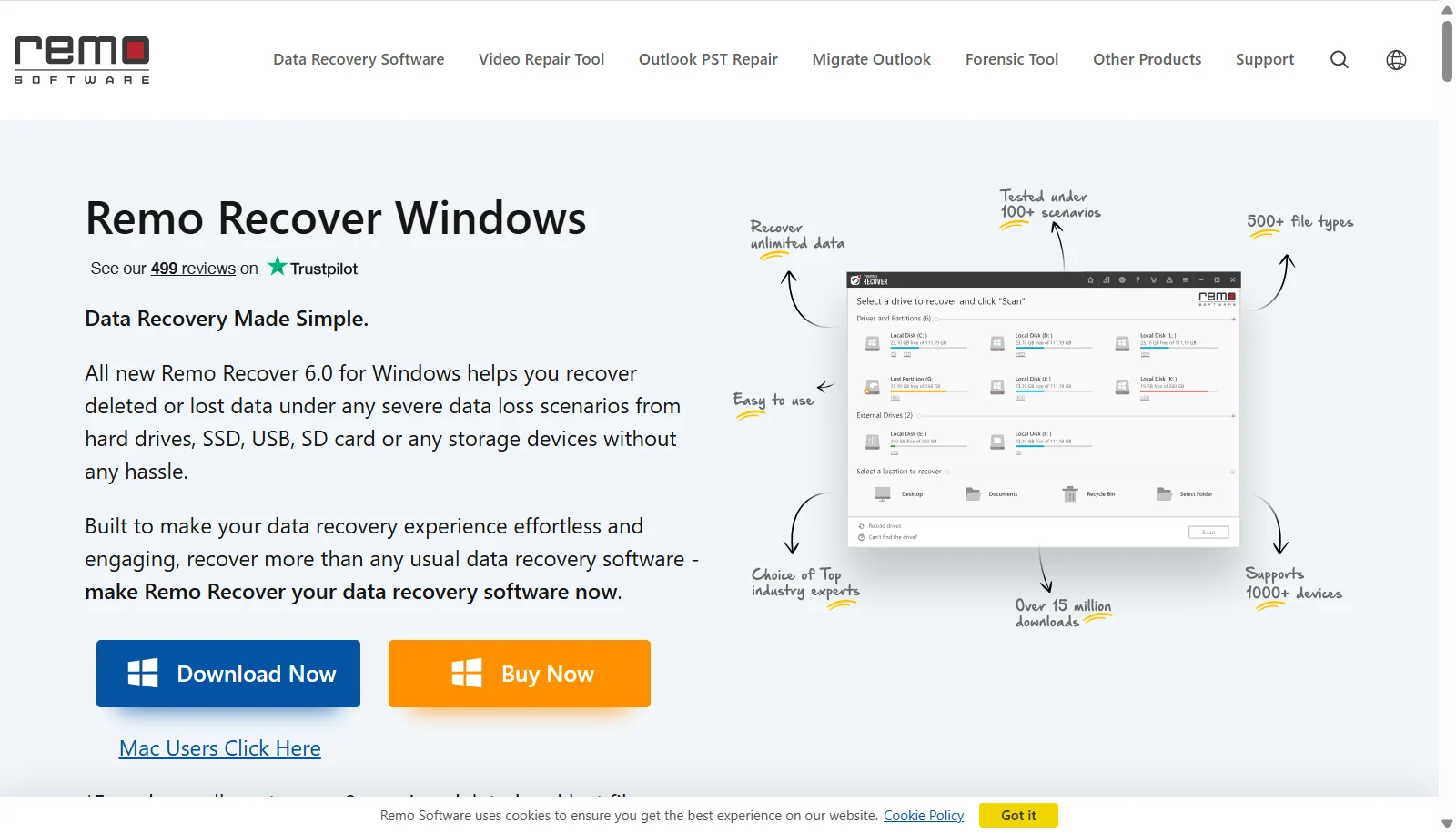
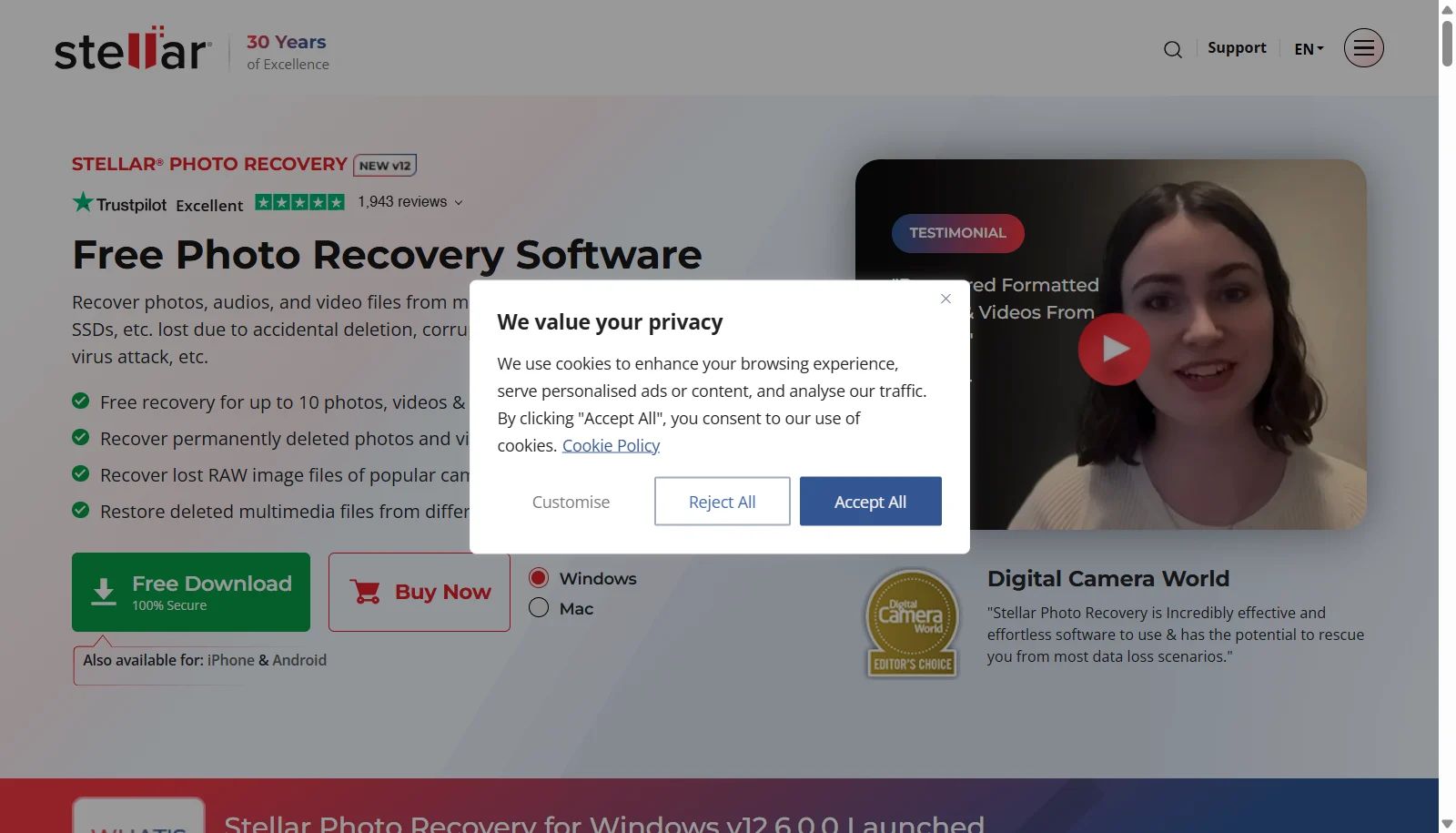
Screenshot
Take a look at the below screenshots and seamlessly compare the user interface of Remo Recover and Stellar Photo Recovery for better insights.
Features
Compare between Remo Recover and Stellar Photo Recovery on their key features and functionalities to pick the right one for your business.
- Quick Scan and Deep Scan modes
- Recovers 300+ file formats including Office docs and RAW photos
- Dynamic data recovery while scanning is still in progress
- Save and resume recovery sessions without rescanning
- Add New File Type using a sample file signature
- Recovers deleted partitions and formatted drives
- File preview before recovery
- Supports FAT16, FAT32, exFAT, NTFS and NTFS5
- Recovers photos, video and audio from cards, cameras and drives
- Supports JPEG, RAW, TIFF, PNG, MP4, MOV and other formats
- File preview during scanning
- Pause and resume scan
- BitLocker-encrypted drive support
- Corrupt photo repair (Professional and above)
- Corrupt video repair (Premium)
- Works with drives up to 18TB
- Three UI themes (Dark, Light, Vibrant)
Additional Details
| Details | Remo Recover | Stellar Photo Recovery |
|---|---|---|
| Languages | English | English |
| Country | United States | India |
| API Available | ✖ | ✖ |
| Run On Mobile Browser | ✖ | ✖ |
| Free Plan | ✔ | ✖ |
| Customization | ✖ | ✖ |
| Support | Email, Live Support | Email, Phone |
| Target Audience | Freelancers, SMEs | Freelancers, SMEs |
| Platforms | Windows | Windows, macOS |
| Subscription Plans | One-time | Yearly |
| Deployment | on premises | on premises |