


Plans and Pricing
Compare pricing of Prosoft Data Rescue vs Compare with the following detailed pricing plan info. Prosoft Data Rescue comes in 2 packages: Foundation, Strength. On the other hand, Compare has not provided information about its pricing.
Screenshot
Take a look at the below screenshots and seamlessly compare the user interface of Prosoft Data Rescue and PhotoRec for better insights.
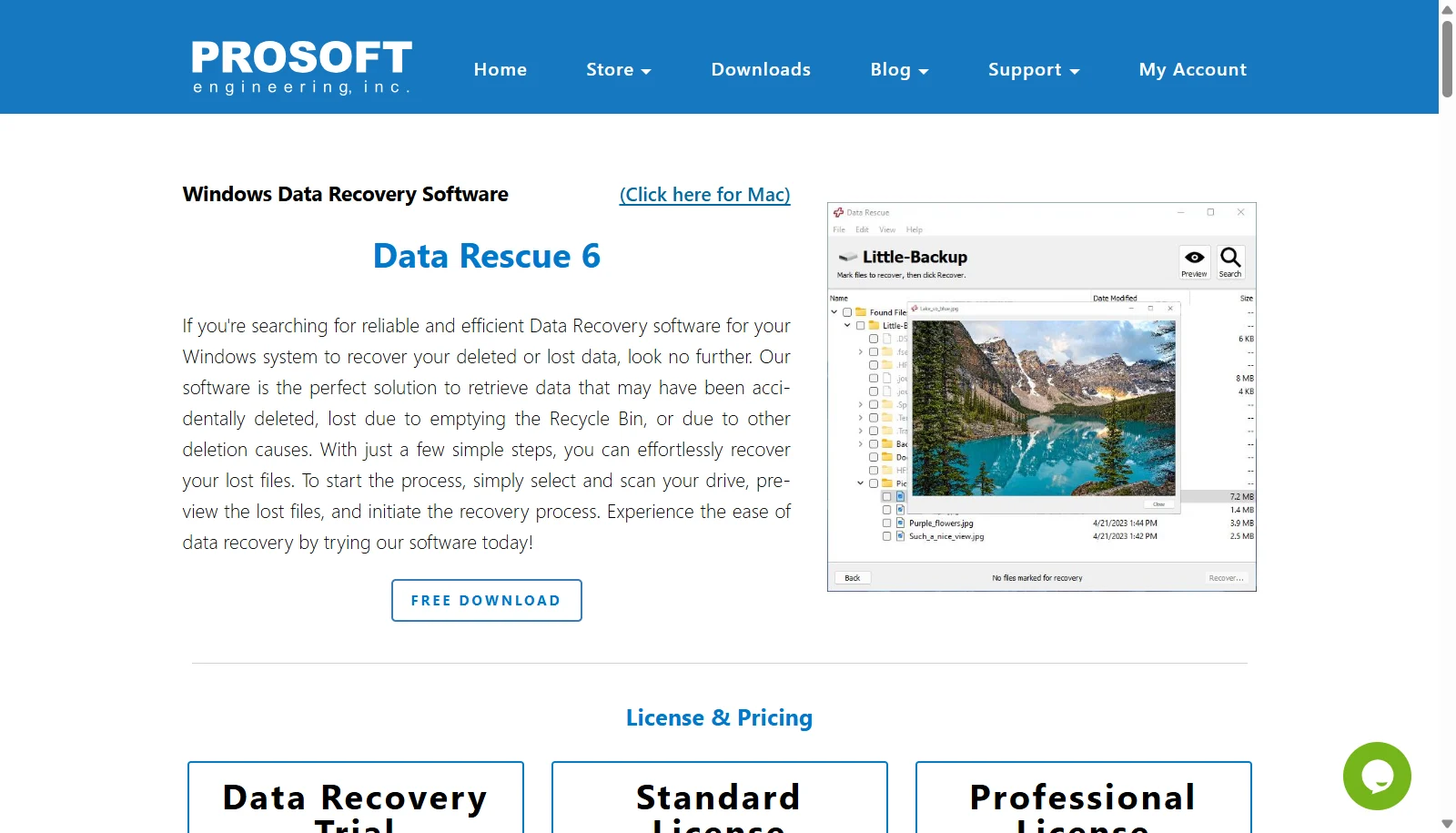
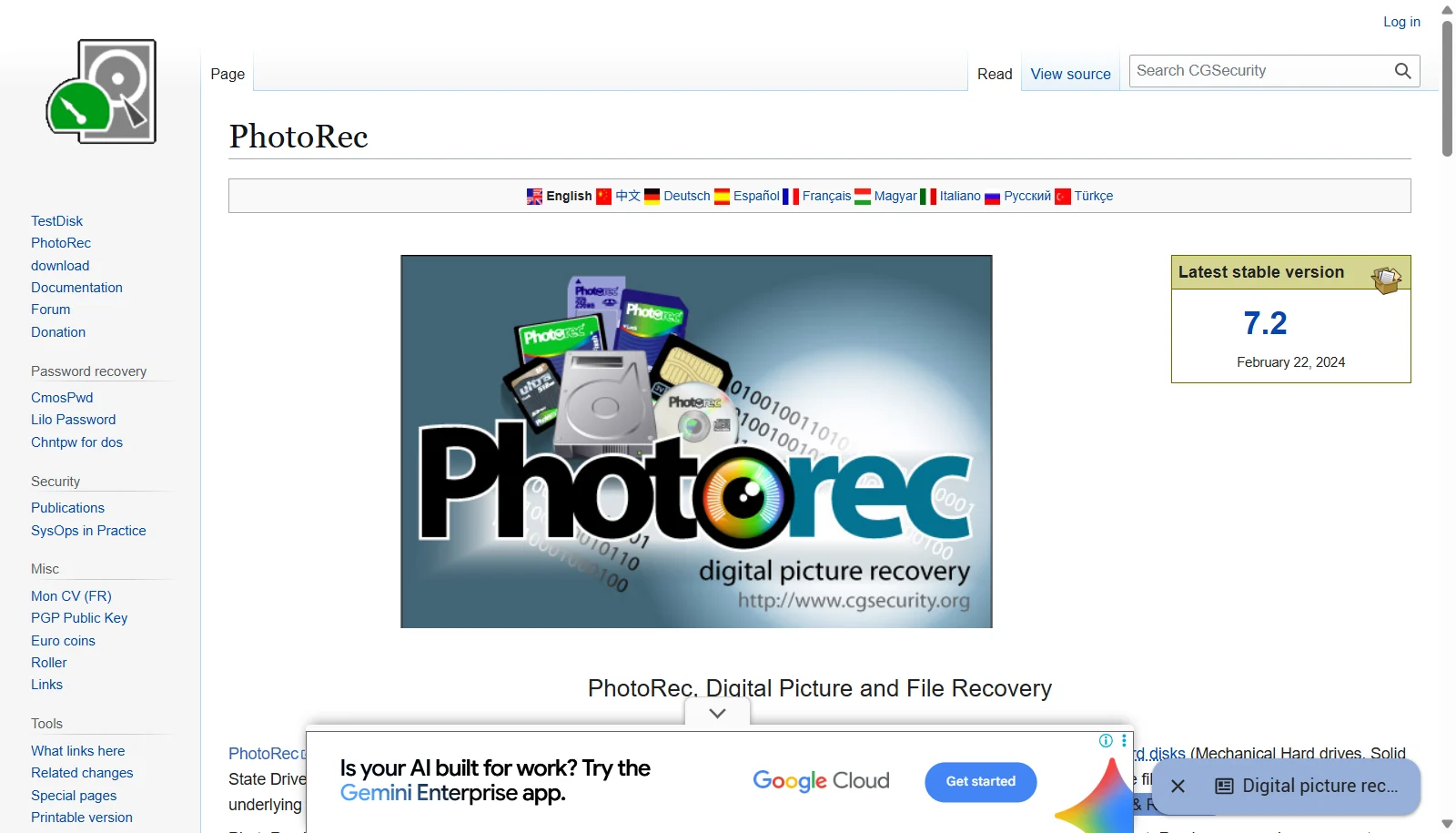
Features
Compare between Prosoft Data Rescue and PhotoRec on their key features and functionalities to pick the right one for your business.
- Recovers 100+ file types with signature-based FileIQ detection for unlisted formats
- Quick and Deep scan options
- Drive cloning to a disk image before recovery
- RAID recovery and manual scan configuration in Advanced Mode
- Supports APFS, HFS+, HFS, NTFS, FAT32, and exFAT
- Bootable recovery drive creation (Mac version)
- File preview before recovery
- One license works on both Windows and Mac
- Free and open source under GPL v2+
- Signature-based data carving recovery
- Recovers 480+ file extensions across ~300 file families
- Works even on severely damaged or reformatted file systems
- Read-only scanning to protect source media
- Recovers from hard disks, SSDs, USB drives, memory cards and CD-ROMs
- Supports FAT, NTFS, exFAT, ext and HFS+ file systems
- Bundled alongside TestDisk partition recovery tool
- Runs on Windows, Linux, macOS, FreeBSD, NetBSD, OpenBSD and Solaris
Additional Details
| Details | Prosoft Data Rescue | PhotoRec |
|---|---|---|
| Languages | English | English |
| Country | United States | France |
| API Available | ✖ | ✖ |
| Run On Mobile Browser | ✖ | ✖ |
| Free Plan | ✖ | ✔ |
| Customization | ✖ | ✔ |
| Support | Email, Tickets | |
| Target Audience | Freelancers, SMEs, Agencies | Freelancers, SMEs |
| Platforms | Windows, macOS | Windows, macOS |
| Subscription Plans | One-time | One-time |
| Deployment | on premises | on premises |