

Plans and Pricing
Compare pricing of Nvidia Broadcast vs Compare with the following detailed pricing plan info. Nvidia Broadcast comes in 2 packages: Foundation, Strength. On the other hand, Compare has not provided information about its pricing.
Screenshot
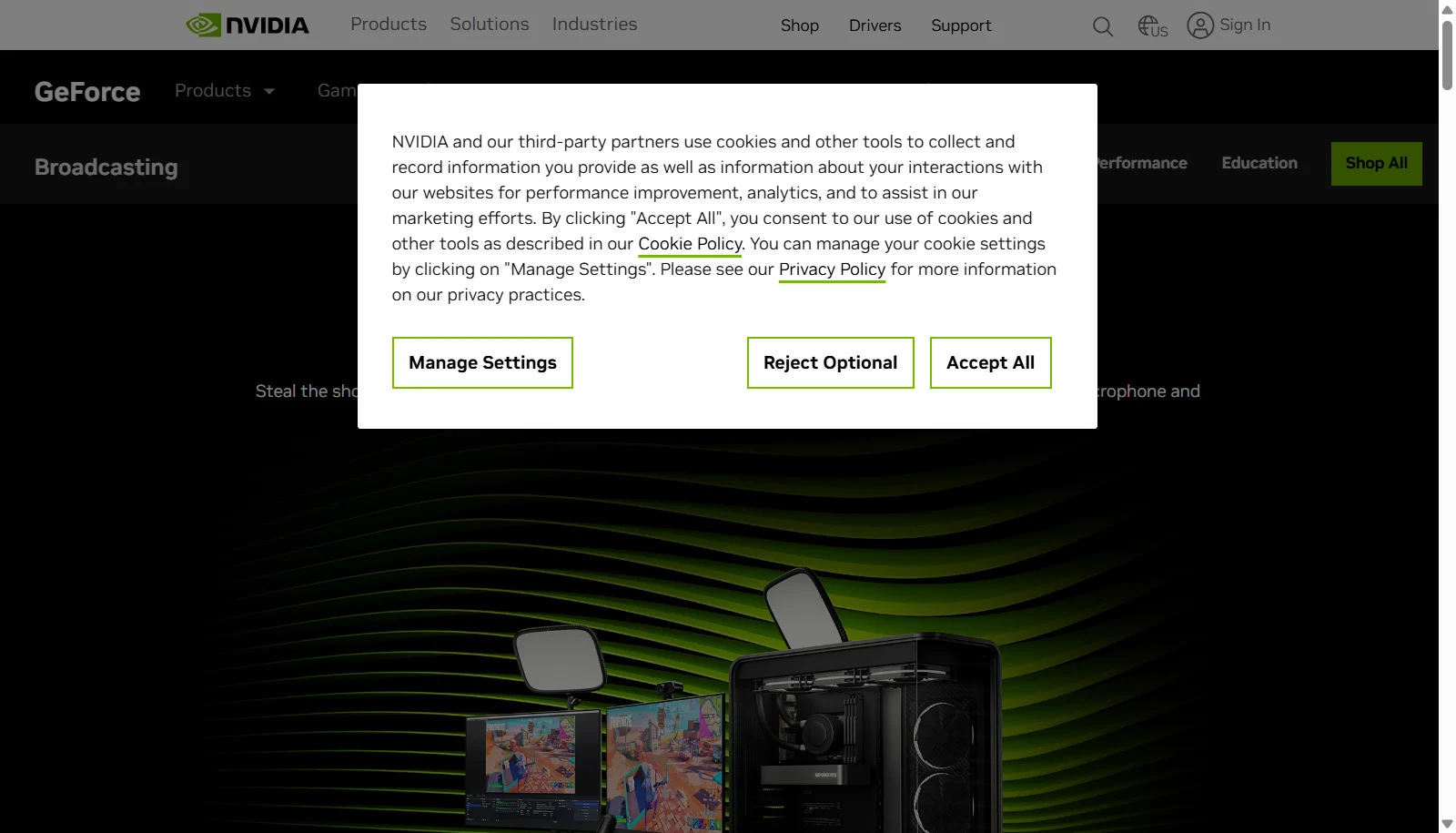
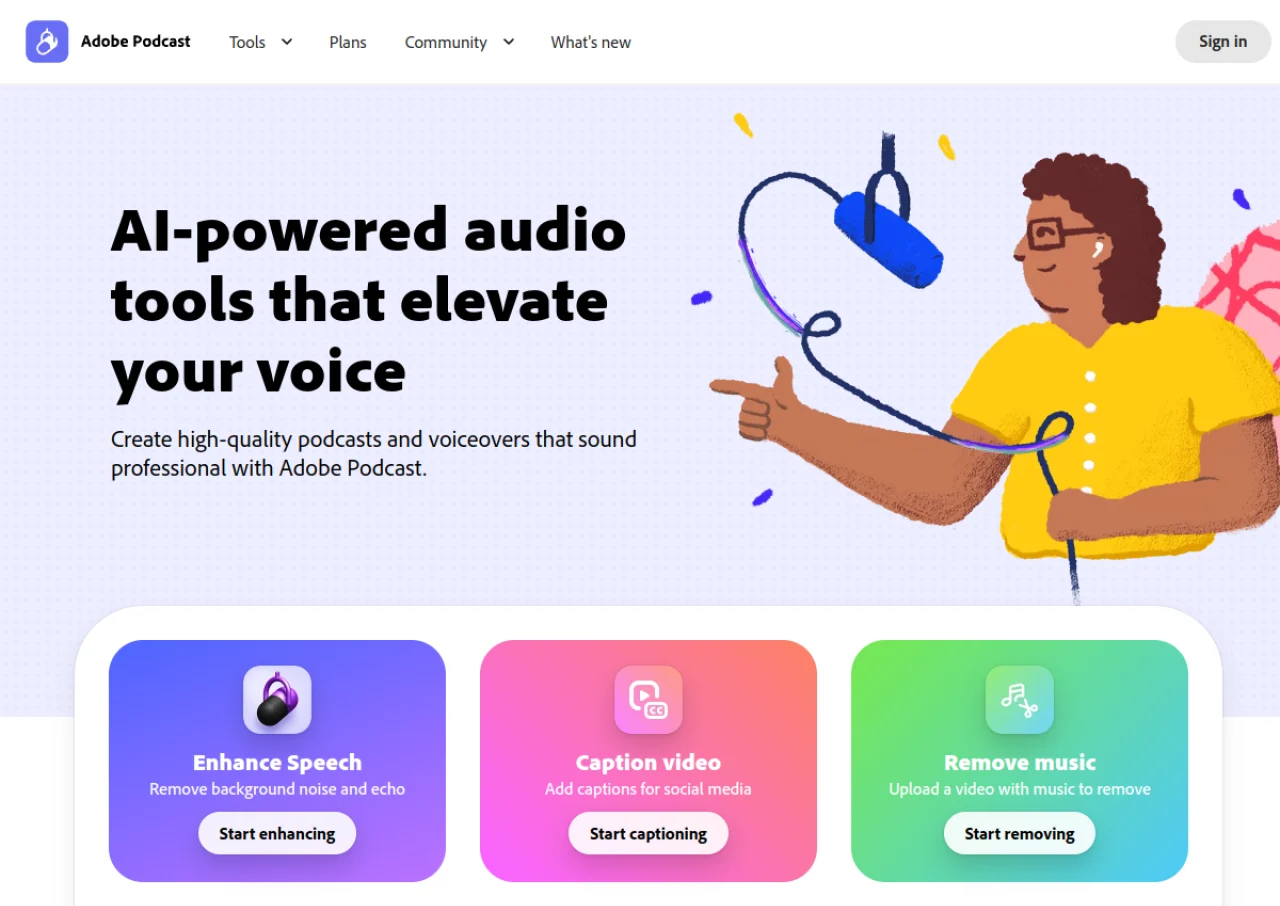
Take a look at the below screenshots and seamlessly compare the user interface of Nvidia Broadcast and Adobe Podcast for better insights.
Features
Compare between Nvidia Broadcast and Adobe Podcast on their key features and functionalities to pick the right one for your business.
- AI noise and room echo removal
- Studio Voice for enhanced audio quality
- Background removal, replacement, and blur without a green screen
- Eye Contact effect to simulate camera eye contact
- Auto Frame automatic webcam tracking and cropping
- Virtual Key Light on RTX 40/50 series GPUs
- Works as a virtual camera and mic in OBS, Streamlabs, Zoom, Teams, Discord
- One click setup
- Enhance Speech AI tool to remove noise, echo, and reverb
- Mic Check for pre-recording microphone diagnostics
- Studio multitrack recording with individual WAV tracks per speaker
- Automatic AI transcription with transcript-based editing
- Branded audiogram creation for social sharing
- Enhancement strength adjustment slider (Premium)
- Video file (MP4/MOV) enhancement support (Premium)
- Bulk/batch file uploading (Premium)
Additional Details
| Details | Nvidia Broadcast | Adobe Podcast |
|---|---|---|
| Languages | English | English |
| Country | United States | United States |
| API Available | ✔ | ✖ |
| Run On Mobile Browser | ✖ | ✔ |
| Free Plan | ✔ | ✔ |
| Customization | ✔ | ✖ |
| Support | Email, Tickets | |
| Target Audience | Freelancers | Freelancers, Startups, SMEs |
| Platforms | Windows | Web App |
| Subscription Plans | Monthly | Monthly |
| Deployment | on premises | cloud based |