


Plans and Pricing
Compare pricing of Autodesk SketchBook vs Compare with the following detailed pricing plan info. Autodesk SketchBook comes in 2 packages: Foundation, Strength. On the other hand, Compare has not provided information about its pricing.
Screenshot
Take a look at the below screenshots and seamlessly compare the user interface of Autodesk SketchBook and Photopea for better insights.
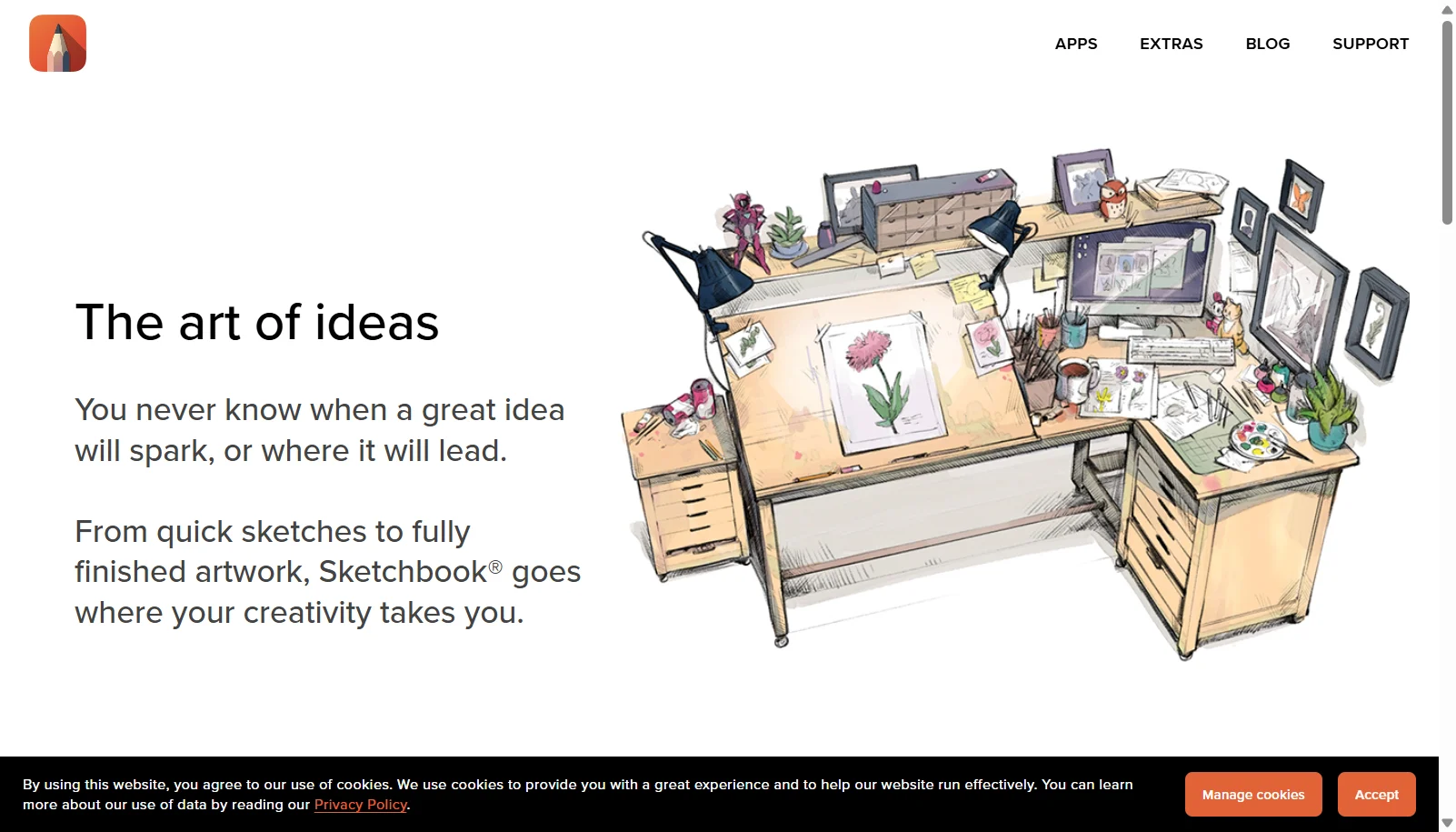
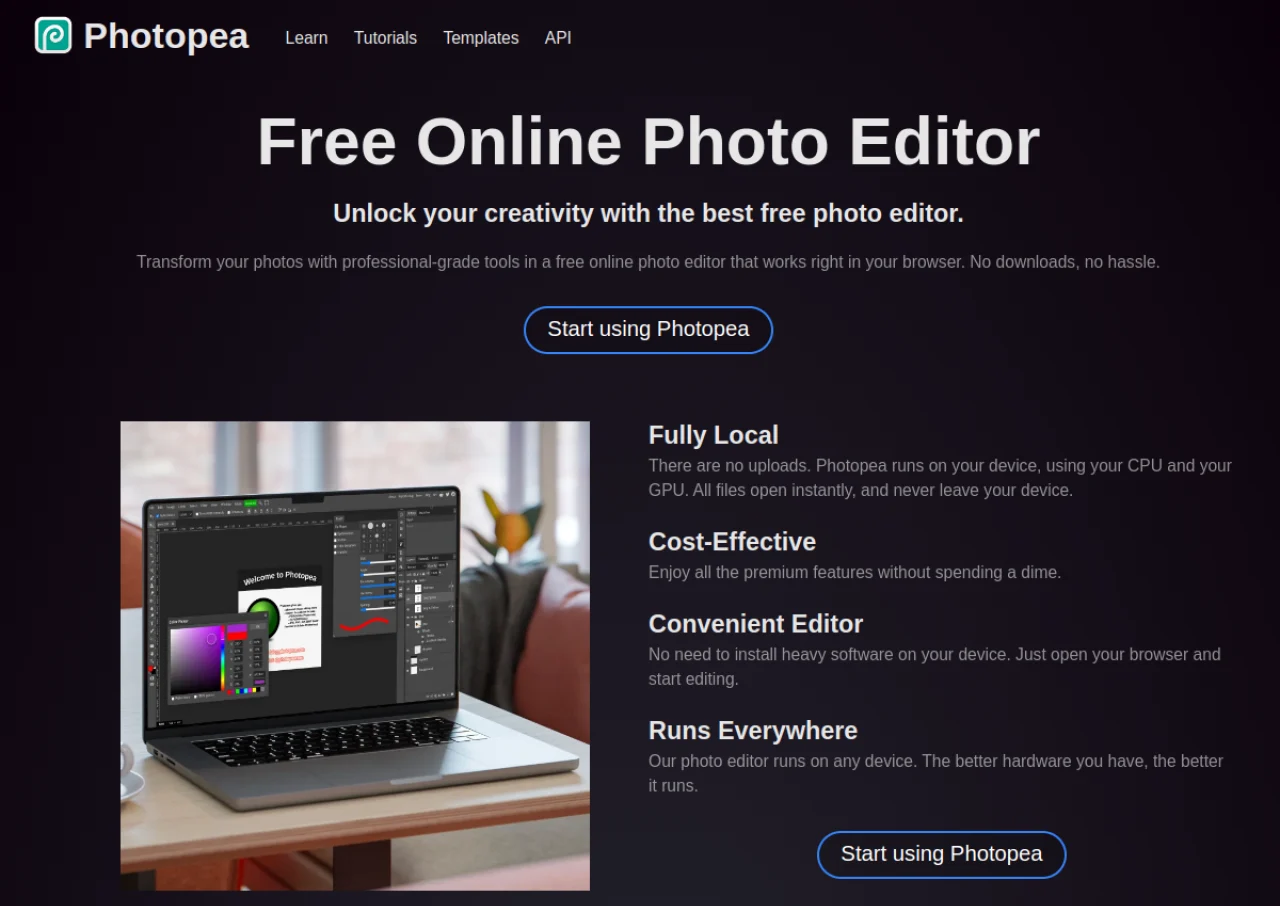
Features
Compare between Autodesk SketchBook and Photopea on their key features and functionalities to pick the right one for your business.
- Predictive stroke technology for smooth, cleaned-up linework
- Customizable brush engine: pencils, markers, airbrush, paint
- Ellipse, French curve and perspective rulers
- Layer editor with blend modes
- Symmetry drawing tools
- Copic color library integration
- Steady Stroke stabilization for shaky-hand smoothing
- Distraction-free, uncluttered drawing canvas
- Opens and saves native PSD, AI, XD, Sketch and CDR files
- Layers, masks, channels, smart objects and layer styles
- Vector shapes and paths similar to Illustrator tools
- Runs entirely client-side in the browser
- Supports 40+ import/export formats including PDF, SVG and RAW
- AI-assisted object selection and background removal
- Generative fill (Premium)
- No installation required, works on any device with a browser
Additional Details
| Details | Autodesk SketchBook | Photopea |
|---|---|---|
| Languages | English | English |
| Country | United States | Czech Republic |
| API Available | ✖ | ✖ |
| Run On Mobile Browser | ✖ | ✔ |
| Free Plan | ✔ | ✔ |
| Customization | ✔ | ✖ |
| Support | ||
| Target Audience | Freelancers, SMEs, Enterprises | Freelancers, Startups, SMEs, Agencies |
| Platforms | Windows, macOS | Web App |
| Subscription Plans | One-time | Monthly |
| Deployment | cloud based | cloud based |