


Plans and Pricing
Compare pricing of Adobe Express Remove Background vs Compare with the following detailed pricing plan info. Adobe Express Remove Background comes in 2 packages: Foundation, Strength. On the other hand, Compare has not provided information about its pricing.
Teams
$4.99/user/month
Business-oriented plan with premium features and admin/brand management for…
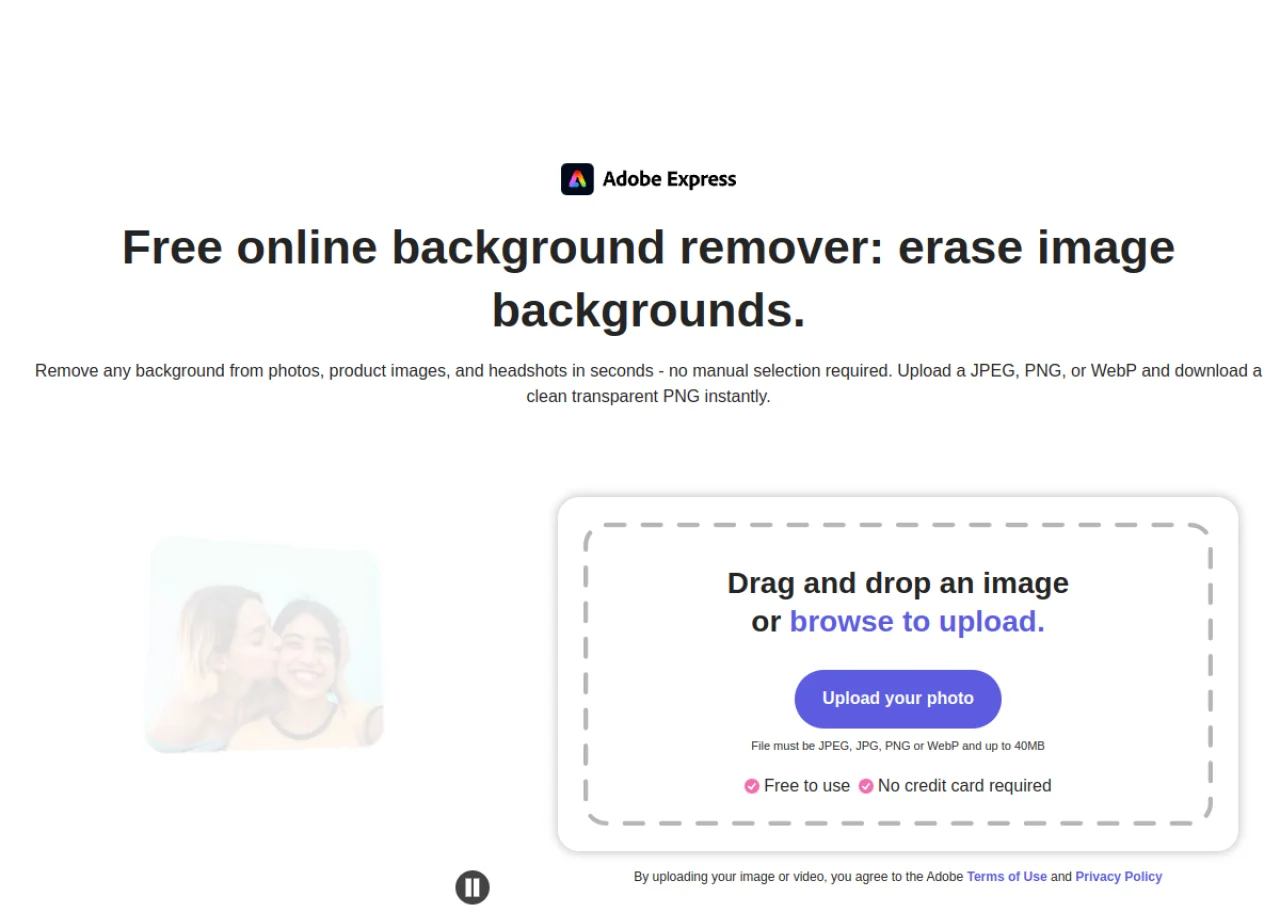
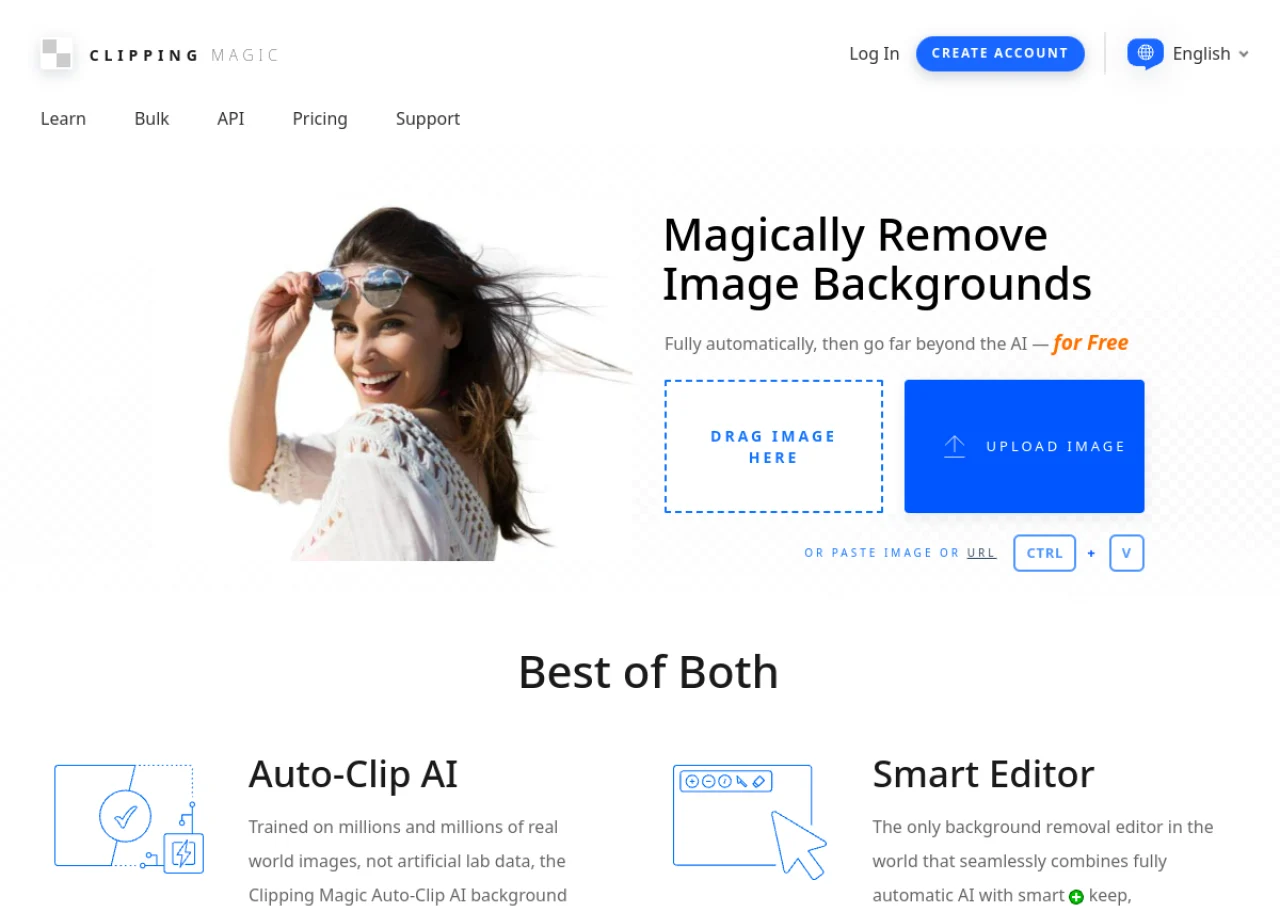
Screenshot
Take a look at the below screenshots and seamlessly compare the user interface of Adobe Express Remove Background and Clipping Magic for better insights.
Features
Compare between Adobe Express Remove Background and Clipping Magic on their key features and functionalities to pick the right one for your business.
- One-click automatic background removal for images
- AI-based subject detection with no manual selection needed
- Exports clean transparent PNG files
- Refine edge, eraser, and restore brush tools for manual touch-ups
- Video background removal without a green screen
- No account required for basic image background removal
- Works on desktop browsers and mobile devices
- Integrates directly into Adobe Express templates and designs
- Supports JPG, PNG, and WebP input formats
- Auto-Clip AI automatic background removal
- Manual keep/remove foreground-background markers
- Dedicated hair tool for fine-strand separation
- Scalpel tool for precise low-contrast edge cuts
- Graphics mode for logos preserving pixel-level detail
- Smart edges with feathering, edge guard, and halo scrubbing
- Bulk/batch processing with saved default settings
- Export to transparent PNG, solid backgrounds, SVG, and TIFF with clipping paths
- Image rotate, crop, resize, and shadow tools
- Developer API for programmatic background removal
Additional Details
| Details | Adobe Express Remove Background | Clipping Magic |
|---|---|---|
| Languages | English | English |
| Country | United States | United States |
| API Available | ✖ | ✔ |
| Run On Mobile Browser | ✔ | ✖ |
| Free Plan | ✔ | ✖ |
| Customization | ✔ | ✔ |
| Support | Email, Live Support | |
| Target Audience | Freelancers, Startups, SMEs, Agencies, Enterprises | Freelancers, SMEs, Agencies |
| Platforms | Web App | Web App |
| Subscription Plans | Monthly | Monthly |
| Deployment | cloud based | cloud based |