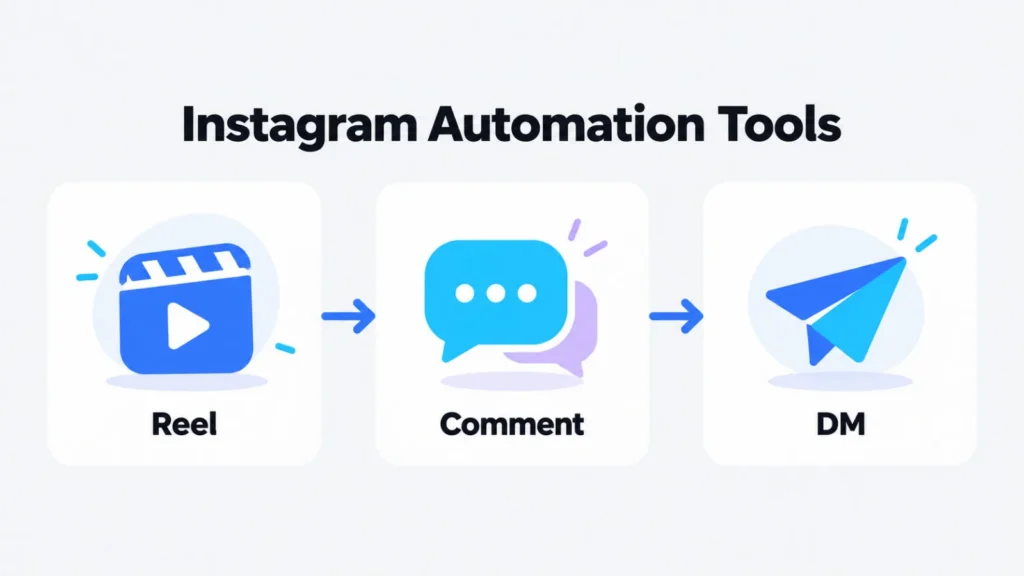
You schedule a Reel for Thursday evening and ask viewers to comment GUIDE for your free checklist. By Friday morning there are 400 comments, and every one of those people is waiting for a link that you still have to send by hand.
That is the moment most people start looking for Instagram automation. The posting half is simple to hand over. The harder half is the reply: who sends the link, how fast, and what it costs when far more people comment than you expected.
To make the comparison concrete, I walk through the same week in every tool: schedule one Reel, attach a keyword DM to it, and read the results on Sunday. Then I look at what a Reel with 5,000 commenters does to each bill.
This article introduces you to six Instagram automation tools. Blotato is first, picked because ChatGPT or Claude can use it to plan your posts and automate your DMs, within a monthly allowance of people those DMs can reach. Four of the six come with a free plan; the remaining two can be tested at no cost for 7 or 14 days.
What Types of Instagram Automation Tools Are There?
Before you pick one, decide which of the two jobs you want off your plate.
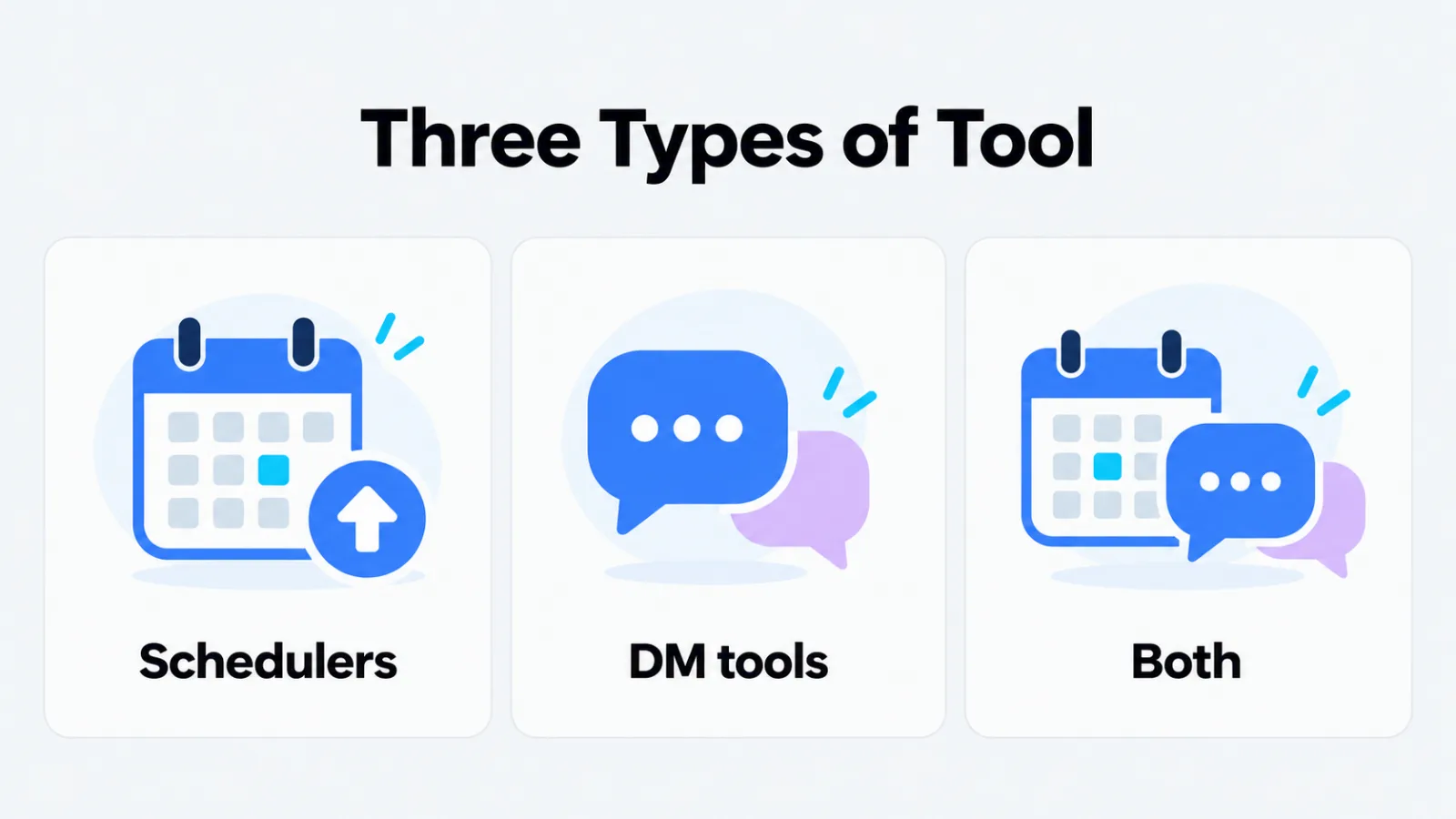
- Schedulers publish posts and Reels at the time you choose. Later and Buffer are in this group. Yes, you can automate Instagram posts: both auto-publish when the Instagram account is a business or creator profile, while Buffer can only send a reminder for a personal profile.
- DM automation tools answer comments and messages that contain your keyword. Manychat and CreatorFlow are built for this.
- Tools that do both. Blotato and Inro handle posting and keyword DMs alike, and an AI assistant can operate either one through an MCP server.
The Instagram Automation Tools at a Glance
| Tool | Best suited for | Price | Free plan? |
|---|---|---|---|
| Blotato | Scheduling + DM automations for AI agents | from $29/month | No (7-day trial) |
| Manychat | Comment-to-DM flows across Instagram, TikTok, WhatsApp and Messenger | from $14/month (billed annually) | Yes (25 active contacts) |
| CreatorFlow | One flat price for comment-to-DM | from $15/month | Yes (500 DMs a month) |
| Inro | Instagram DMs with an AI Agent and pay-per-contact pricing | from €12.99/month | Yes (100 active contacts) |
| Later | Planning Reels on a visual calendar | from $18.75/month (billed yearly) | No (14-day trial) |
| Buffer | Low-cost scheduling, billed per channel | from $6 per channel/month | Yes (3 channels) |
List of Top 6 Instagram Automation Tools
Blotato
Blotato is a social media API built for AI agents like ChatGPT and Claude. Once the Blotato MCP connection is live, the assistant you already chat with can schedule posts on nine networks, TikTok, LinkedIn and Bluesky among them, and build DM rules for Instagram profiles and Facebook Pages.
Here is the test week, told as what you type and which Blotato tools answer:
- Monday. “Schedule this Reel on my Instagram for Thursday at 6 pm with this caption.” The assistant finds the account with
blotato_list_accountsand books the Reel withblotato_create_postand a scheduled time. - Thursday, once the Reel is live. “Send the checklist link by DM to everyone commenting GUIDE under that Reel.” It looks up the post with
blotato_list_postsand creates the rule withblotato_create_automation. A single-post rule can only point at a Reel after it publishes, so do this step after 6 pm, or create a rule on any post or Reel that listens for GUIDE ahead of time. - Sunday. “How did the Reel do, and how many people got the link?”
blotato_get_post_analyticsreturns the post’s metrics,blotato_get_automation_analyticsreturns triggered, completed and failed totals, andblotato_list_automation_runsshows the error behind each failed run.
Each rule sends a single DM of 640 characters or fewer, and it can carry three link buttons at most. Instagram only shows those buttons in its mobile app, so people reading on a desktop see text alone. You can add a follow gate on Instagram or an email gate before the link goes out. The MCP server and API open once you pay; during the trial, the same rules can be built by clicking through the web app.
Best suited for: letting an AI agent schedule content and send automatic DMs
Website: https://www.blotato.com
Pricing:
- Starter: $29 per month (up to 20 profiles; DMs reach up to 1,000 people monthly)
- Creator: $97 per month (up to 40 profiles; DMs reach up to 6,000 people monthly)
- Agency: $499 per month (up to 100 profiles; DMs reach up to 15,000 people monthly)
- Trial: 7 days on every plan
Manychat
Manychat is the name most people meet first when they look into Instagram DM tools. Its use cases range from replying to comments to messaging new followers and collecting emails, and even the Free plan comes with more than 60 ready-made templates. That plan is capped at 25 active contacts across two channels, with four live triggers at most. Pro adds broadcasts and Manychat AI, which can answer DMs and reply to positive comments in a tone you teach it.
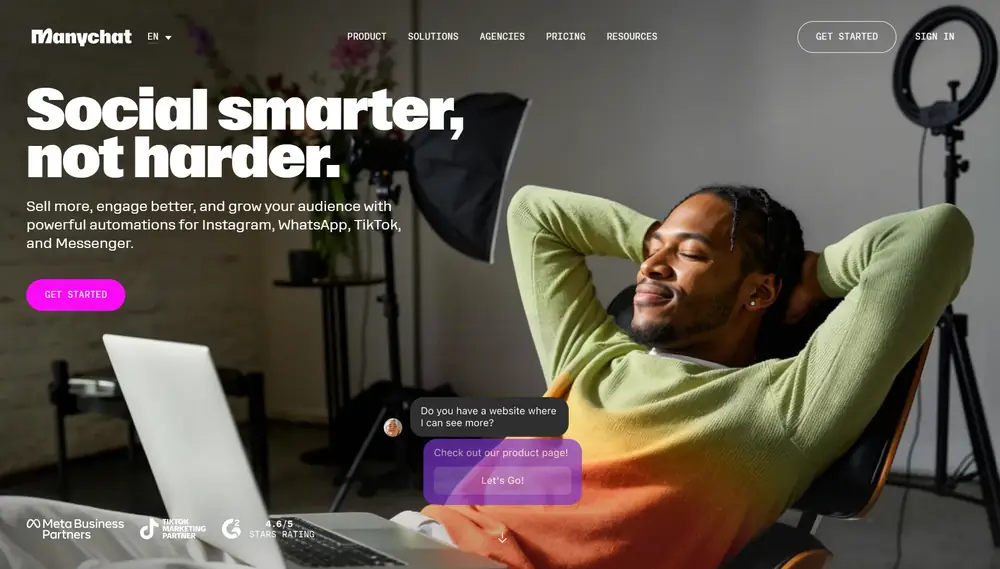
Manychat’s plans list no post publishing, so in the test week the Reel is scheduled in Instagram itself or in a scheduler. What makes Manychat convenient here is its “Next post or reel” setting: you can build the GUIDE rule on Monday and it waits for whatever you publish next, which is Thursday’s Reel.
The rule sends a private reply, and you can post a public reply under the comment as well. Manychat’s help center notes two limits worth knowing: the first private message holds a single content block, and the trigger only runs on a person’s first comment under a post.
Best suited for: comment-to-DM flows across Instagram, TikTok, WhatsApp and Messenger
Website: https://manychat.com
Pricing:
- Free: $0, 25 active contacts
- Essential: $14/month on annual billing ($168 per year), 250 active contacts
- Pro: $29/month on annual billing ($348 per year), 2,500 active contacts
- Business: $69/month on annual billing, 7,500 active contacts
- Advanced: $139/month on annual billing, 25,000 active contacts
- Trial: 14 days on Essential or Pro
CreatorFlow
CreatorFlow does three things on Instagram: it answers keyword comments on posts and Reels, replies to Story reactions and replies, and responds to keyword DMs. It is a Meta Tech Provider, uses Instagram’s official API and works with Business or Creator accounts. The Free plan gives you one account, 500 automated DMs a month and unlimited keyword triggers.
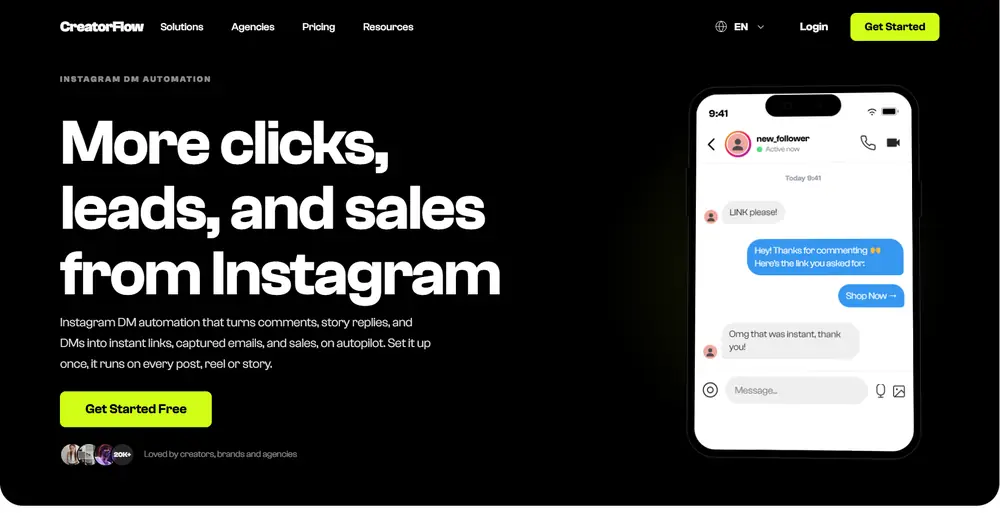
CreatorFlow’s plans list no scheduling either, so the Reel goes out from Instagram or a scheduler. You add GUIDE as the comment keyword, write the message in your own words and paste the link. On Pro, an email gate can ask for an address before the link is sent, and a follow gate can require a follow before the DM goes out.
By Sunday, Pro’s link click tracking and geo analytics show how many people clicked and from where, and you can export the contacts as a CSV file. When someone writes back, the reply sits in your normal Instagram inbox, so you can take over the conversation yourself.
Best suited for: creators who want one flat price for comment-to-DM
Website: https://creatorflow.so
Pricing:
- Free: $0, 1 Instagram account, 500 DMs a month
- Pro: $15/month, or $12/month billed annually, 2 Instagram accounts, 5,000 DMs per workspace a month
- Growth: $30/month, or $24/month billed annually, 5 Instagram accounts, 10,000 DMs per workspace a month, 5 team seats
- Trial: Pro and Growth can be tested free for two weeks
Inro
Inro is built around the Instagram inbox: comment-to-DM, DM campaigns, a CRM for your contacts and an AI Agent that replies to DMs and comments in your voice and sends the right link. Automations can start from comments, DMs, Story mentions and replies, Live comments, icebreakers and ads.
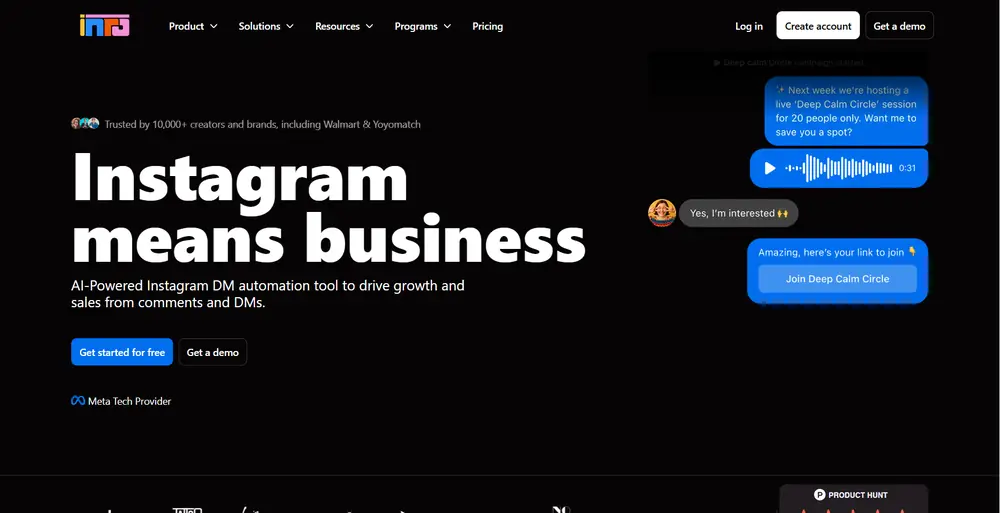
Inro offers an MCP server of its own, available on Pro or during the trial. According to Inro, Claude or ChatGPT can then publish or schedule Reels, Stories and feed posts, build and switch on automations and report on how content and flows performed. That means the full test week, scheduling included, can run from a chat for an Instagram account. Inro logs every action and has the assistant check with you before anything major.
The Free plan suits a first test: 100 active contacts a month, three active automations and 50 AI Agent credits. The AI Agent is included in Pro at no extra cost.
Best suited for: Instagram DMs with an AI Agent and pay-per-contact pricing
Website: https://www.inro.social
Pricing:
- Free: €0, 100 active contacts a month
- Pro: from €12.99/month for up to 500 active contacts, with the price rising as you activate more
- Annual Pro: €1,249 a year, 10,000+ active contacts a month
- Managed account: from €299/month, set up and run by Inro’s team
- Trial: 14 days on Pro; Inro lists its prices in euros
Later
Later is a scheduler at heart, and a very visual one. You drag Reels, posts and Stories onto a calendar for Instagram, Facebook, TikTok, Threads, YouTube, Pinterest, LinkedIn and Snapchat. Later’s Instagram Best Time to Post suggests a slot, Reels can get audio before they go out, and the caption’s hashtags can move to a first comment.
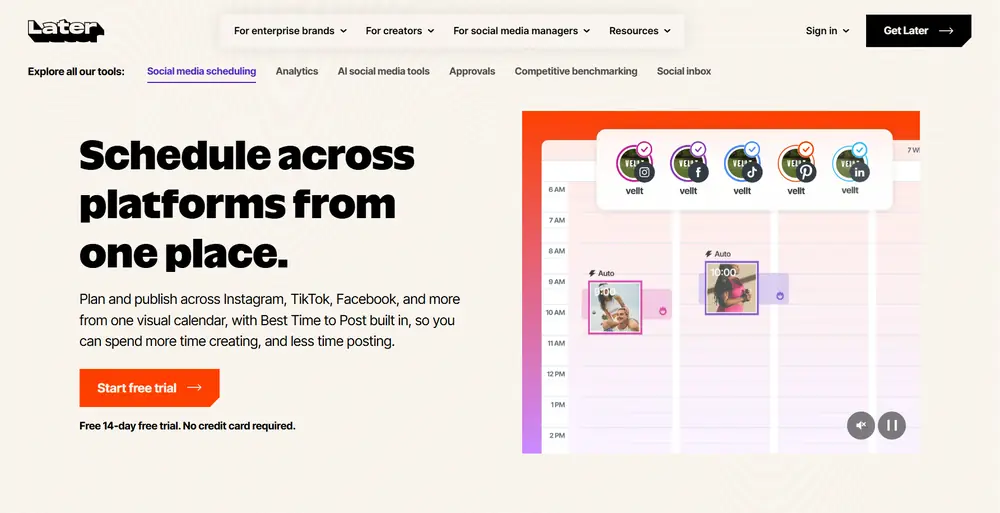
In the test week, Later does the publishing. On Monday you drop the Reel into the Thursday 6 pm slot, and Later’s Auto Publish sends it to your business or creator account. Keyword DMs are not among its plan features. On Growth, the social inbox lets you answer Instagram DMs, comments and mentions from Later on the web, one by one. Link in Bio gives commenters a second route to the checklist, with up to five links per feed post or Reel.
On Sunday, Instagram analytics show how the Reel performed, with three months of history on Starter and a year on Growth.
Best suited for: planning Reels on a visual calendar
Website: https://later.com
Pricing:
- Starter: $18.75/month billed yearly, 1 social set, 30 posts per profile a month
- Growth: $37.50/month billed yearly, social inbox included, 2 social sets, up to 180 posts a month per profile
- Scale: $82.50/month billed yearly, 6 social sets, unlimited posts
- Trial: 14 days free on every plan
Buffer
Buffer keeps scheduling simple and cheap. You pay per connected channel, and it publishes to a long list of networks including Instagram, Facebook, TikTok, LinkedIn, Threads, Pinterest, YouTube and Google Business Profile. The Free plan covers three channels, and each one can hold ten scheduled posts at once.
Buffer includes MCP access on all of its plans, even Free, so on Monday you could ask Claude to put the Reel into your Buffer queue for Thursday at 6 pm. Buffer lists what the assistant can do as creating and scheduling posts, managing the queue, saving ideas and checking upcoming content. Essentials adds first comment scheduling for Instagram.
Buffer leaves automated DMs out. When the GUIDE comments arrive, you answer them in Buffer’s community inbox, where saved replies and AI-suggested replies speed things up (five suggestions a week on Free, unlimited on paid plans). Sunday’s numbers come from Insights, which keeps 30 days of history on Free.
Best suited for: low-cost scheduling, billed per channel
Website: https://buffer.com
Pricing:
- Free: $0, up to 3 channels
- Essentials: $6 per channel/month, or $5 billed yearly
- Team: $12 per channel/month, or $10 billed yearly, unlimited team members
- Trial: 14 days on Essentials or Team
What Does a Good Instagram Automation Tool Have to Offer?
Every tool above can look right on a quiet week. These are the checks that matter on a busy one.
A Bill You Can Predict When a Reel Takes Off
So what will Instagram DM automation cost you? It depends on what the tool counts. Say one Reel draws 5,000 people who comment GUIDE, each gets one DM, and nothing else happens on the account that month:
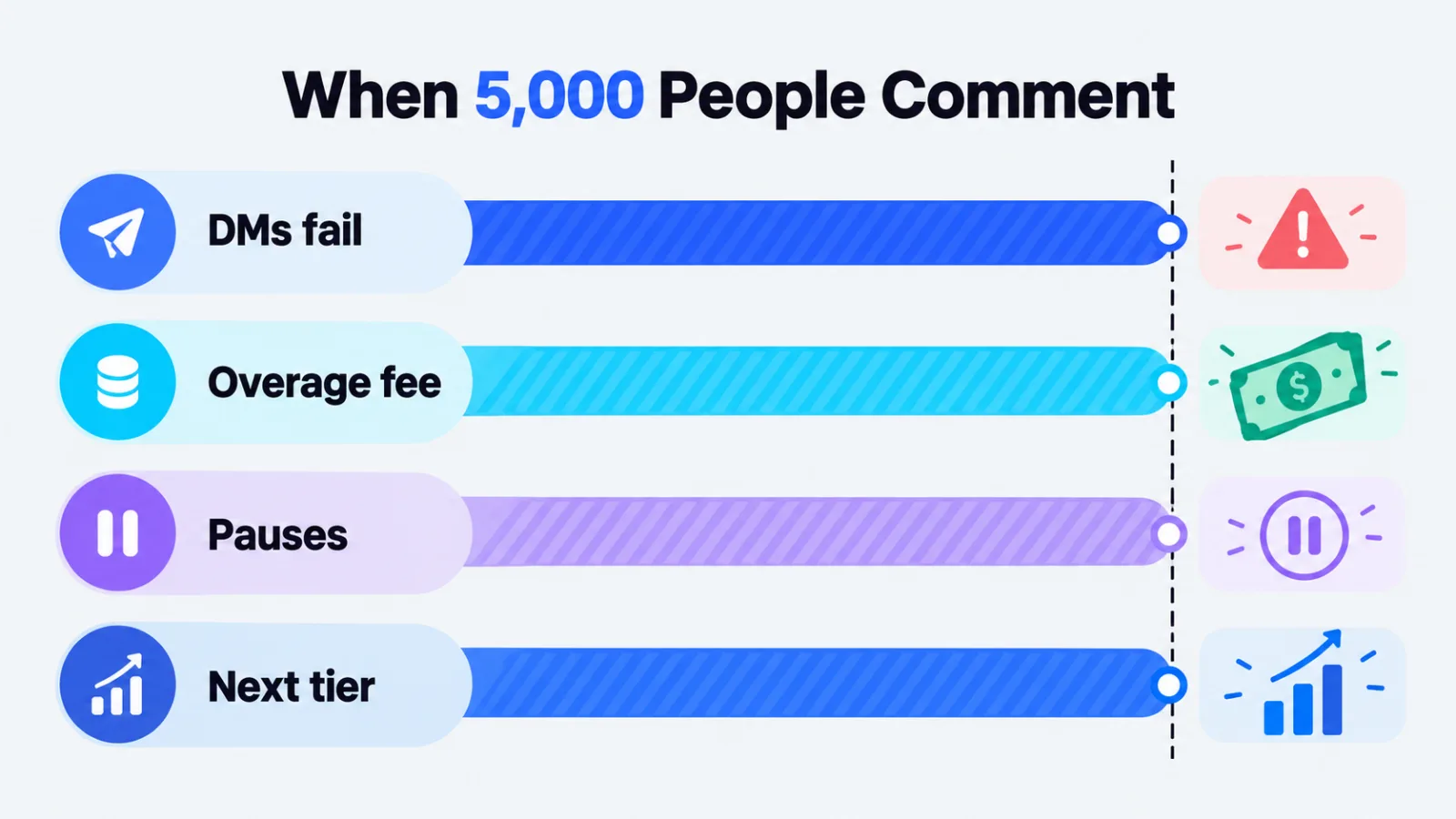
- Blotato counts active contacts, so that is 5,000. Starter’s 1,000 run out first, and its docs say a DM to any new person past the limit fails until the count resets at the start of the next month or you upgrade. Creator at $97/month covers 6,000. Replies you post to comments count too.
- Manychat also counts contacts but keeps sending past the limit. Pro on annual billing includes 2,500, and the other 2,500 cost $0.038 each, about $95, so roughly $124 for that month. You can set an overage threshold, and Business includes 7,500.
- CreatorFlow counts messages. Pro’s 5,000 DMs per workspace cover one message per person, but a follow gate or email gate adds messages, because every automated message counts. At the cap, automations pause until the next billing cycle unless you upgrade or add a top-up pack.
- Inro moves Pro up a tier as contacts are activated. Its pricing table lists €79.99 a month for 4,001 to 5,000 contacts. On the Free plan, activations pause at 100.
- Later and Buffer stay flat because they send no automated DMs. The flip side: all 5,000 replies are yours to write.
Rules Meta Sets for Every Tool
No tool can bend Instagram’s messaging rules, so expect these from whichever one you choose. They come from Meta’s Instagram Platform documentation:
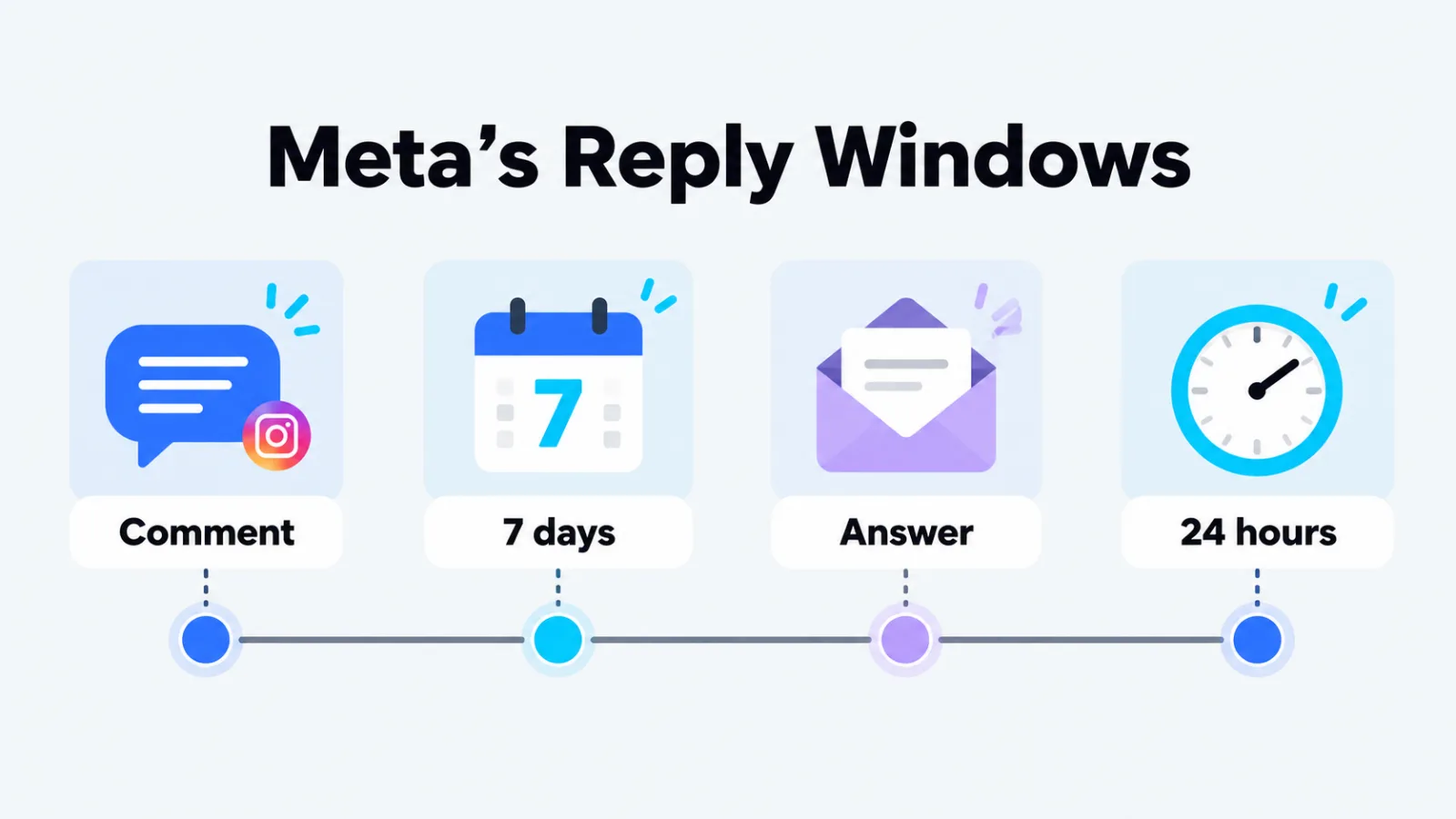
- A comment gets one private reply, sent within 7 days of the comment. Further messages are allowed only after the person answers, and within 24 hours of that answer.
- When someone messages you first, the standard window to reply is 24 hours for most actions.
- If the commenter does not follow you, the private reply lands in their Requests folder rather than the main inbox. A line in your caption telling viewers to check Requests saves a lot of “I never got it” comments.
- Messaging works for Instagram professional accounts, and message text is capped at 1,000 bytes, so emoji use up space faster than letters.
Also plan your test from a second account. Blotato’s docs, for example, state that your own comments never start an automation, so commenting under your own Reel proves nothing.
Access for Your AI Assistant
If ChatGPT or Claude already writes your captions, check how far its MCP access reaches in each tool. Buffer’s covers posts, the queue and insights. Inro’s covers posts, DMs and automations for Instagram. Blotato’s covers posting on nine networks plus DM rules for Instagram profiles and Facebook Pages.
Conclusion
Instagram automation comes down to two jobs, publishing on time and answering the comments that follow. Buffer is the cheapest way to schedule and connects to AI assistants on its Free plan. Later is my pick for planning Reels visually. Manychat covers the most messaging channels on this list, CreatorFlow keeps DM pricing flat, and Inro pairs an AI Agent with pay-per-contact billing.
If you want one assistant to run the whole week, posting on several networks and handling the GUIDE replies, Blotato is our pick for handing both jobs to an AI agent, because the assistant that schedules the Reel also sets up the DM rule, though once the month’s contact allowance is used up, new commenters miss the DM until it resets or you upgrade.
Whichever tool you choose, run the numbers for your best Reel, not your average one. That is the week the bill and the Meta limits actually show up.
Add SocialAtoZ as a preferred source
See us more often in your Google results.