

Wondershare UniConverter
VerifiedA converter that grew an AI lab around it, from upscaling to vocal removal
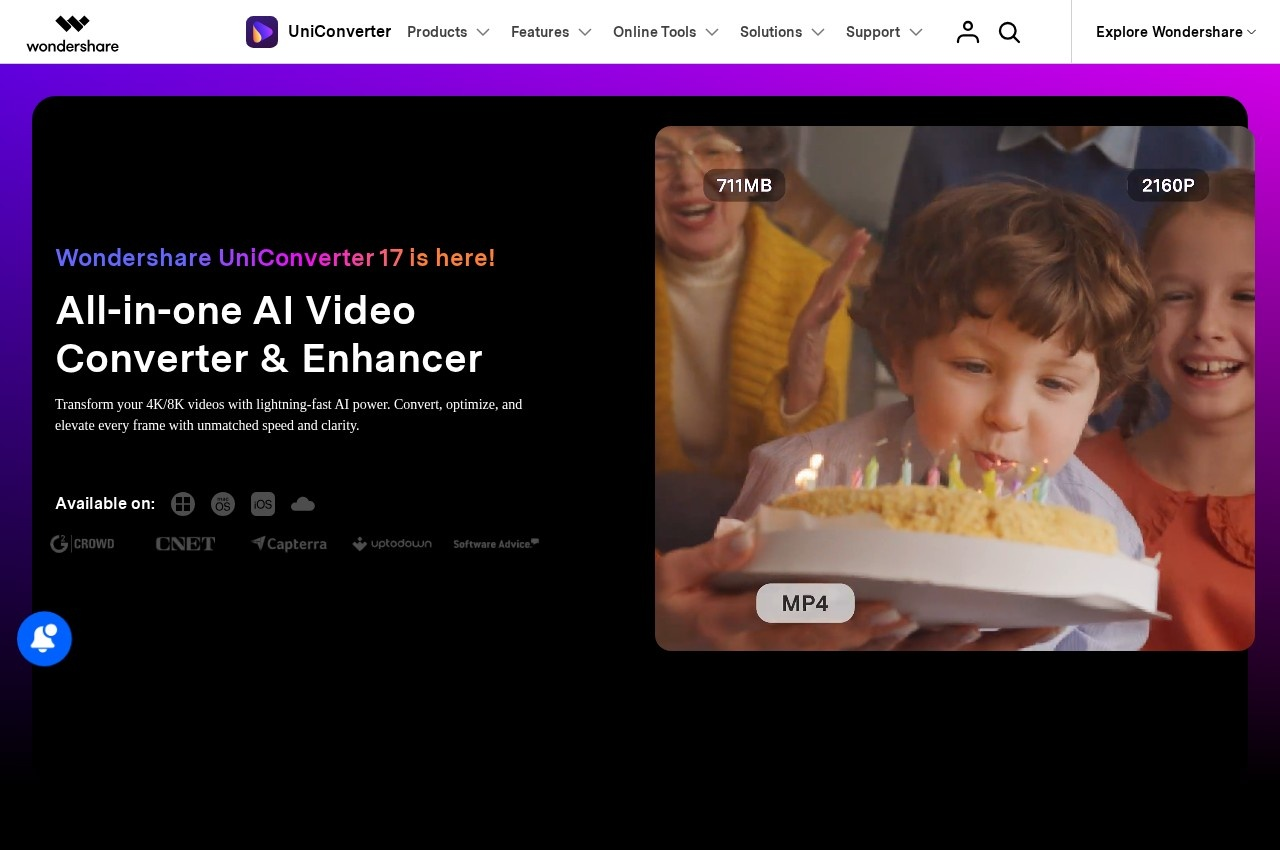 See all screenshots
 - Deployment On Premise, Cloud Based
- Starting price $19.99
- Free trial Available
- Best for Freelancers, Small Business, Medium Business
What is Wondershare UniConverter?
Wondershare UniConverter is an all-in-one video toolkit combining format conversion with compression, editing, screen recording, DVD burning and a substantial set of AI media tools, available for Windows and Mac with online equivalents for several functions.
The AI Lab is where the product has expanded most, and it covers work that used to require entirely separate software. Video and image enhancement, text to speech and speech to text, noise removal, background removal, watermark removal, vocal removal, video summarising and subtitle generation are all offered from the same application. Vocal removal and noise removal are particularly consequential for anyone producing content rather than merely converting it, since fixing bad audio was historically the step that sent people to a separate audio editor and a learning curve.
The conventional UniConverter toolkit remains complete: video and audio conversion, a player, compression, a merger, an editor, a screen recorder, a toolbox of smaller utilities and DVD burning. Free online tools mirror several functions in the browser, including an online compressor and converter, so a one-off job needs no installation.
UniConverter pricing is published with several purchase shapes rather than one, which suits a product used both occasionally and daily. The monthly plan is 19.99 dollars, the yearly plan 45.99 dollars, a two-year plan 79.99 dollars and a perpetual licence 55.99 dollars, with a further tier at 39.99 dollars and a free trial available. Separate individual, business, education and bundle price lists are published. AI features are accessible on trial before auto-renewal begins.
Key Features of Wondershare UniConverter
- Video and audio format conversion
- AI video and image enhancement
- Watermark and background removal
- Vocal and noise removal
- Text to speech and speech to text
- AI video summariser and subtitle generator
- Video compression
- Video editor and merger
- Screen recorder
- DVD burner
- Free online converter and compressor
- Windows and Mac desktop applications
Wondershare UniConverter Pricing
Monthly
$19.99
Access to AI features. Try 18 or more AI creation tools free, then auto-renews. Cancel anytime.
Yearly
$45.99
Most popular plan. Smart AI-powered video compression and batch video editing tools.
2-Year
$79.99
Two-year plan. Adds AI video and image background remover and AI vocal and noise remover.
Wondershare UniConverter Specifications
- Deployment
- On Premise
- Cloud Based
- Desktop
- Windows
- Mac
- Web App
- Built for
- Freelancers
- Small Business
- Medium Business
- Support
- Knowledge Base
- Live Chat
- Public API
- No
- Free trial
- Yes
- Free plan
- No
- Runs in browser
- No
- Customisable
- No
- Website
- videoconverter.wondershare.com
Wondershare UniConverter Videos
Wondershare UniConverter Screenshots
Wondershare UniConverter Comparisons

Wondershare UniConverter Reviews
No reviews yet
Used Wondershare UniConverter? Share your experience and help other buyers decide.
Wondershare UniConverter FAQs
Alternatives to Wondershare UniConverter
Other File Converter Software recorded on the same fields.