Zoho Notebook
VerifiedFree, secure note-taking app with rich card types, OCR search, and AI writing tools
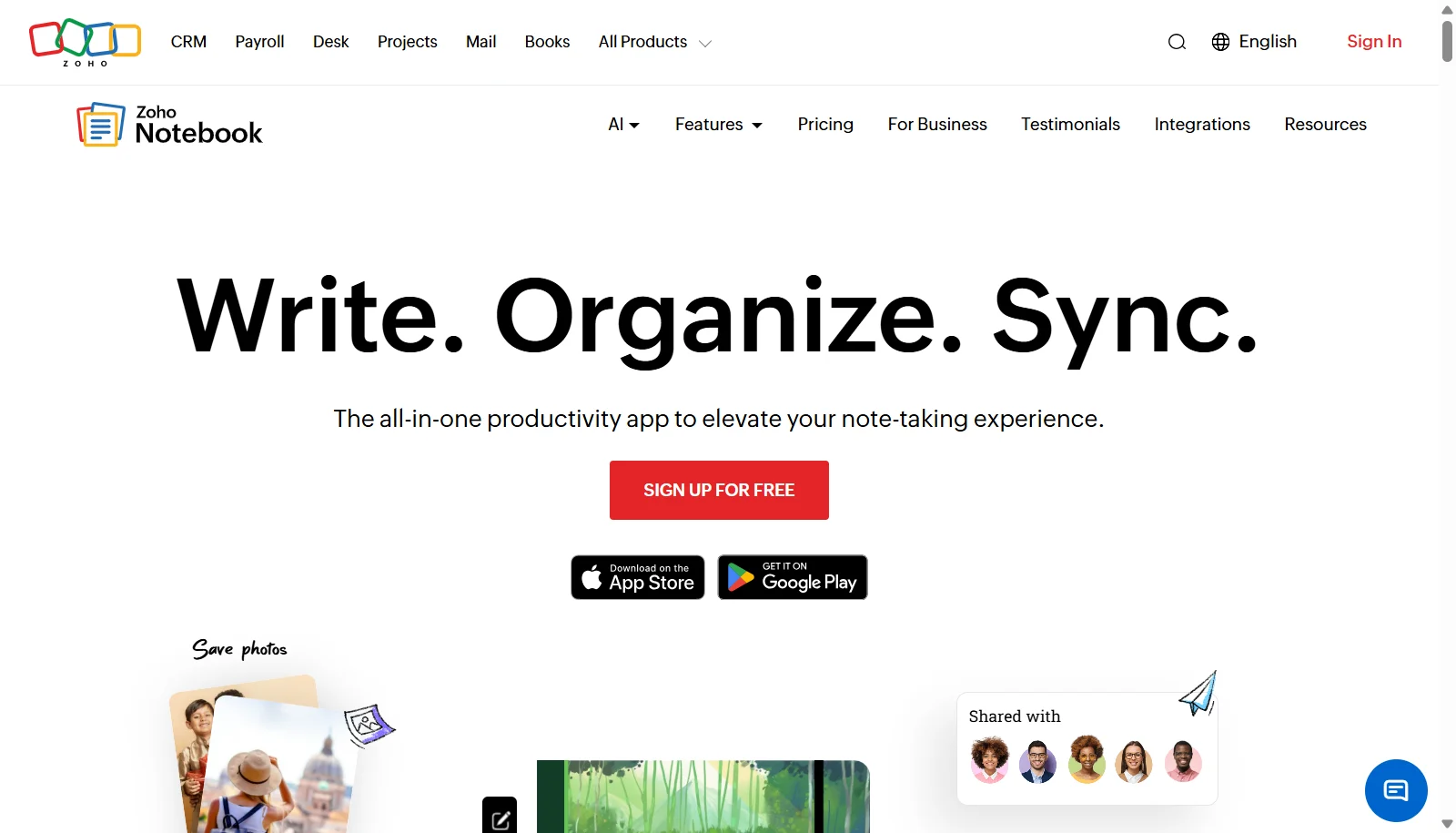 See all screenshots
 - Deployment Cloud Based
- Starting price Free
- Free trial Not offered
- Best for Freelancers, SMEs, Agencies
What is Zoho Notebook?
Zoho Notebook is a cross-platform note-taking app organized around visual notecards, including text, checklist, audio, photo, sketch, and file cards. Notes are encrypted at rest and in transit, and the app supports document scanning, a web clipper for Chrome, Firefox, Safari, and Edge, and dedicated migration tools from Evernote, Google Keep, and OneNote. Zoho Notebook AI can transcribe audio, generate mind maps, summarize content, and draft notes.
The Essential plan is free with 2GB of cloud storage and basic sharing. The Pro plan adds OCR-searchable content, noteboards, advanced search, and priority support, while the Business plan adds team workspaces, whiteboards, admin controls, and higher storage limits. Pricing shown reflects the vendor's India-region storefront; figures may vary by billing country.
Key Features of Zoho Notebook
Zoho Notebook lists 9 documented features, including Six notecard types: text, checklist, audio, photo, sketch, file, OCR search across photos, audio transcripts, and scans and Web Clipper for major browsers. The list below covers what the product does rather than how it is marketed.
- Six notecard types: text, checklist, audio, photo, sketch, file
- OCR search across photos, audio transcripts, and scans
- Web Clipper for major browsers
- Document and business card scanning
- Noteboards (kanban-style task boards)
- Notebook AI: transcription, mind maps, summarization
- Notecard sharing and real-time collaboration
- End-to-end sync across iOS, Android, Mac, Windows, Linux, and web
- Migration tools from Evernote, OneNote, and Apple Notes
Zoho Notebook Pricing
Zoho Notebook lists 3 plans, starting free and running to ₹3,999.
Notebook Essential
Free
2GB storage, 100MB uploads
Sync, tags, reminders, Face/Touch ID lock, and community/email support
Notebook Pro
₹999/year
100GB storage, 1GB uploads
Also ₹83.25/month billed annually or ₹2,499 for 3 years; adds OCR search, noteboards, and priority support
Notebook for Business
₹3,999/user/year
1TB shared storage for up to 10 users
Also ₹333.25/user/month billed annually; adds Teams workspaces, whiteboards, and admin console
Zoho Notebook Specifications
Zoho Notebook is available on web app, Windows and macOS and has iOS and Android apps. It has a free plan.
- Deployment
- Cloud Based
- Billing cycle
- Yearly
- Desktop
- Web App
- Windows
- macOS
- Mobile
- iOS
- Android
- Languages
- English
- Built for
- Freelancers
- SMEs
- Agencies
- Enterprises
- Support
- Phone
- Live Support
- Integrations
- Zoho CRM, Zoho Cliq, Microsoft Teams, web clipper, Evernote/OneNote/Apple Notes migration
- Public API
- No
- Free trial
- No
- Free plan
- Yes
- Runs in browser
- Yes
- Customisable
- Yes
- Website
- zoho.com
Zoho Notebook Videos
Zoho Notebook Screenshots
Zoho Notebook Comparisons



Used Zoho Notebook? Write the first review.
Zoho Notebook FAQs
Alternatives to Zoho Notebook
Other Note Taking Software recorded on the same fields.